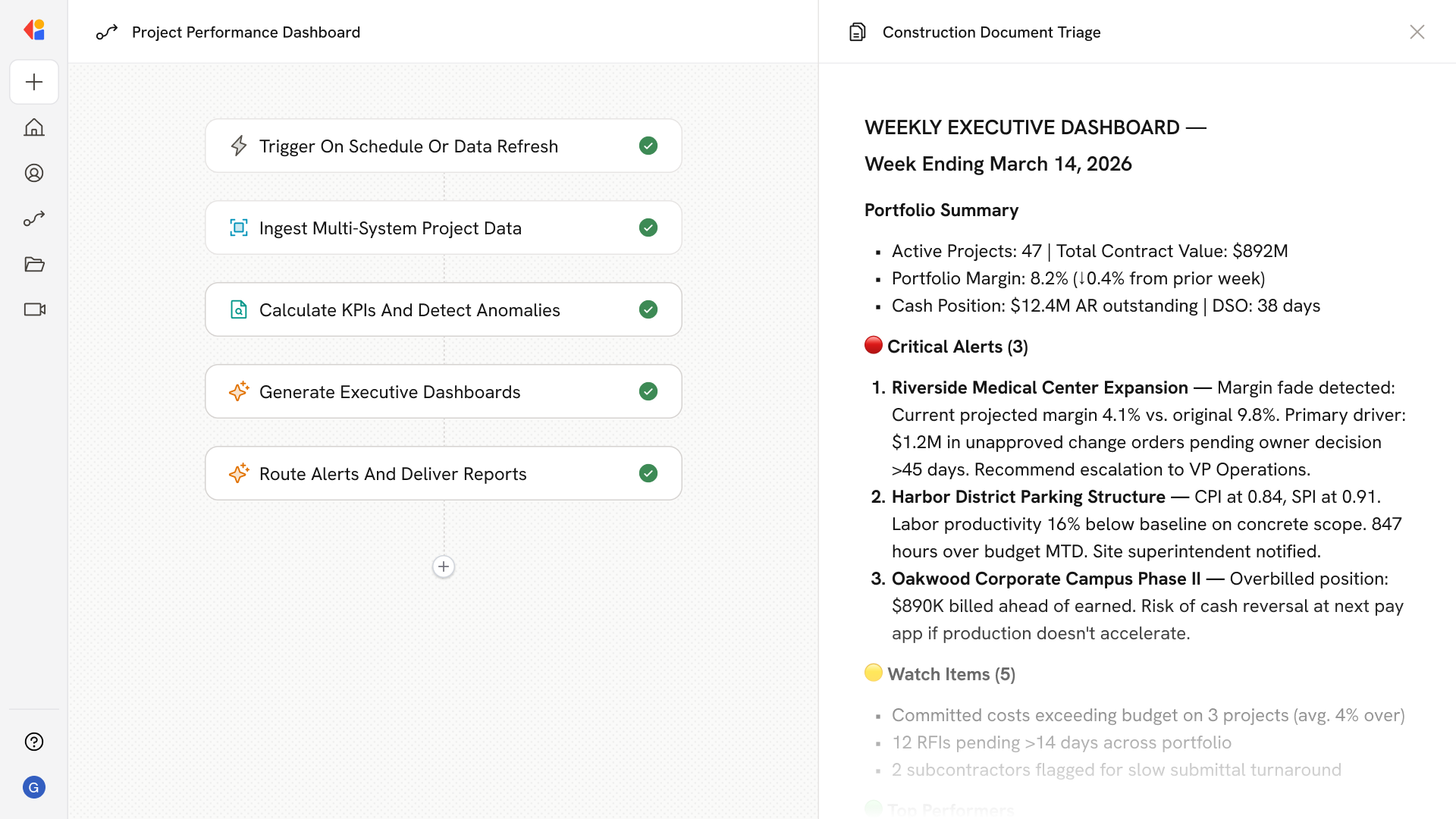
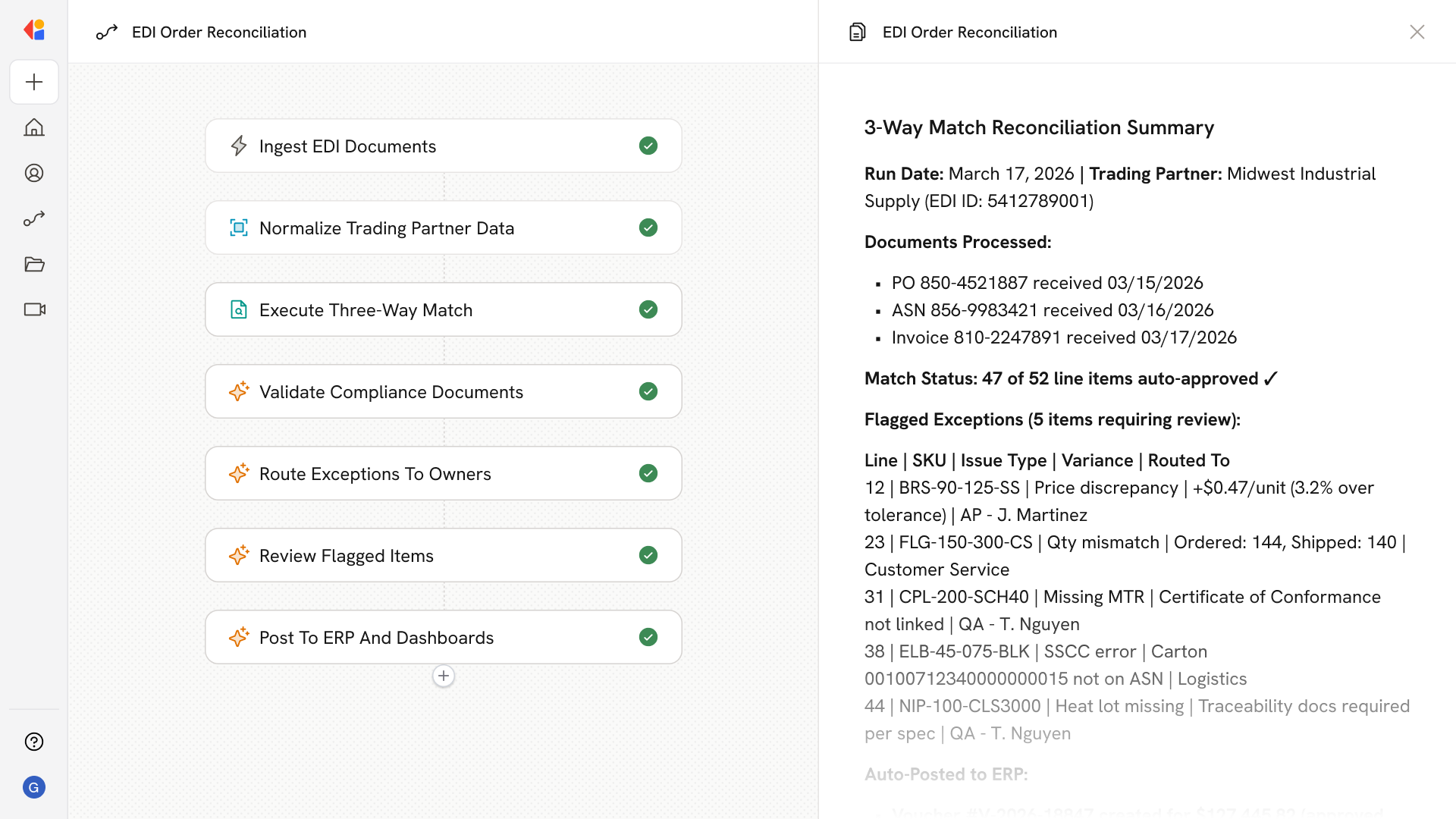
AI Subcontractor Daily Report Routing Agent

Automating Subcontractor Daily Report Routing with AI
Ingest dailies from any source
Ingest dailies from any channel. The agent captures subcontractor submissions from native platform entries, email dropboxes, mobile uploads, and even scanned paper dailies—extracting structured data like crew counts, labor hours, cost codes, and delivery tickets regardless of format.
Validate and route to the right reviewer. Automated validation checks company authorization against project commitments, maps labor to correct cost codes and locations, flags duplicates or out-of-tolerance hours, and routes each daily to the appropriate superintendent or area lead based on trade, building, or phase.
Approve and post with full audit trails. Reviewers receive prioritized queues with exception flags and roll-up summaries, enabling fast bulk approvals that automatically post entries to the project's Daily Log—complete with linked attachments, timestamps, and an immutable record for compliance.
How Cassidy automates daily report processing using AI
Step 1: Trigger on daily report submission
The Workflow activates when a subcontractor submits a daily report—whether entered directly in Procore/Build, emailed to a project dropbox, or uploaded via mobile app or shared folder.
Step 2: Parse and extract report data
Cassidy uses document intelligence to extract structured fields from any format: company name, date, crew headcount, labor hours by trade and cost code, equipment on site, materials delivered, weather conditions, safety notes, and attached photos or delivery tickets.
Step 3: Validate against project data
The Workflow cross-references extracted data with your Knowledge Base and project directory—verifying the subcontractor has an active commitment, cost codes are valid for the project, crew sizes align with reported hours, and required attachments like toolbox talk sign-ins are present.
Step 4: Route to the assigned superintendent
Based on configurable rules—project, building/area, CSI division, or trade—Cassidy routes validated dailies to the correct superintendent or area lead, flagging exceptions like missing data, suspected duplicates, or safety incidents for priority review.
Step 5: Present for review and approval
The superintendent receives a notification with a roll-up summary, variance highlights, and direct links to pending entries. They can approve or reject individually or in bulk, with rejection prompts automatically requesting corrections from the subcontractor.
Step 6: Post approved entries to Procore/Build
On approval, Cassidy creates or updates the corresponding Daily Log entries—Manpower, Equipment, Deliveries, Notes, Weather—attaches photos and tickets, and links entries to schedule activities and locations in your project's CDE.
Step 7: Notify and archive
The subcontractor receives confirmation of approval or rejection with specific guidance for resubmittal. All actions are logged with timestamps and reviewer details, maintaining a complete audit trail for compliance and reporting.
Implement it inside your company
- Hands-on onboarding and support
- Self-paced training for your team
- Dedicated implementation experts
- Ongoing use case discovery
- ROI tracking & analytics dashboards
- Proven playbooks to get started fast