How Cassidy automates creative approval using AI
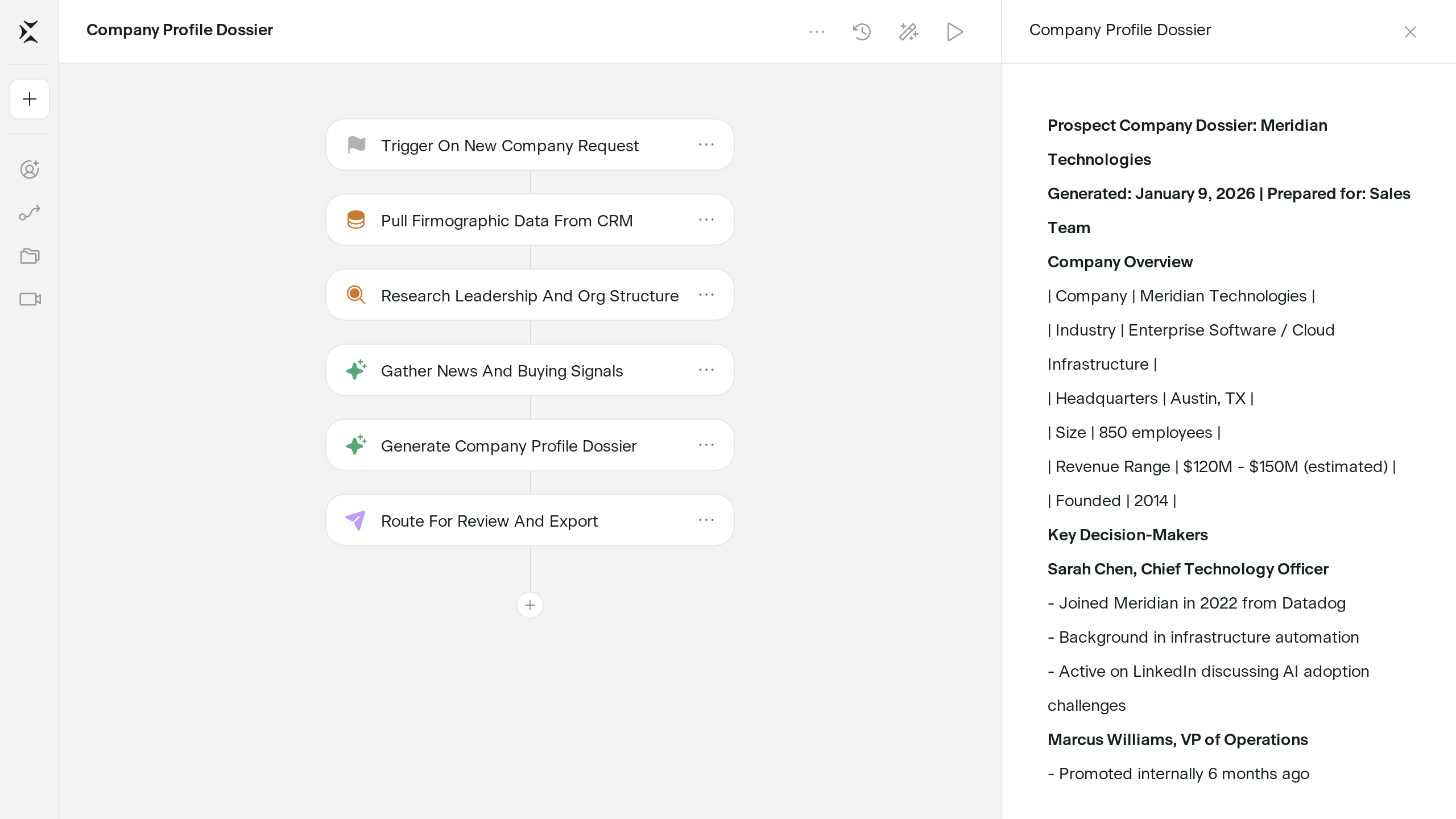
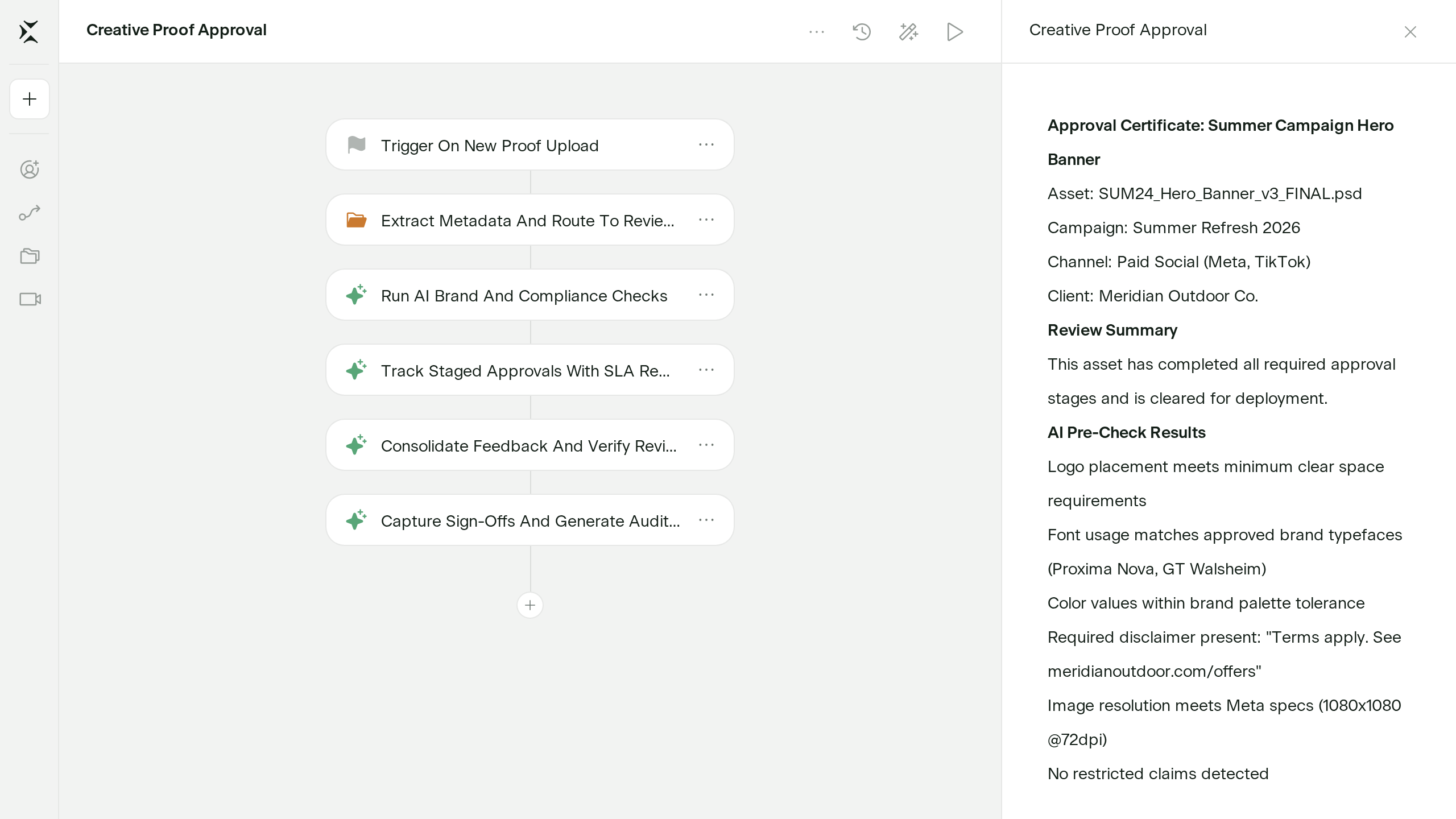
Step 1: Trigger on new proof upload or brief submission
The Workflow activates when a creative asset is uploaded or a brief is submitted—whether from your project management tool, DAM, or direct file drop.
Step 2: Extract metadata and apply routing rules
Cassidy reads campaign details, channel, product line, and compliance tier from the brief, then auto-assigns the proof to the correct review stages and reviewers based on your configured rules.
Step 3: Run AI brand and compliance pre-checks
Before reviewers see the asset, Cassidy checks it against your Knowledge Base of brand guidelines, legal requirements, and platform specs—flagging issues like incorrect logo usage, missing disclaimers, or off-brand copy.
Step 4: Route through staged review with SLA tracking
The proof moves through serial or parallel stages (Creative QA → Brand → Legal → Client), with automatic reminders, escalations, and decision thresholds ensuring approvals stay on schedule.
Step 5: Consolidate feedback and verify changes
Cassidy clusters similar comments, summarizes feedback by theme, and compares new versions against prior round notes to confirm fixes were applied and catch regressions.
Step 6: Capture formal approvals and generate audit trail
Approvers submit decisions directly in the Workflow; Cassidy logs every comment, timestamp, and sign-off into a tamper-evident audit trail with an approval certificate attached.
Step 7: Hand off to DAM, ad platforms, or production
On final approval, Cassidy pushes the approved asset and metadata to your DAM, ad server, CMS, or print vendor—along with the compliance report—and archives the proof for governance and future reference.
Implement this automation inside your company
- Hands-on onboarding and support
- Self-paced training for your team
- Dedicated implementation experts
- Ongoing use case discovery
- ROI tracking & analytics dashboards
- Proven playbooks to get started fast