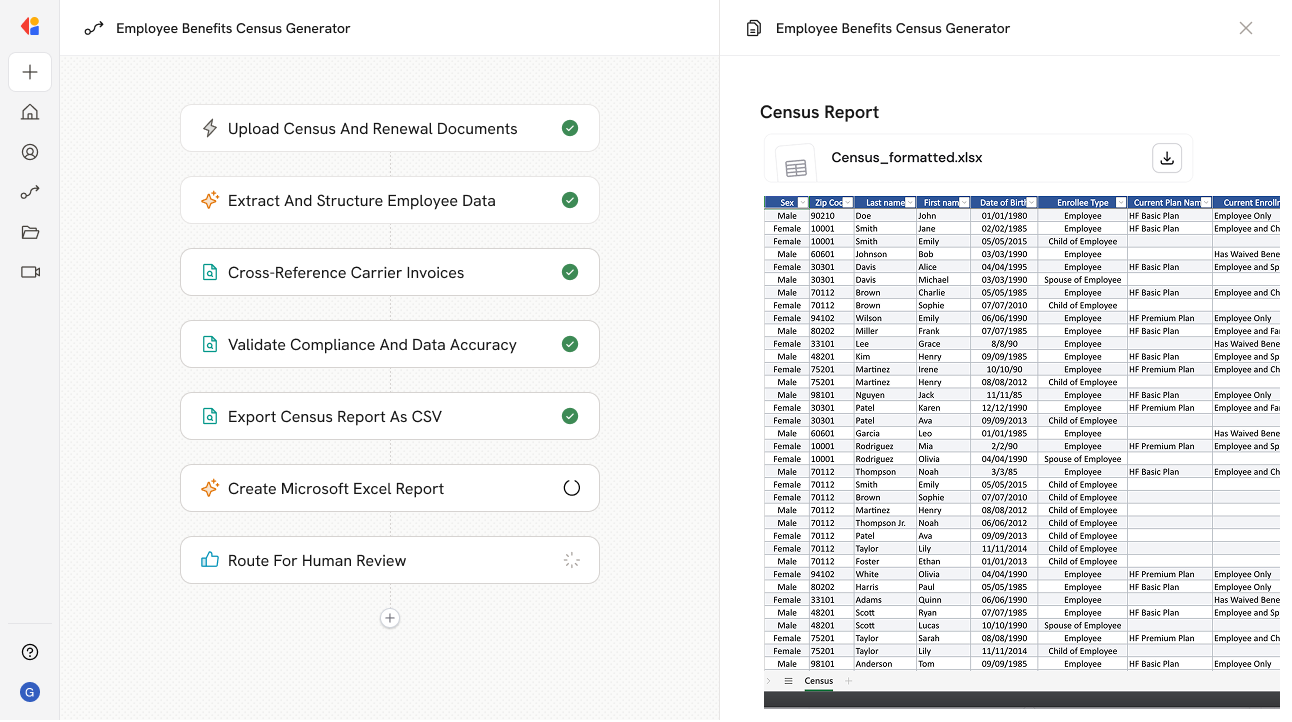
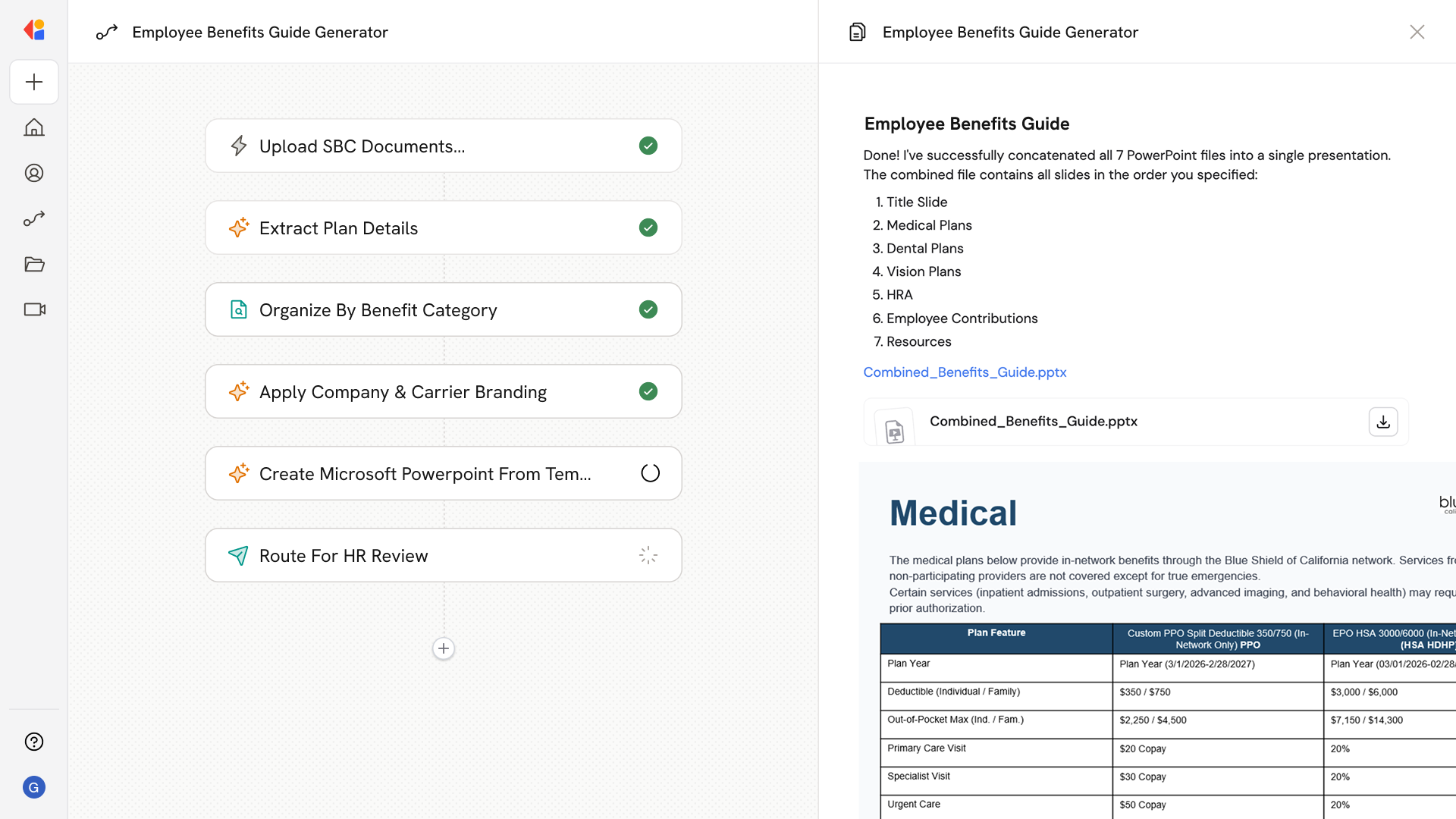
Health Benefits Plan Comparison
What does this mean?
Benefits teams can evaluate options faster, present clear choices to stakeholders, and select cost-effective plans with consistent, spreadsheet-ready analysis.
How it works?
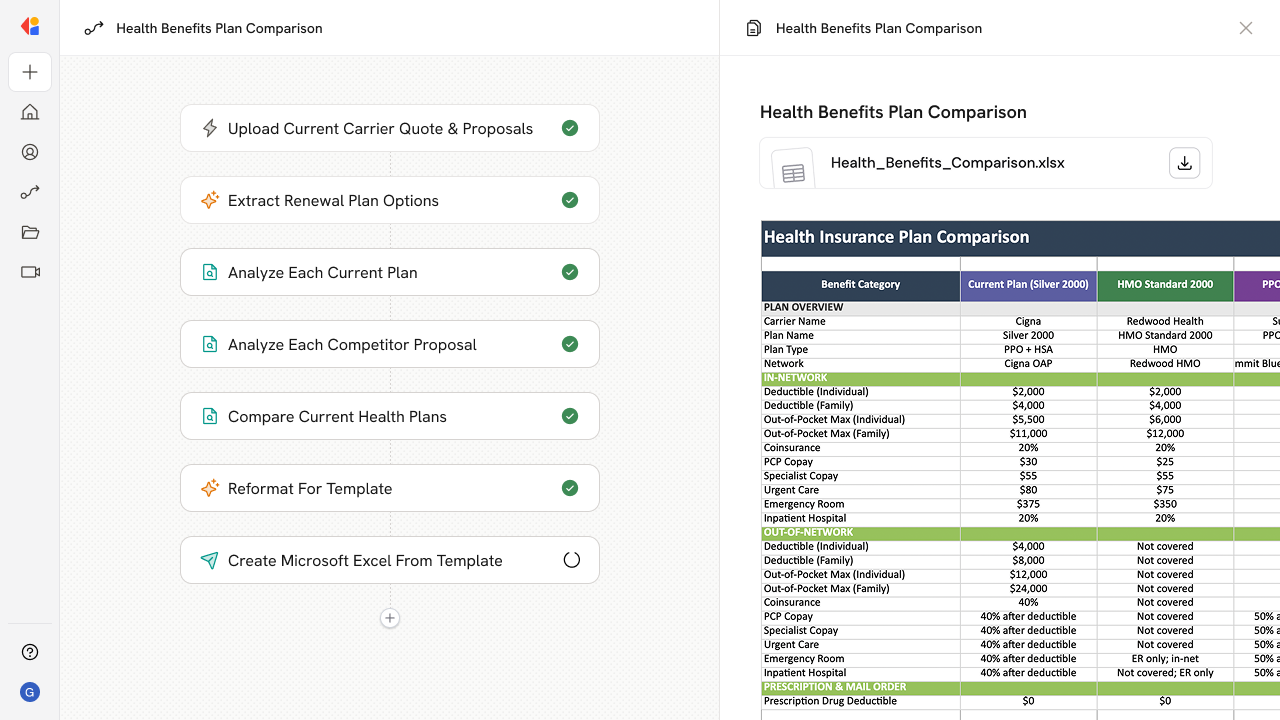
Pulls current carrier renewal quotes and new carrier proposals, extracts plan designs and rate documents, and builds an Excel file with side-by-side comparisons of premiums, annual costs, and calculated savings.
Workflow steps
Step 1: Upload renewal and proposal documents
The Workflow starts with a manual trigger where a benefits team member uploads the current carrier renewal quotes and new carrier proposals—including rate documents and plan design summaries.
Step 2: Extract plan details
Cassidy uses Generate Text with Cassidy Assistant to analyze each uploaded document, pulling out key plan information: coverage tiers, deductibles, copays, coinsurance percentages, out-of-pocket maximums, and other plan design elements.
Step 3: Parse rate and premium data
The Workflow extracts premium rates from each document, capturing employee-only, employee-plus-spouse, employee-plus-children, and family tier pricing for every plan option across all carriers.
Step 4: Calculate annual costs and savings
Using the extracted rates and your employee census data, Cassidy calculates projected annual costs for each plan option and computes potential savings when comparing new carrier proposals against the current renewal.
Step 5: Build side-by-side comparison spreadsheet
The Workflow uses Run Code to structure all extracted data into a formatted Excel file with side-by-side columns for each carrier and plan—showing plan designs, monthly premiums, annual costs, and savings calculations in one clear view.
Step 6: Export and deliver the analysis
Cassidy exports the completed comparison as an Excel file and sends it via Send Email to the benefits team, ready for stakeholder presentations and decision-making.
Implement it inside your company
- Hands-on onboarding and support
- Self-paced training for your team
- Dedicated implementation experts
- Ongoing use case discovery
- ROI tracking & analytics dashboards
- Proven playbooks to get started fast