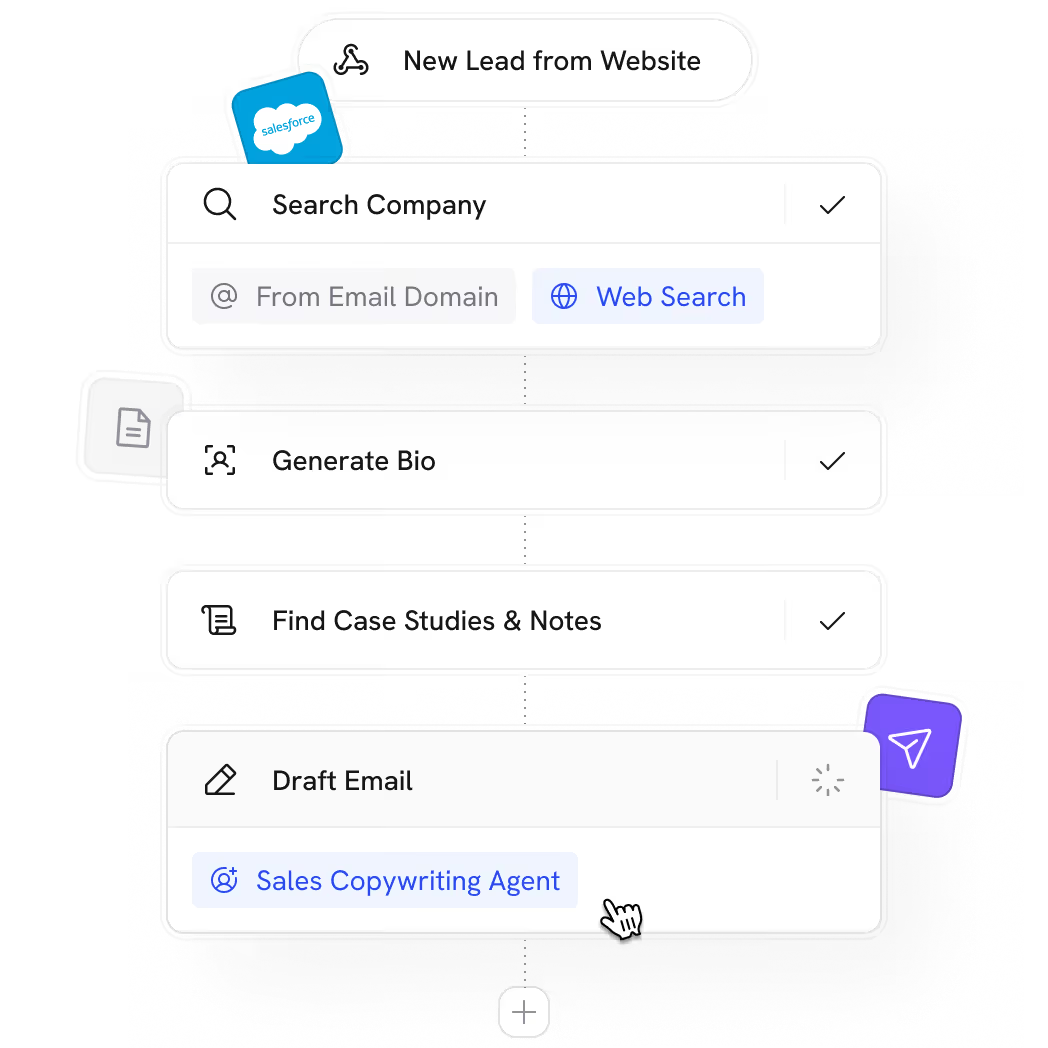






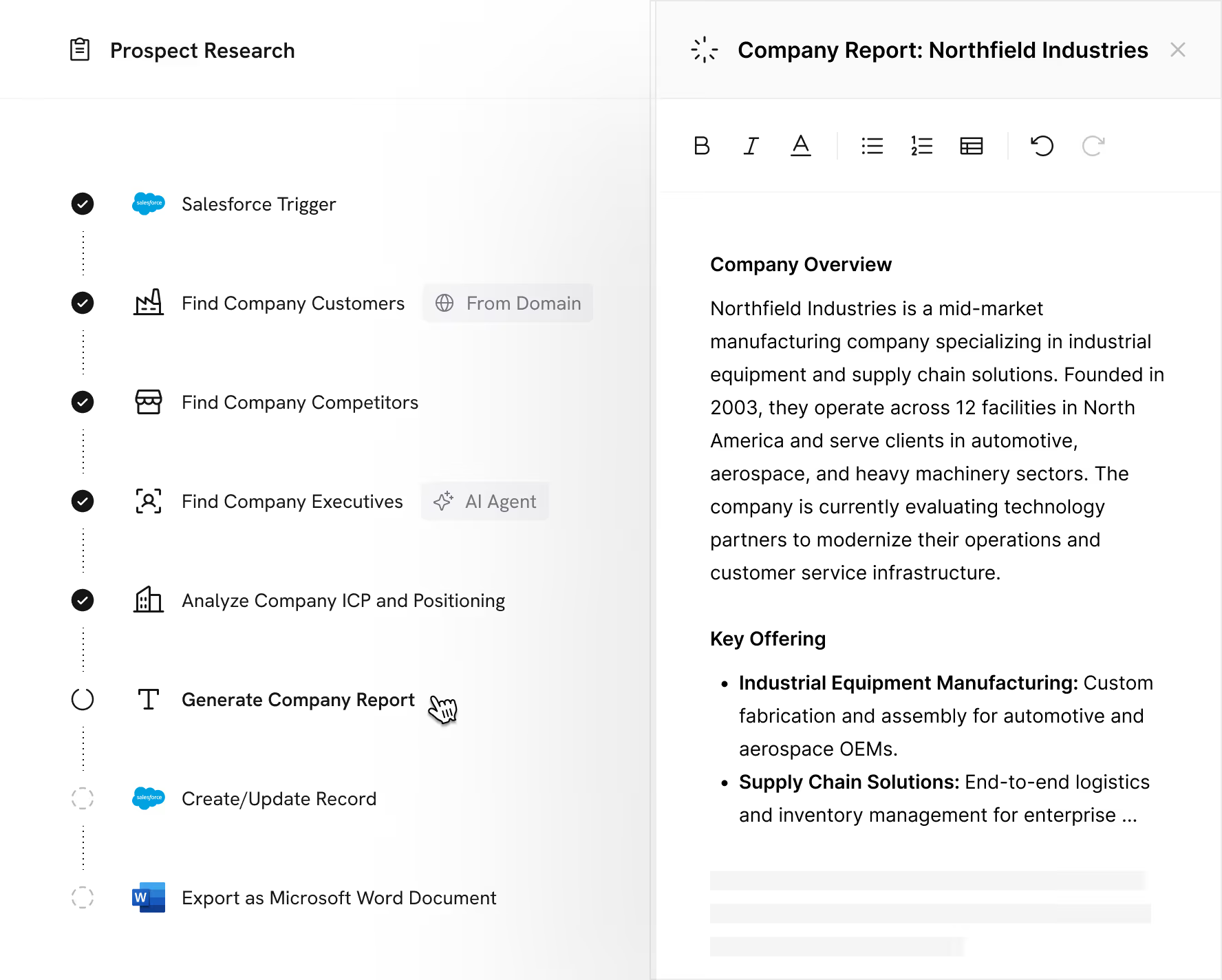
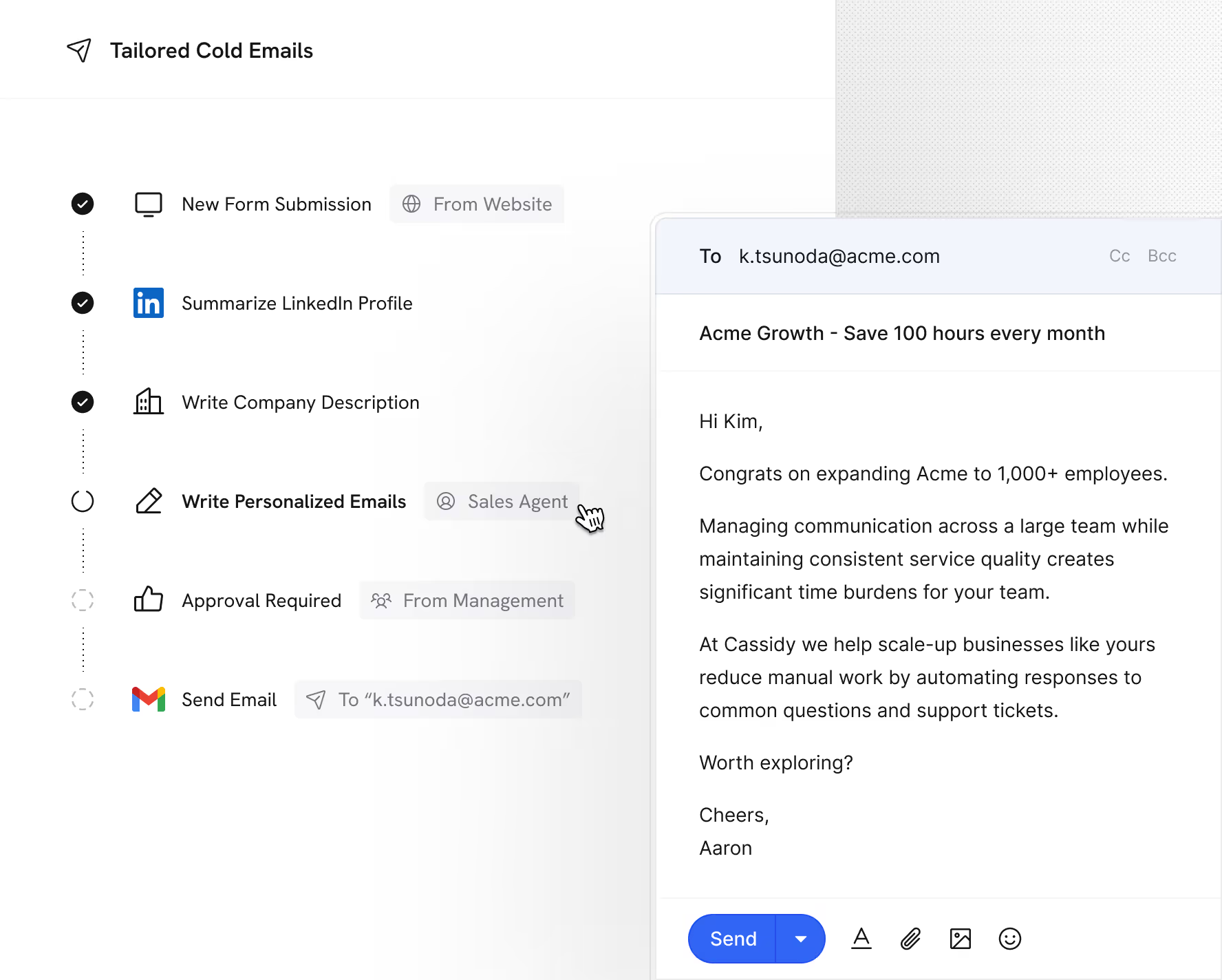

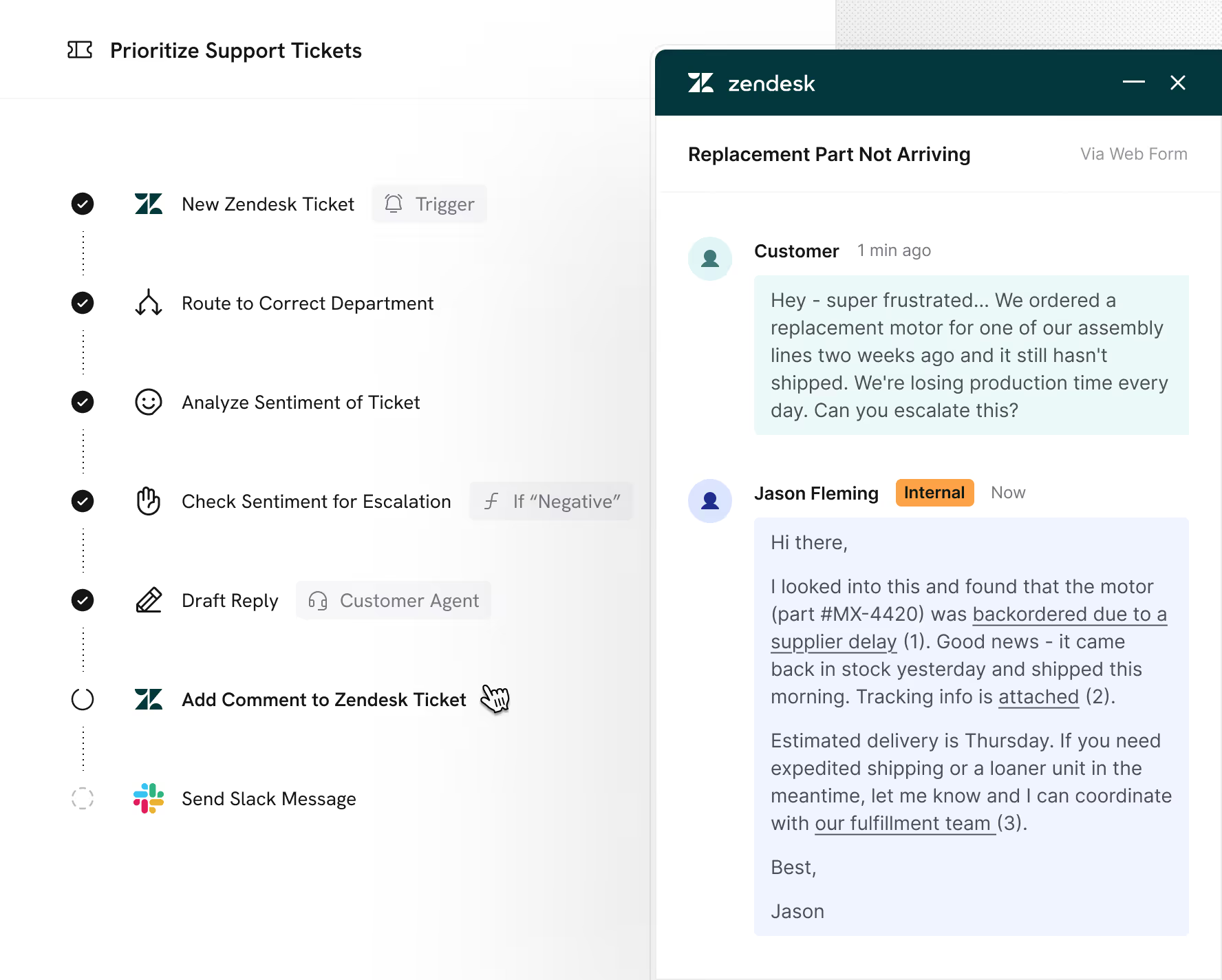
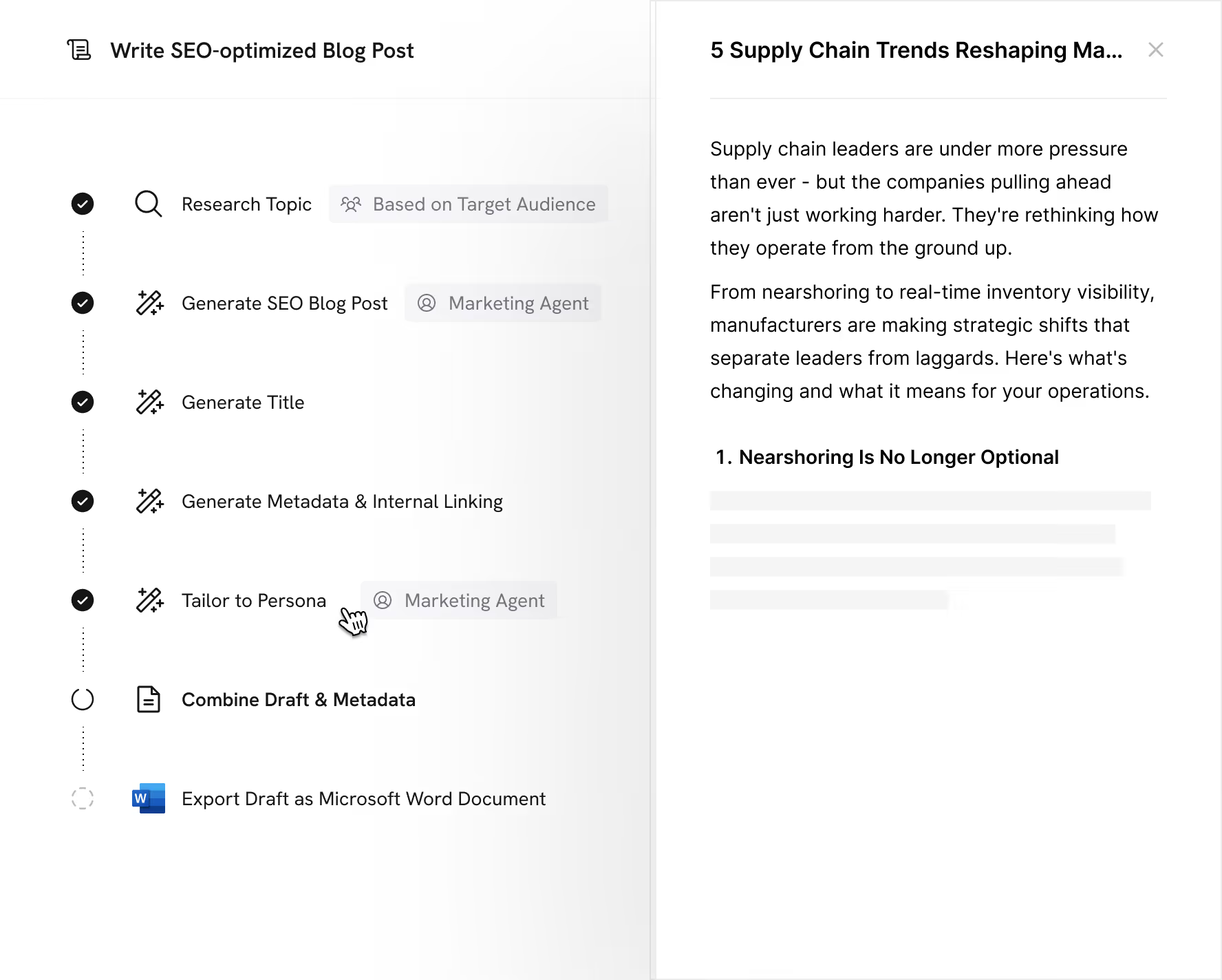
Unlike most automation tools that follow rigid scripts, Cassidy reasons through logic, exceptions, and edge cases and knows when to escalate

Without Cassidy


With Cassidy
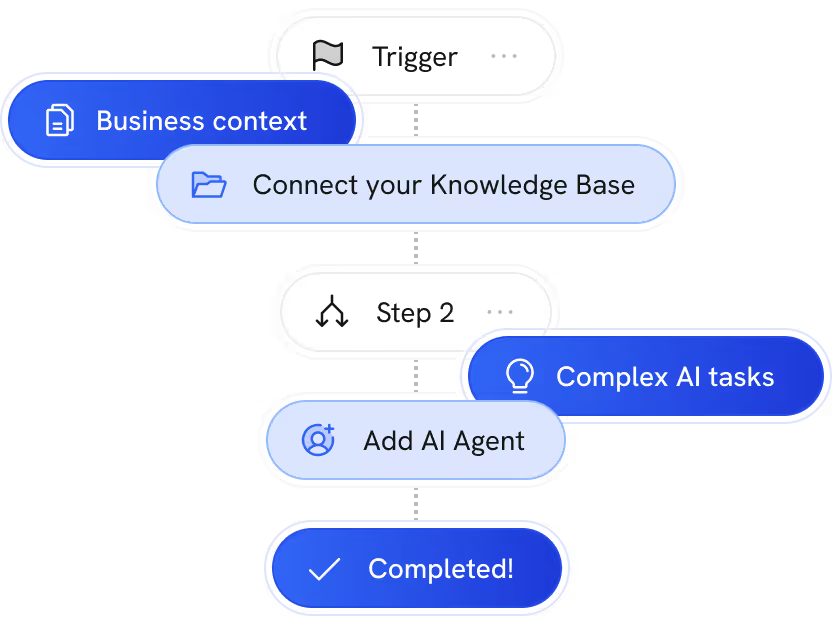
From process to Workflow without writing code

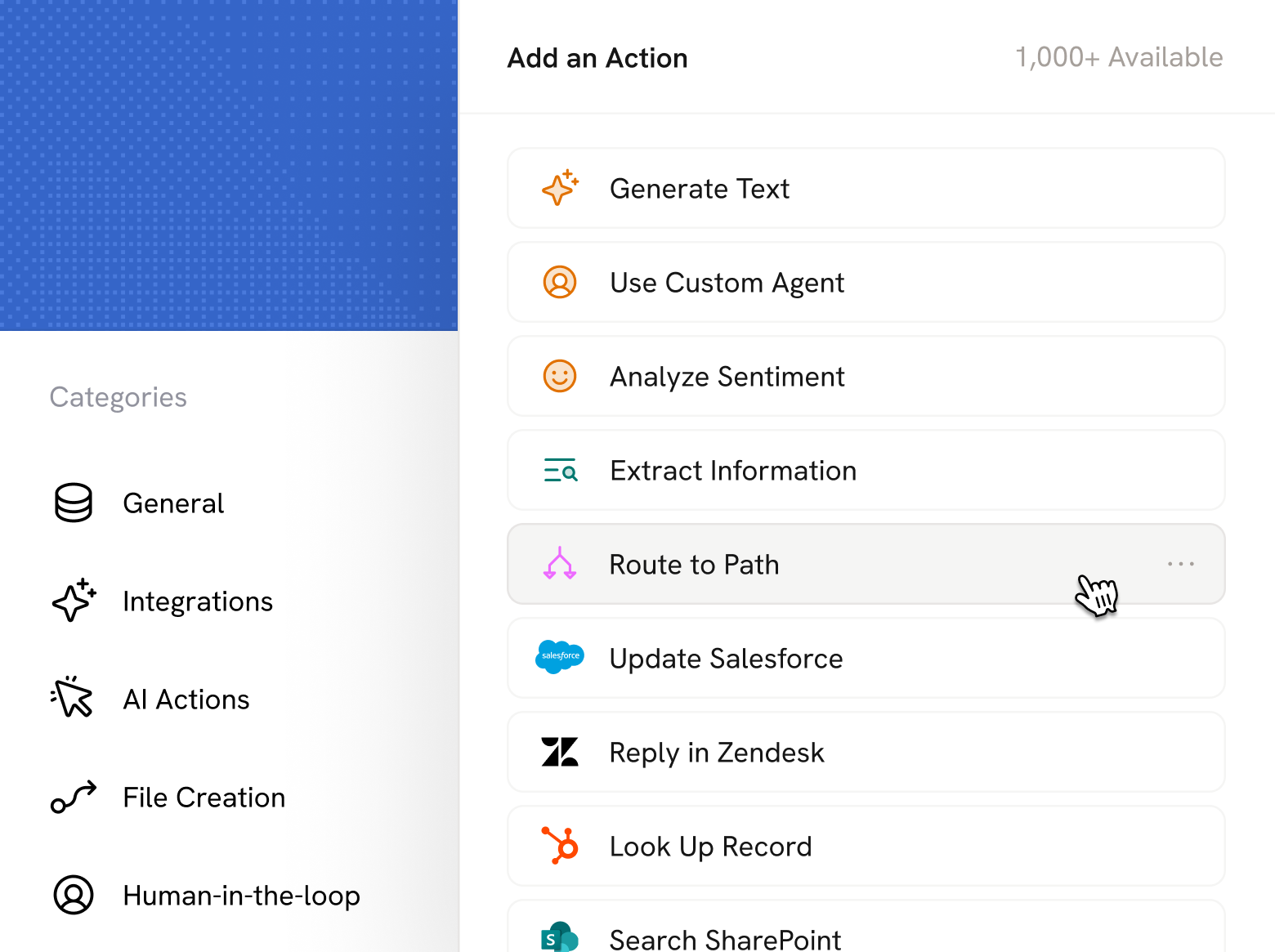
Drag and drop from a library of ready-made blocks
Reference your knowledge and data at every step


Pick the right model for every step
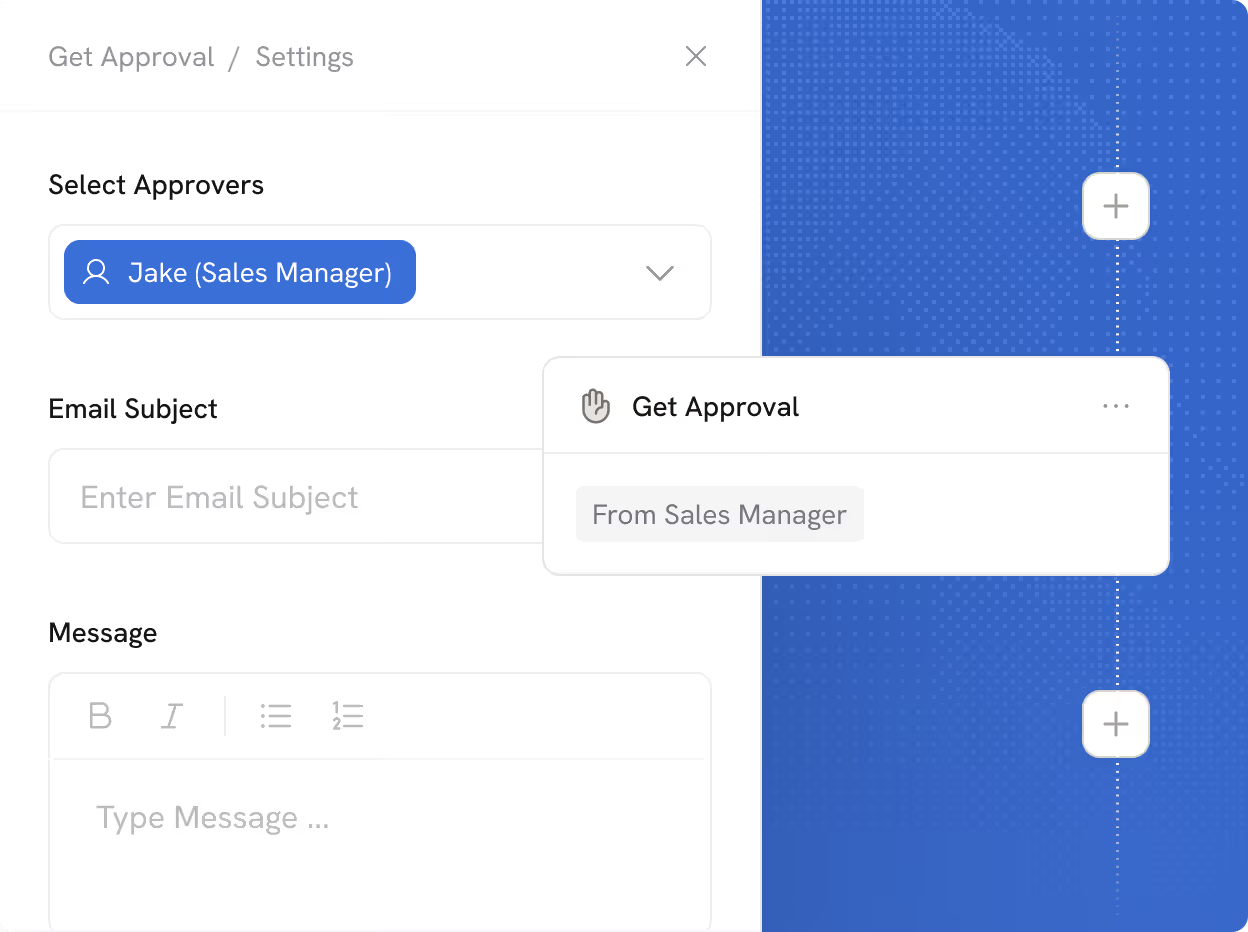
Add human review wherever it matters
Run Workflows however your process demands
Run Workflows at scale
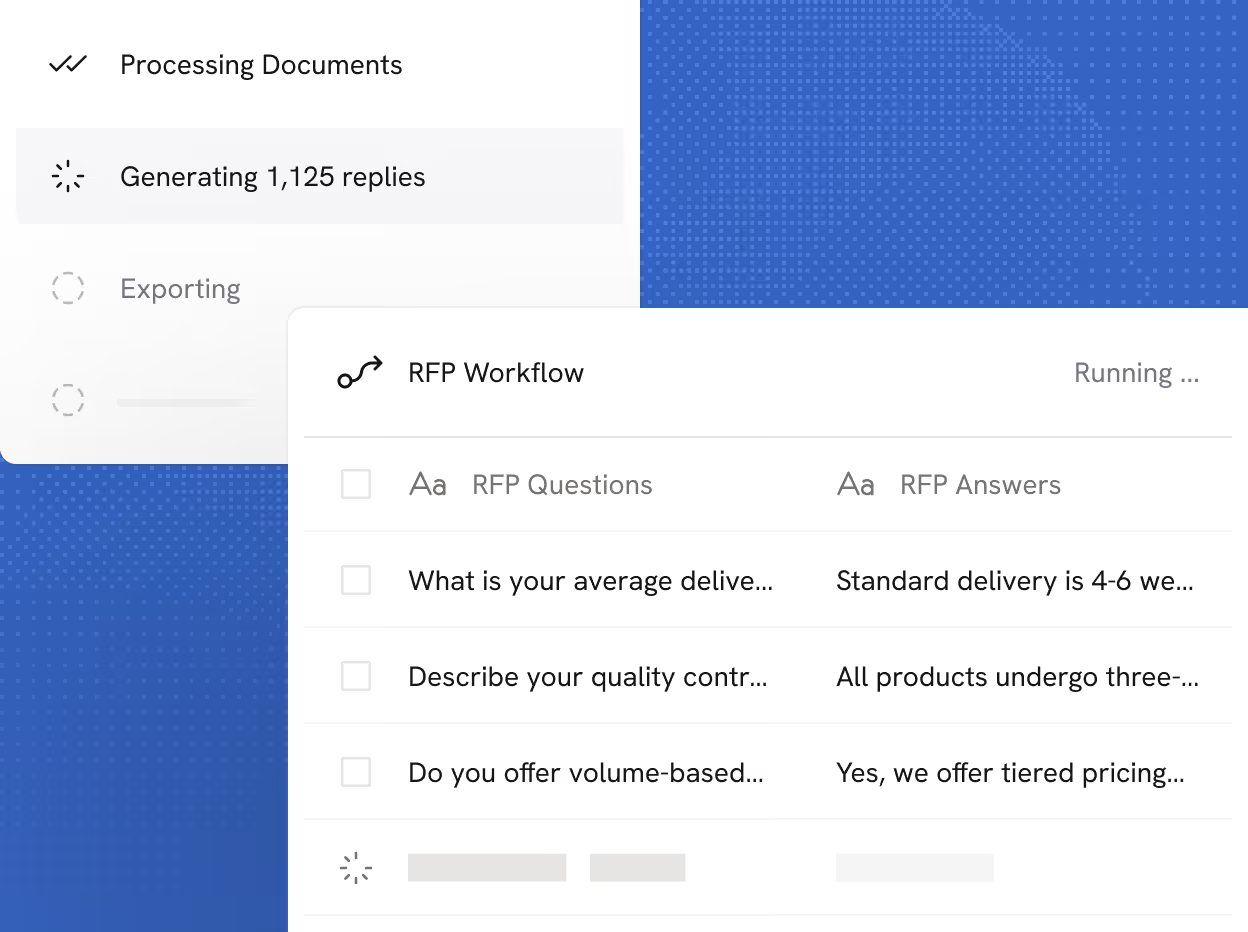
Apps built on your Workflows
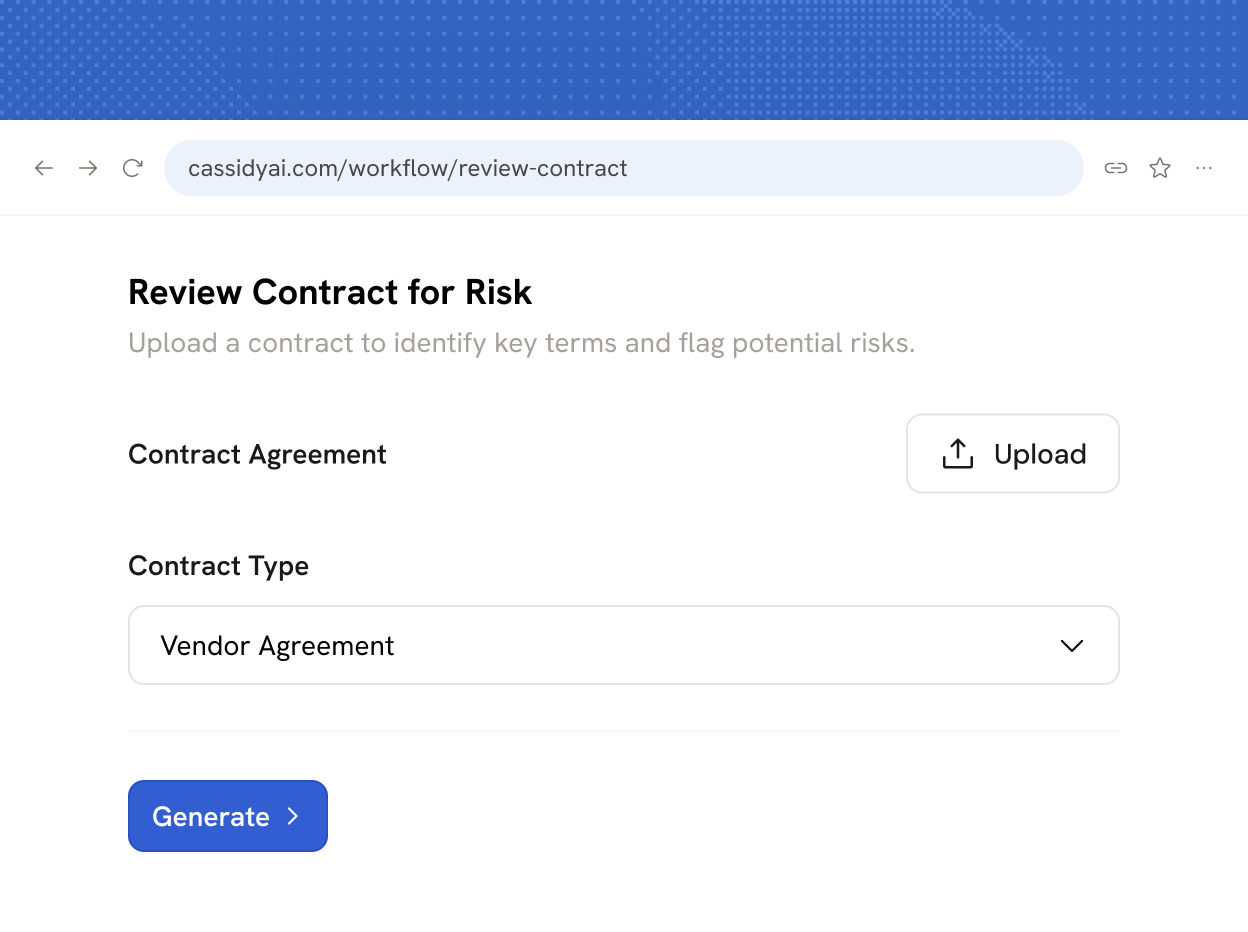
Runs Workflows in the background

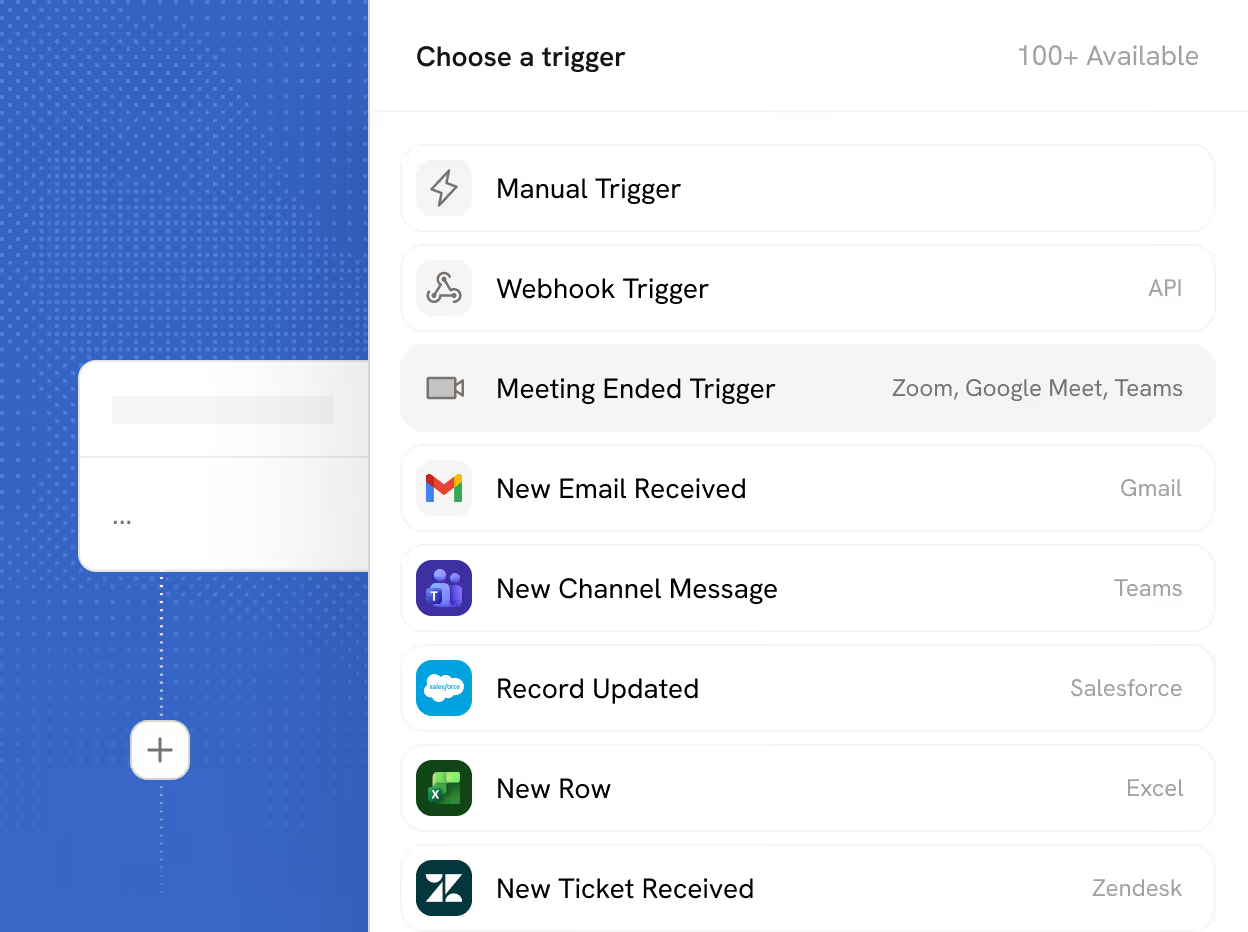
Workflows that respond to real-time events
More features to explore
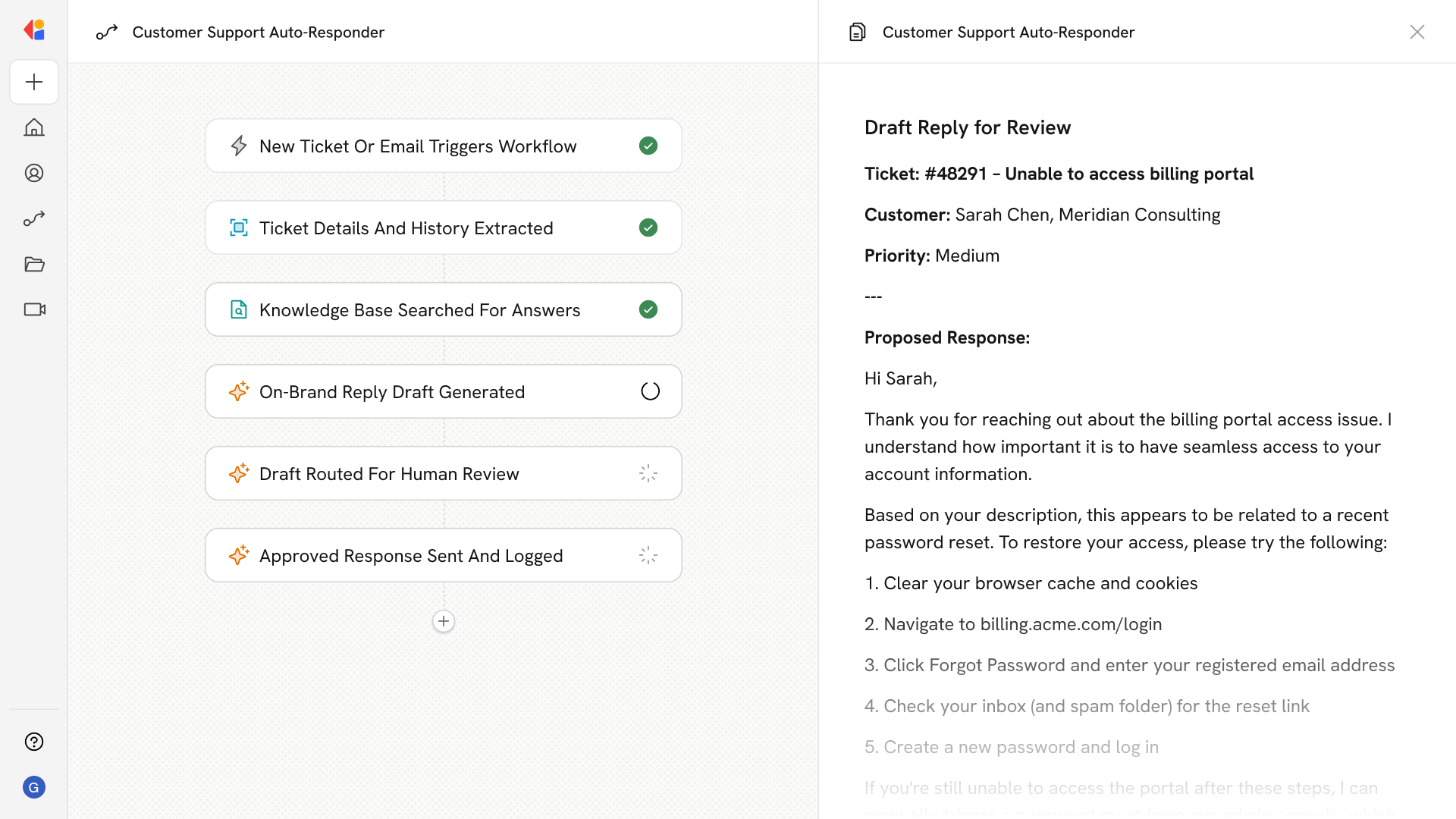
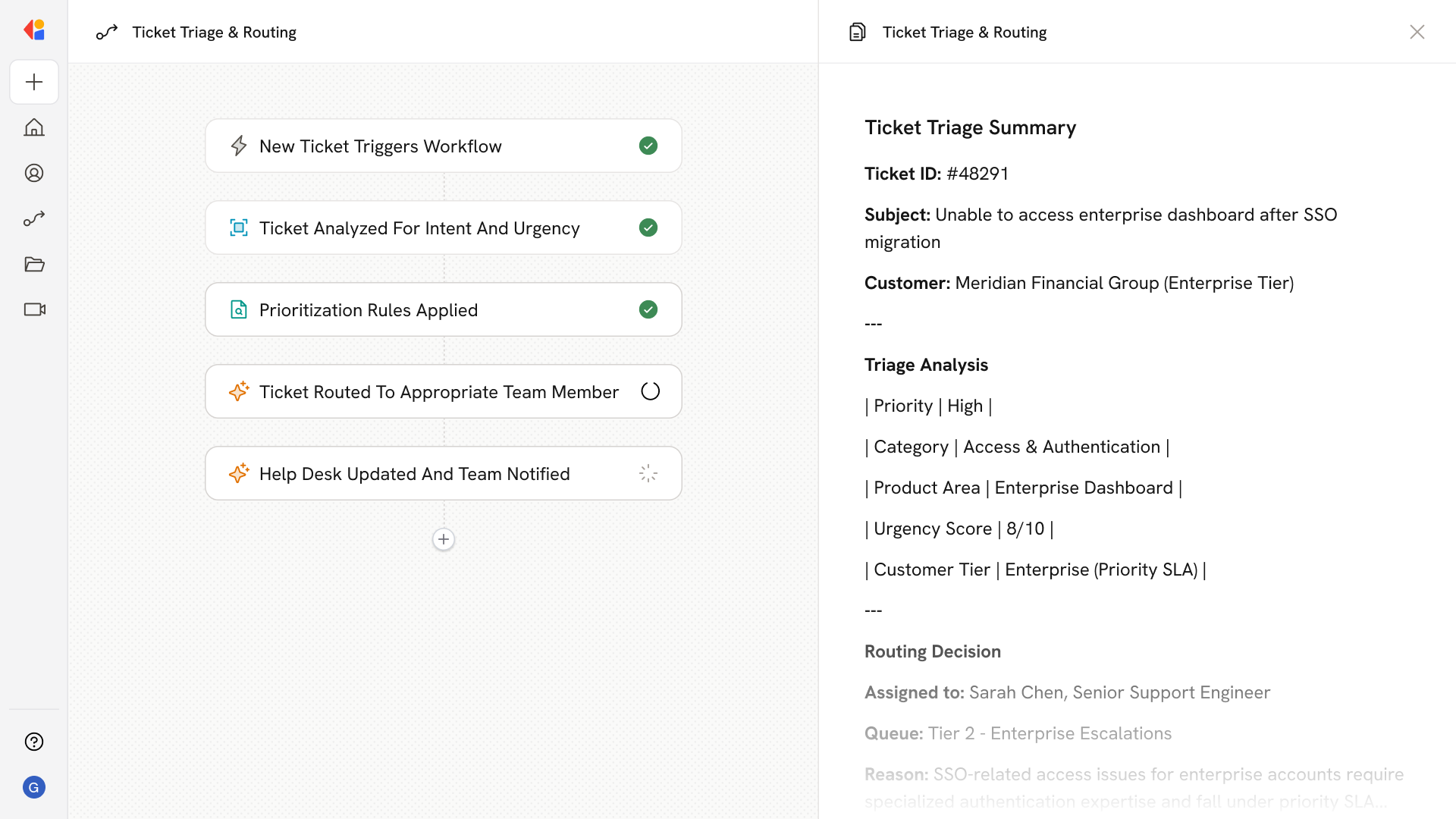
Real use cases powered by Cassidy’s Workflows


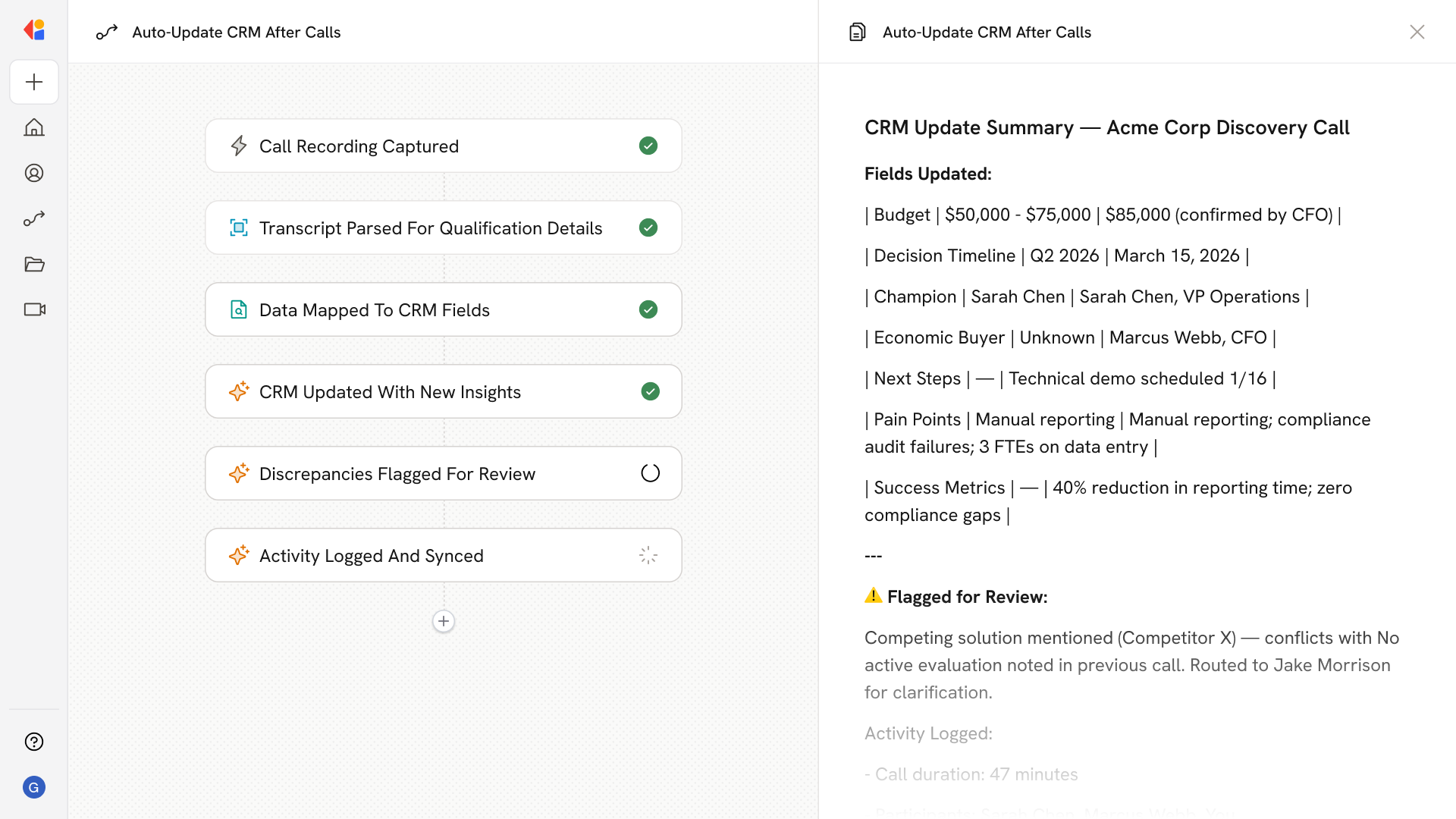
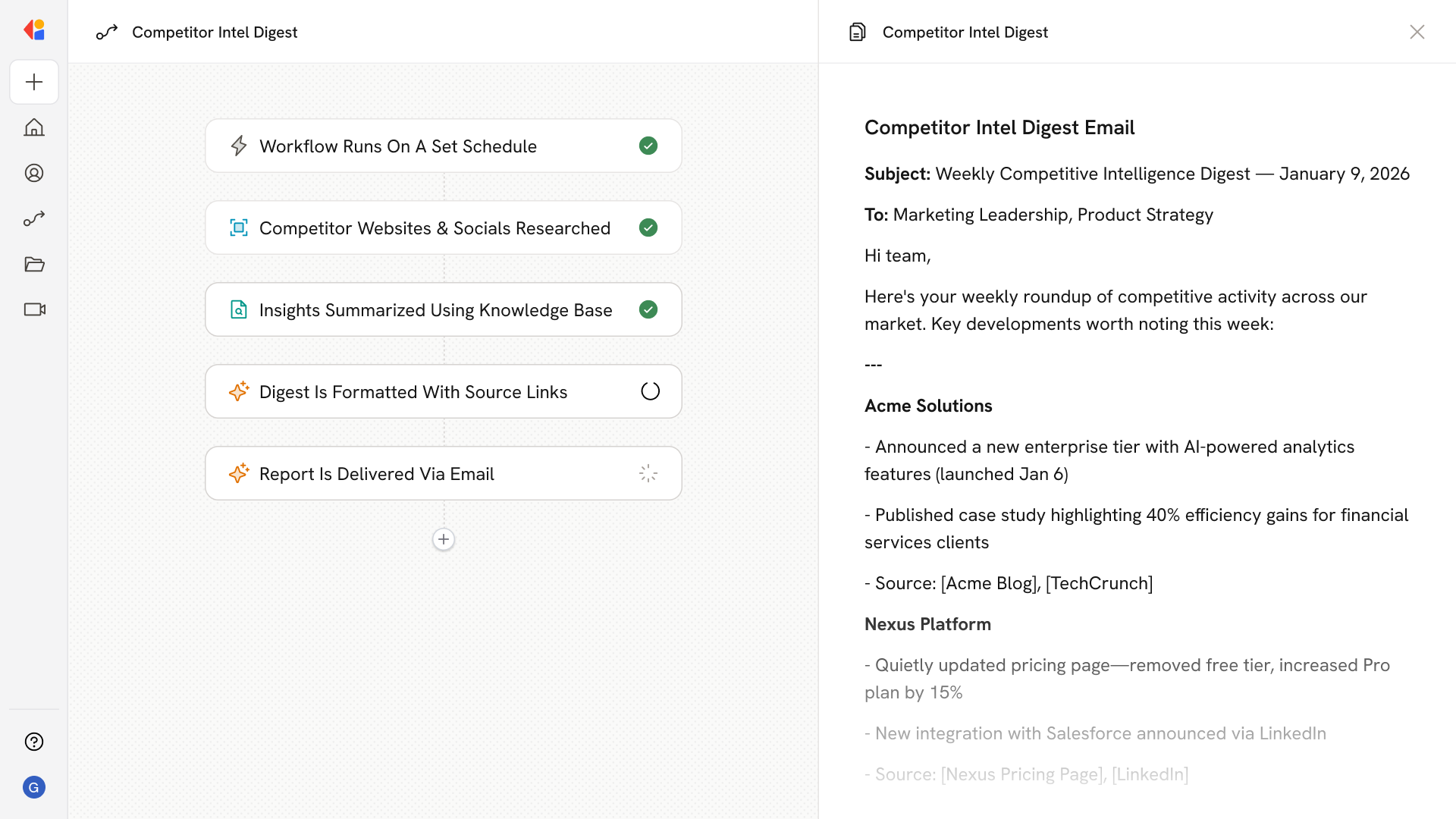
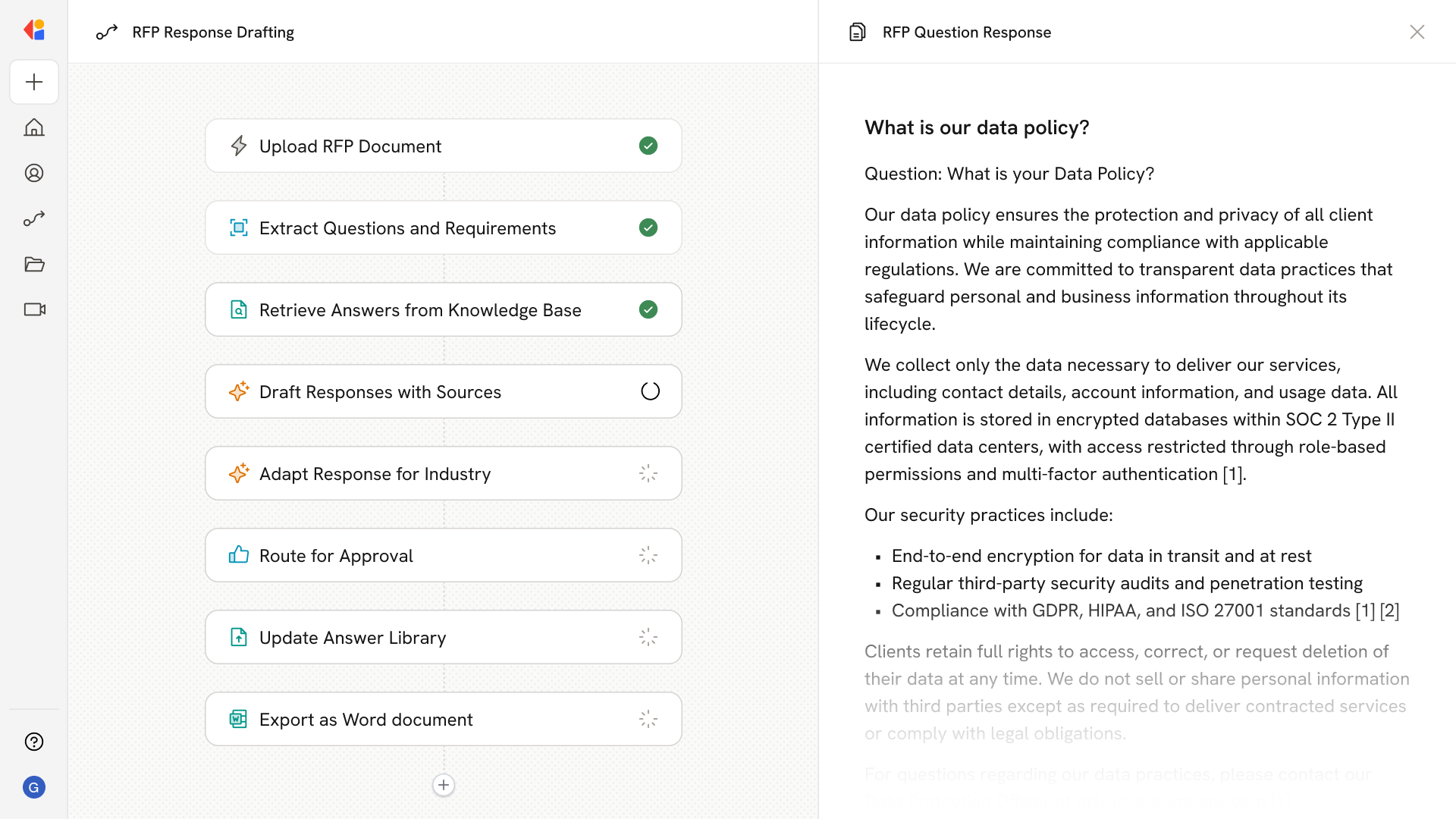
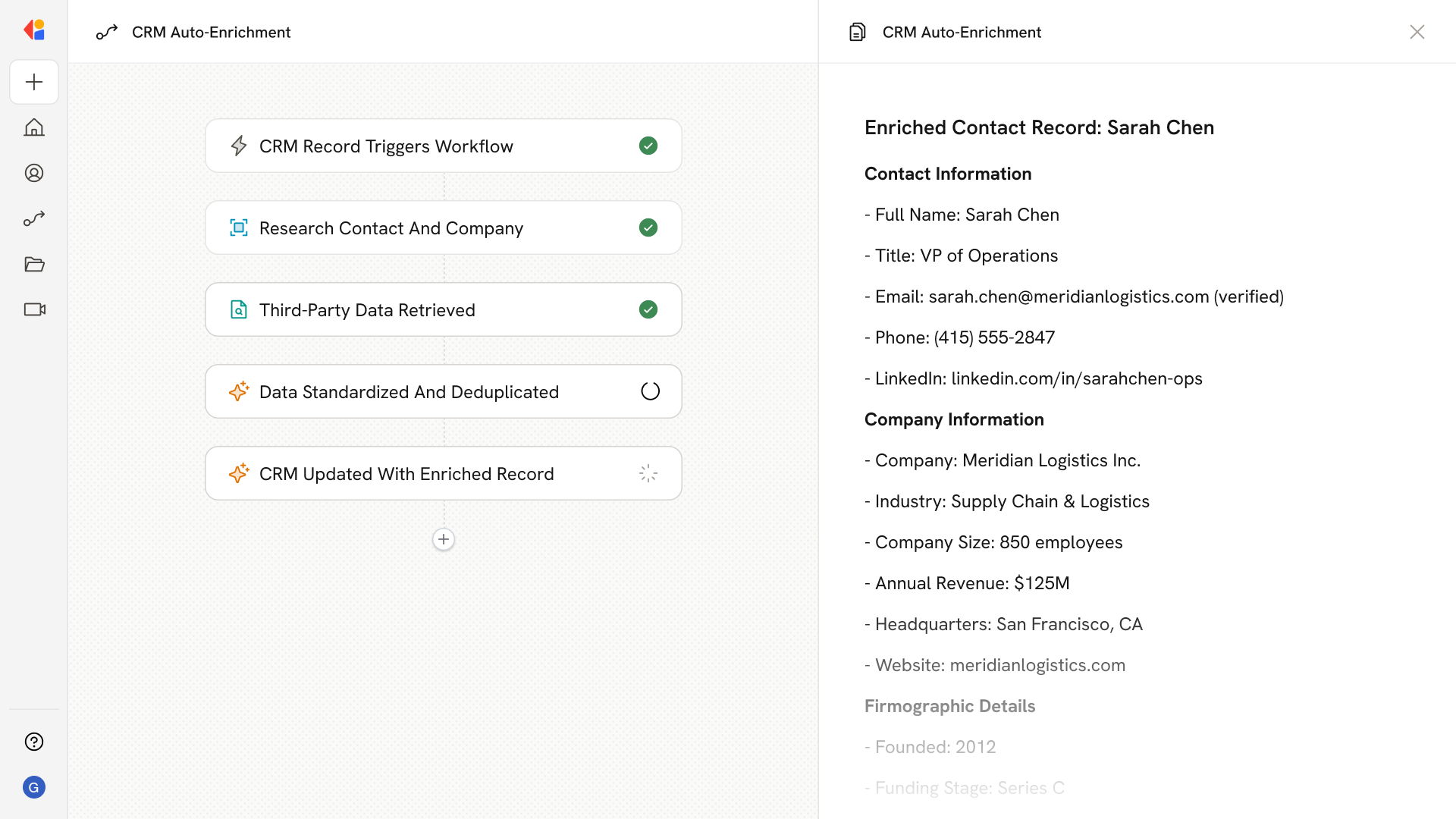
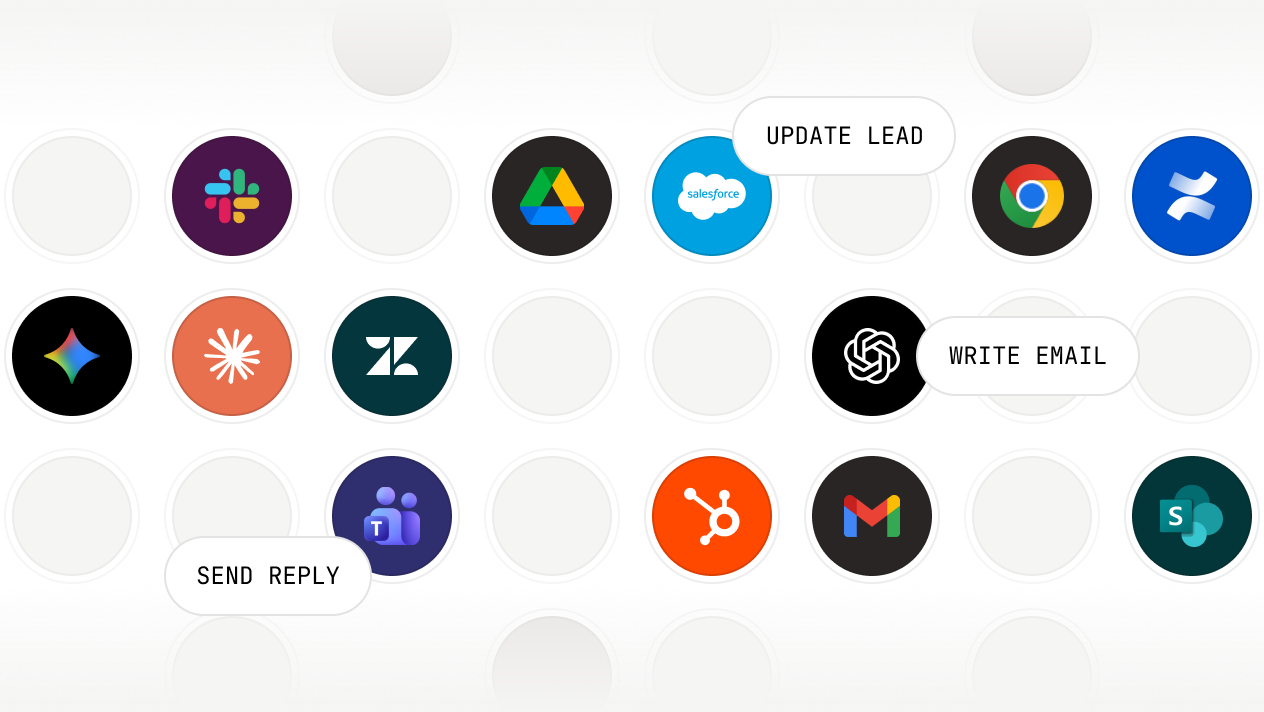
Connects to the tools your team already uses
Secure, governed, and ready for enterprise


FAQ
No. Your data is never used to train AI models. It's used only to execute your Workflows and is encrypted in transit and at rest.
Yes. You can set permissions at the Workflow level to control who can view, edit, run, or deploy. Share org-wide, limit to specific teams, or keep Workflows private. Knowledge Base permissions also apply—Workflows only retrieve information users are authorized to access.
Cassidy supports models from OpenAI, Anthropic, and Google. You select the model for each step based on the task—writing, reasoning, analysis, or research. New models are added as they become available, and you can switch without rebuilding your Workflows.
Workflows can pull from your Knowledge Base at any step. Cassidy retrieves relevant documents, policies, or data to inform AI reasoning and generate accurate outputs. Every AI-generated response cites the source it used, so results are traceable and verifiable.
You can insert approval steps anywhere in your Workflow. These pause execution until a person reviews the output, provides input, or approves the next action. Use them for quality checks, sensitive decisions, or anywhere human judgment is required before proceeding.
Workflows support 100+ pre-built actions: generate content, search your Knowledge Base, send emails, update Salesforce or HubSpot records, create documents, post Slack messages, route data based on conditions, loop through lists, and more. You can also connect to any service via webhooks and API.
Workflows can start from events in connected tools—new emails, form submissions, calendar events, Slack messages, CRM updates, helpdesk tickets, and more. You can also trigger them via webhook, run them on a recurring schedule, or start them manually.
No. Cassidy's no-code builder lets you create Workflows by dragging and dropping actions, configuring inputs, and connecting triggers—all without writing code. The Workflow Copilot helps you structure logic and refine steps using plain language. You can start from templates or build from scratch.
Workflows are multi-step automations that combine triggers, AI reasoning, and actions across your tools. They start from an event—like a new email, form submission, calendar event, or scheduled time—and execute a series of steps you define. At each step, Workflows can pull context from your Knowledge Base, apply logic, generate content, update records, send messages, or route data. Unlike rigid scripts, Workflows can reason through complexity and handle exceptions based on the rules you set.
