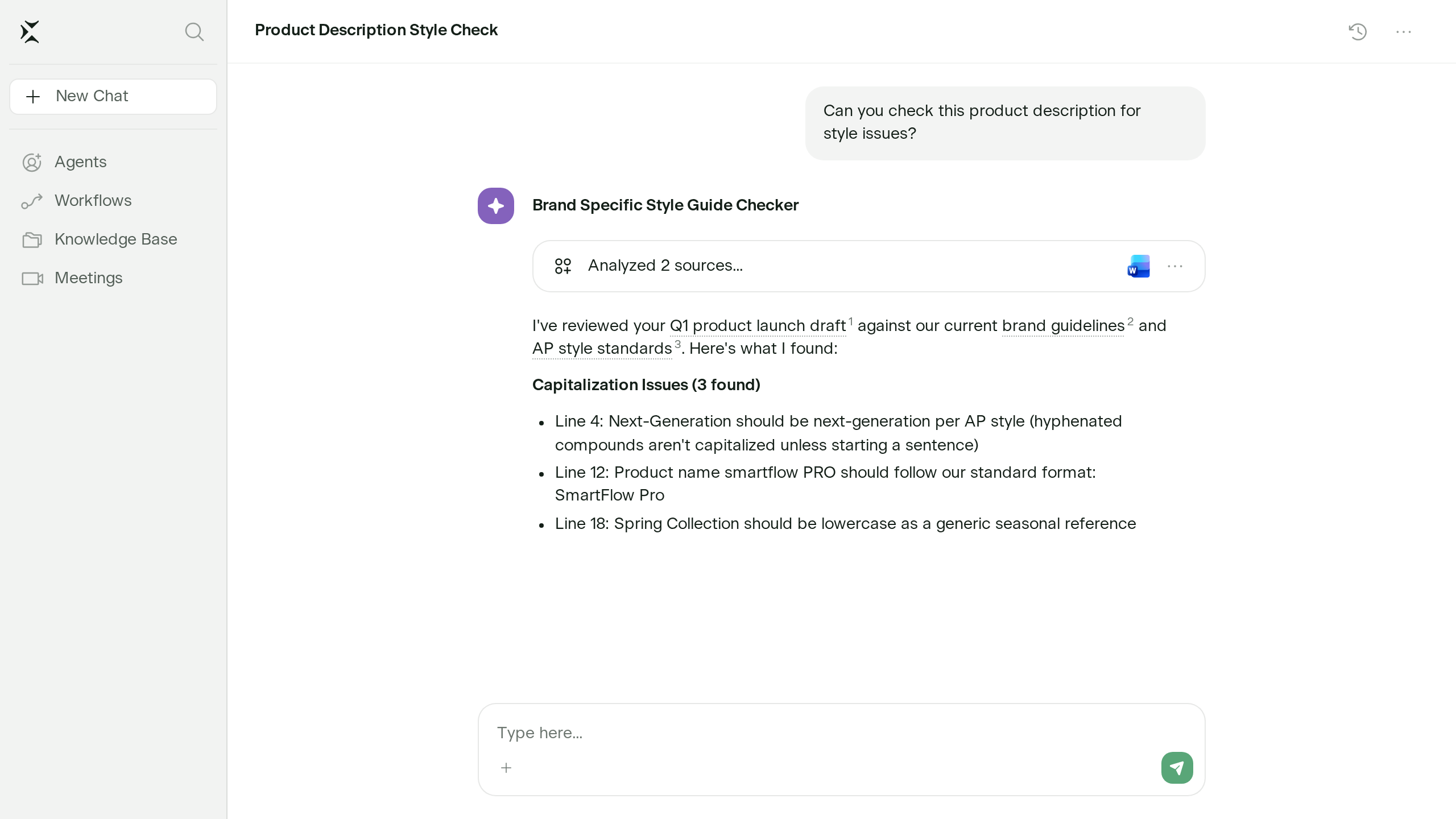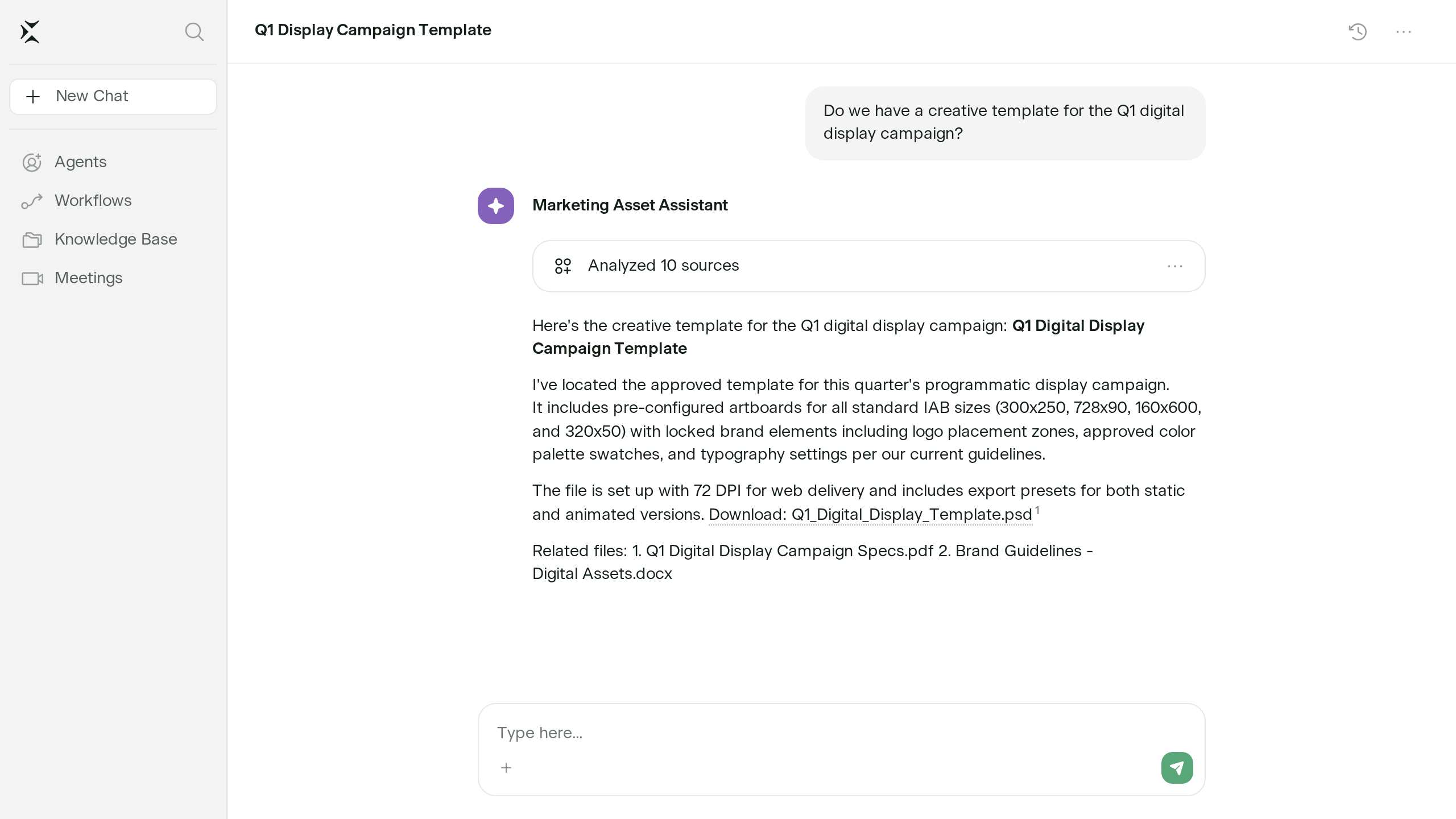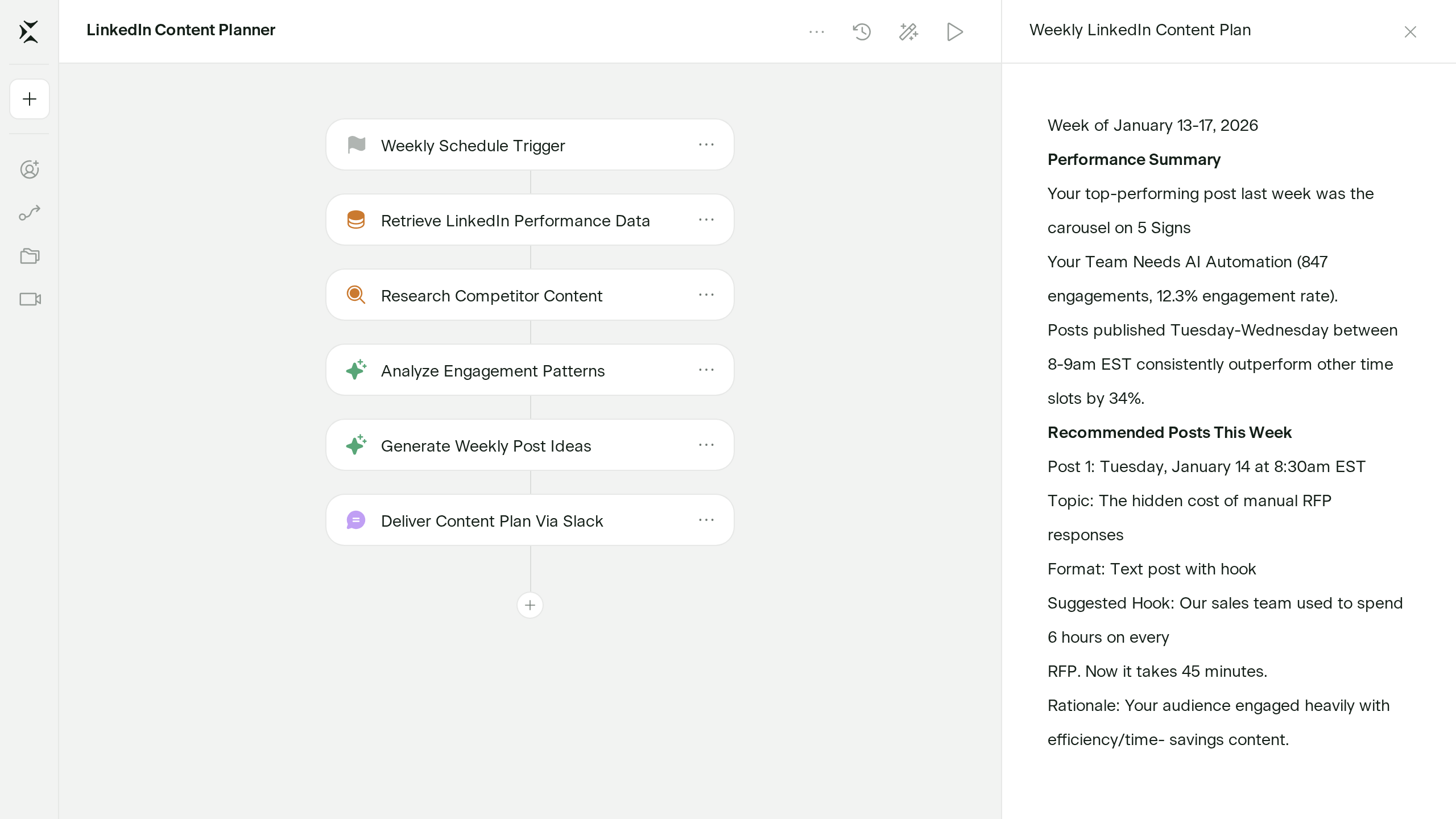
How Cassidy automates ROI reportin using AI
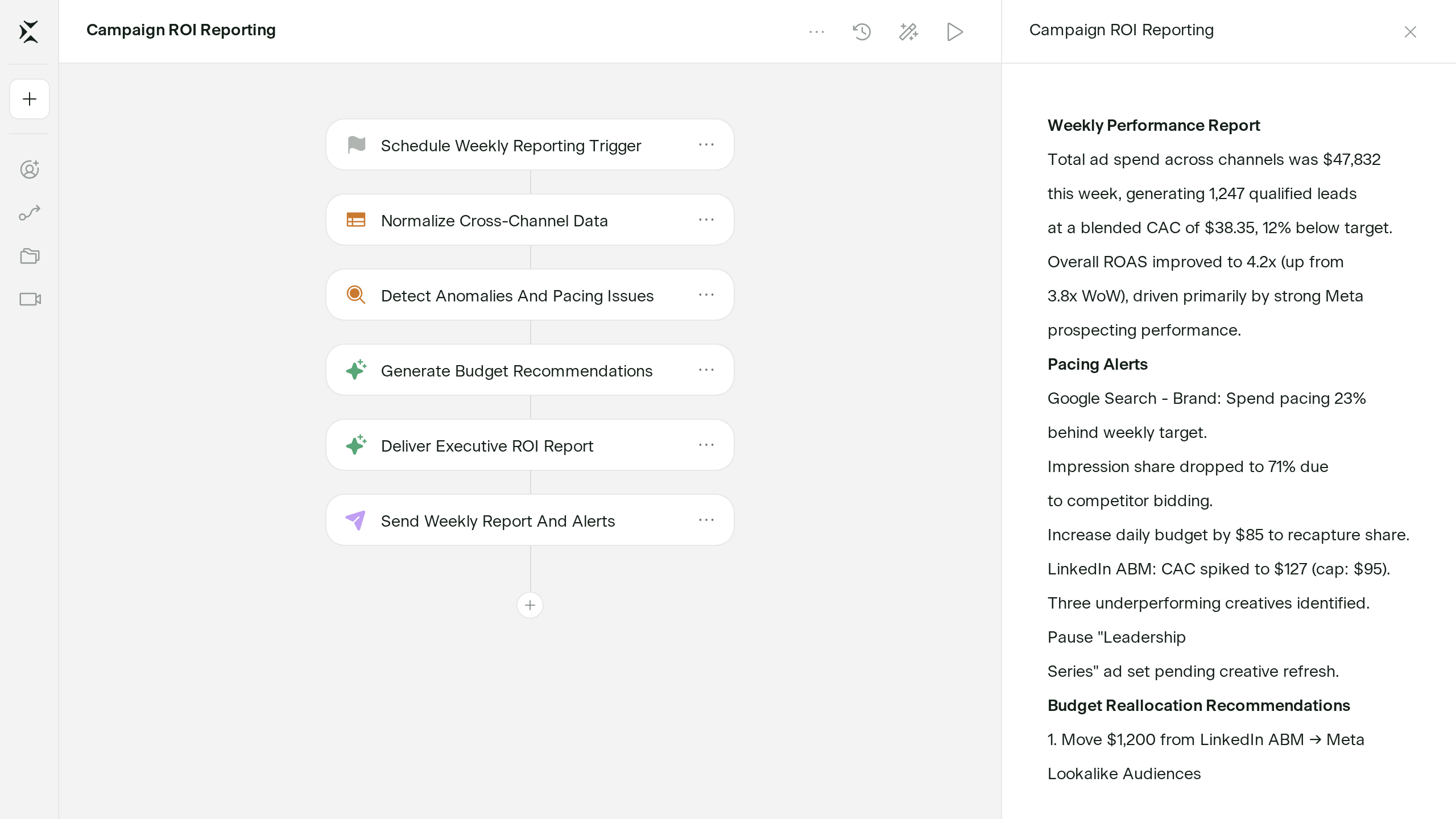
Step 1: Trigger on reporting cadence
The Workflow activates on a scheduled trigger—weekly, midweek, or custom—pulling the latest performance data across all connected ad platforms, analytics tools, and CRM systems.
Step 2: Normalize and attribute cross-channel data
Cassidy maps disparate metrics to a unified schema, handling currency conversion, timezone alignment, and UTM standardization. Multi-touch attribution models assign credit across channels, while the Knowledge Base provides client-specific KPI targets, pacing thresholds, and business rules.
Step 3: Detect anomalies and generate pacing alerts
The agent analyzes spend trajectories, conversion rates, and efficiency metrics against defined guardrails. When KPIs breach thresholds—ROAS below floor, CAC above cap, or budget burn off-track—Cassidy sends severity-scored alerts with root-cause context and recommended next steps.
Step 4: Generate budget reallocation recommendations
Cassidy scores campaigns by marginal ROAS improvement potential, then produces specific budget move recommendations with dollar amounts, rationale, expected lift, and confidence bands—all constrained by learning-phase protections, min/max spend rules, and client-approved guardrails.
Step 5: Compile and deliver the weekly ROI report
The Workflow assembles an executive summary with KPI scorecard, WoW trends, attribution breakdown, pacing dashboard, top movers analysis, and actionable recommendations. Reports are delivered to stakeholders via email, Slack, or pushed to dashboards—with Human-in-the-Loop review for client-facing deliverables.
Implement this automation inside your company
- Hands-on onboarding and support
- Self-paced training for your team
- Dedicated implementation experts
- Ongoing use case discovery
- ROI tracking & analytics dashboards
- Proven playbooks to get started fast