AI Sales Support Response Drafting Agent

Automating Sales Support Response Drafting with AI
Intelligent RFQ Intake and Triage
The agent automatically ingests inbound RFQs, RFIs, and pricing inquiries from shared inboxes, web forms, and distributor portals—extracting key metadata like part numbers, quantities, materials, and tolerances from attached drawings, BOMs, and CAD files.
Context-Aware Response Generation
AI automation pulls from your approved content library, pricing rules, and brand style guide to draft accurate, compliant replies that reflect your company's terminology, tone, and positioning—eliminating inconsistent messaging and stale claims.
Streamlined Collaboration and Approval
Automated workflows route technical questions to the right SMEs, track SLAs with dashboards and reminders, and enforce pricing governance and approval matrices before dispatching branded quotes and logging everything back to CRM.
How Cassidy automates RFQ intake and response using AI
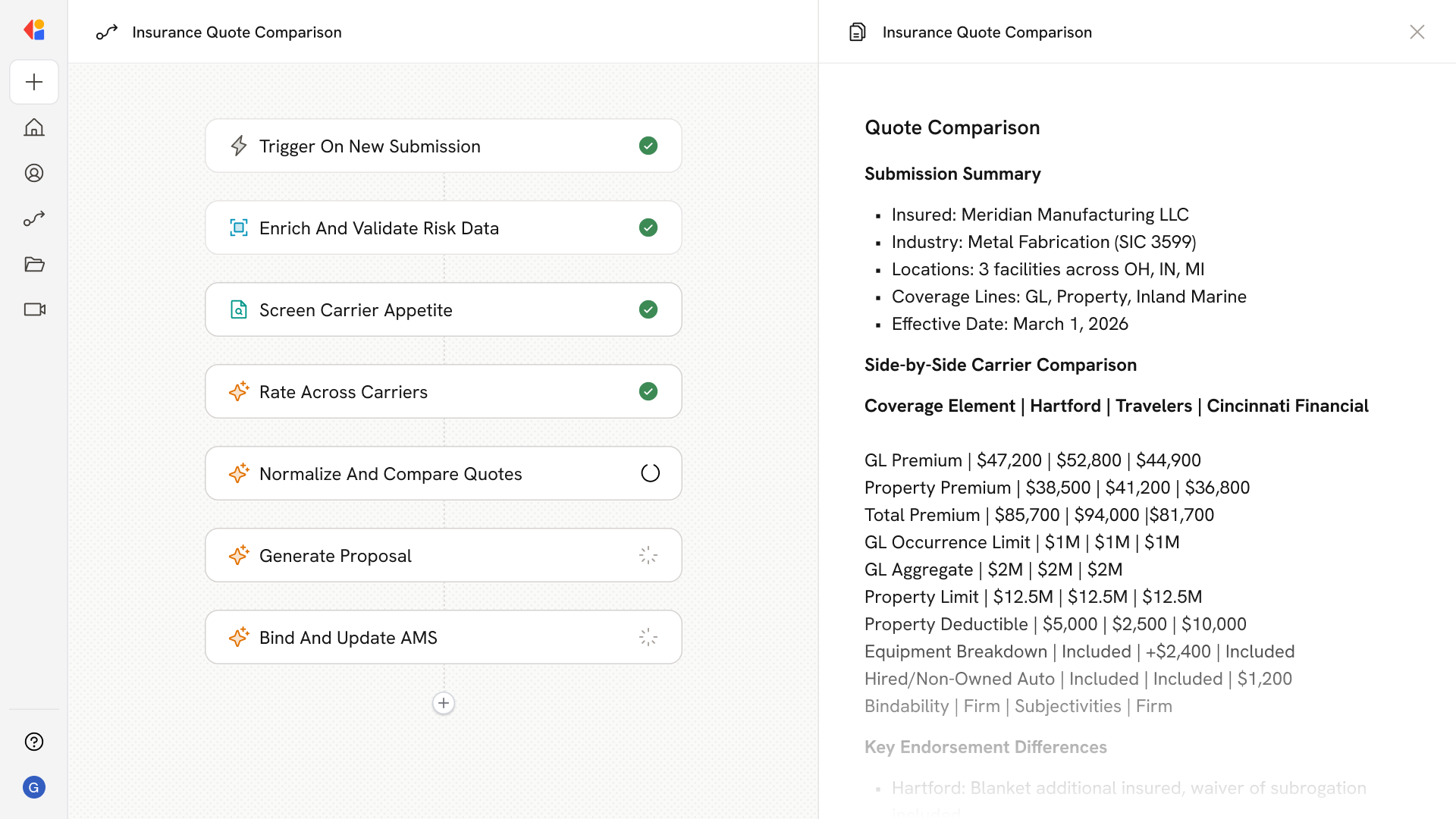
Step 1: Trigger on inbound RFQ or inquiry
The Workflow activates when a new RFQ, RFI, or pricing inquiry arrives—whether forwarded from a shared inbox, submitted via web form, or pulled from a distributor portal like Ariba or Coupa.
Step 2: Extract specs and metadata
Cassidy parses attachments including PDF drawings, CAD files, and BOM spreadsheets to extract critical details: part numbers, revision levels, quantities, materials, tolerances, finishes, and compliance requirements like ITAR or RoHS.
Step 3: Match account and qualify request
The agent cross-references CRM data to identify the account and contact, checks for NDAs or export control flags, and runs a feasibility screen against your capabilities—surfacing disqualifiers, MOQs, certifications needed, and routing priority.
Step 4: Draft on-brand response
Cassidy searches your Knowledge Base for approved answers, pricing tiers, and technical specs, then generates a first-draft email and quote package that matches your brand voice, terminology, and commercial terms.
Step 5: Route for SME input and approval
The Workflow assigns open questions to sales engineers, quality, or compliance teams with SLA timers and reminders. Human-in-the-Loop checkpoints ensure technical accuracy and pricing governance before final sign-off.
Step 6: Dispatch and log to CRM
Once approved, Cassidy sends the branded quote and cover letter via email or uploads to buyer portals, then logs all activity—attachments, approval records, and response metrics—back to your CRM and document storage.
Implement it inside your company
- Hands-on onboarding and support
- Self-paced training for your team
- Dedicated implementation experts
- Ongoing use case discovery
- ROI tracking & analytics dashboards
- Proven playbooks to get started fast