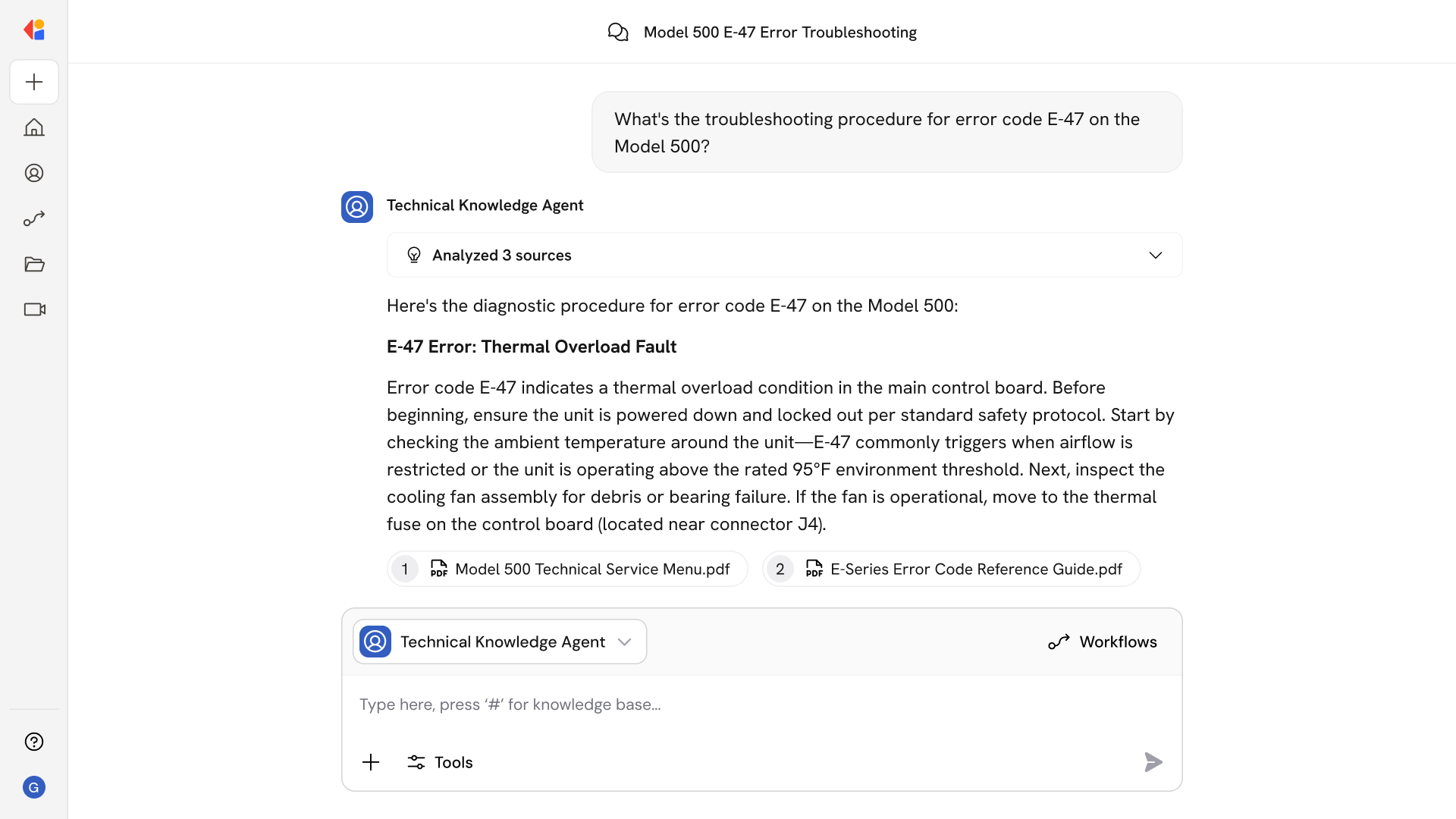
Field Service Troubleshooting Agent
What questions can you ask Field Service Troubleshooting Agent?
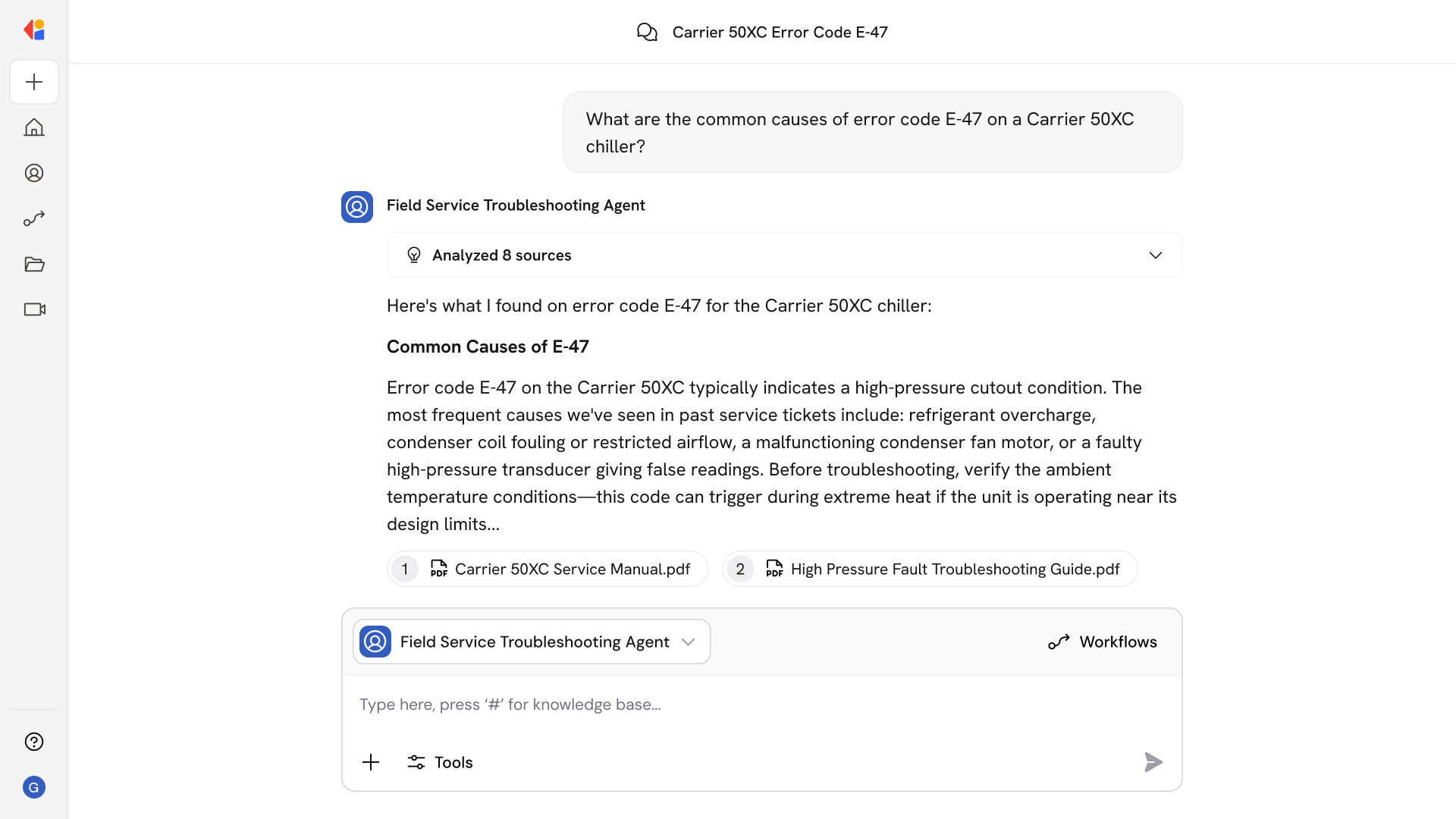
Field Service Troubleshooting Agent handles the diagnostic legwork that slows down on-site repairs. Ask questions like:
- What are the common causes of error code E-47 on a Carrier 50XC chiller?
- Walk me through the diagnostic steps for a compressor that won't start
- What parts do I need to replace the heat exchanger on this model?
- Have we seen this intermittent fault before on similar units?
- What's the torque spec for the mounting bolts on this assembly?
- Show me the wiring diagram for the control board on a Trane RTU
- What safety lockouts should I check before servicing this unit?
The Agent delivers step-by-step guidance with source links to OEM documentation and past tickets—so technicians can diagnose confidently without calling back to the office or searching through multiple systems.
Who uses Field Service Troubleshooting Agent?
Field Service Troubleshooting Agent is built for teams who diagnose and repair equipment in the field—where quick, accurate answers make the difference between a same-day fix and a return visit:
- Field Technicians troubleshooting equipment issues on site without digging through multiple systems
- Service Managers ensuring consistent diagnostic quality across distributed teams
- Technical Support Specialists guiding remote technicians through complex repairs
- Field Service Engineers handling specialized or high-stakes equipment issues
It's especially valuable for organizations with large equipment fleets, multiple OEM product lines, or geographically dispersed service teams—so every technician has access to the same expertise, regardless of experience level or location.
How does Field Service Troubleshooting Agent use your Knowledge Base?
Field Service Troubleshooting Agent pulls from your connected sources—including SharePoint, Confluence, ServiceNow, and Google Drive—to deliver step-by-step diagnostic guidance grounded in your actual technical documentation and service history.
When a technician asks a question, the Agent:
- Searches OEM manuals and technical specifications for model-specific procedures
- References past service tickets to surface fixes that worked for similar symptoms
- Pulls from internal troubleshooting guides and SOPs your team has developed
- Identifies relevant parts, tools, and safety procedures from your documentation
- Provides source links so technicians can verify information or dive deeper
Because the Knowledge Base syncs continuously, technicians always get guidance based on the latest service bulletins, updated manuals, and recent ticket resolutions—no outdated PDFs or tribal knowledge gaps.
Implement it inside your company
- Hands-on onboarding and support
- Self-paced training for your team
- Dedicated implementation experts
- Ongoing use case discovery
- ROI tracking & analytics dashboards
- Proven playbooks to get started fast