AI Regional Candidate Routing Agent
Automating Multi-Region Candidate Routing with AI
Territory-Aware Assignment at Scale
The agent automatically maps incoming applicants to the right store, district, or regional queue based on location, geo-proximity, and territory rules—eliminating manual spreadsheet routing and ensuring candidates reach the right staffing manager instantly.
SLA-Driven Routing with Overflow Logic
Built-in SLA timers track first-response targets and stage deadlines, automatically escalating or re-routing candidates to backup queues before breaches occur—keeping speed-to-contact consistent even during hiring surges.
Time Zone and Calendar Intelligence
The system respects business hours, quiet hours, and manager availability across regions, steering assignments to on-shift recruiters and enforcing time zone-aware outreach sequences that maximize contact rates without after-hours noise.
How Cassidy automates using AI
Step 1: Trigger on new application
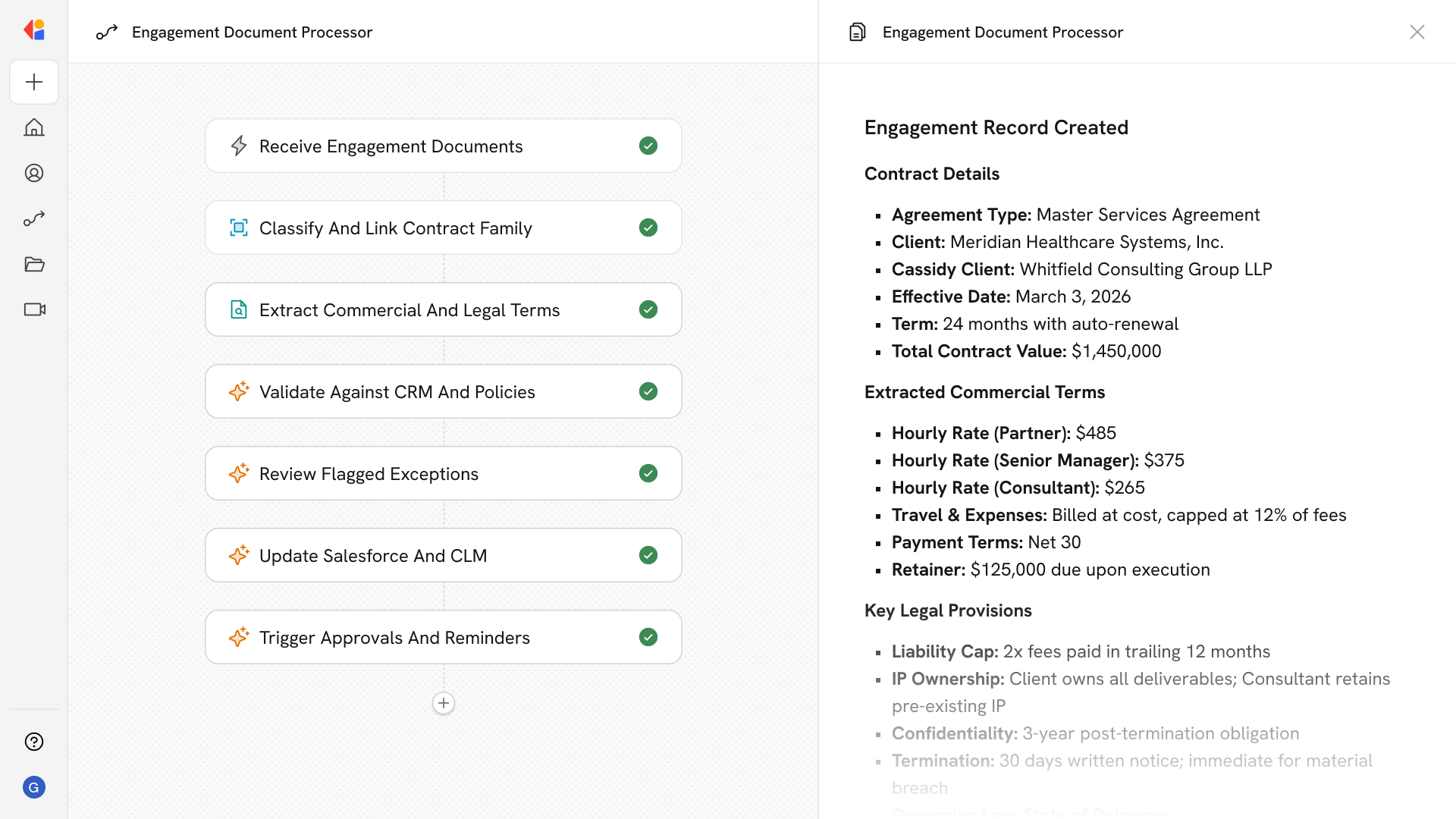
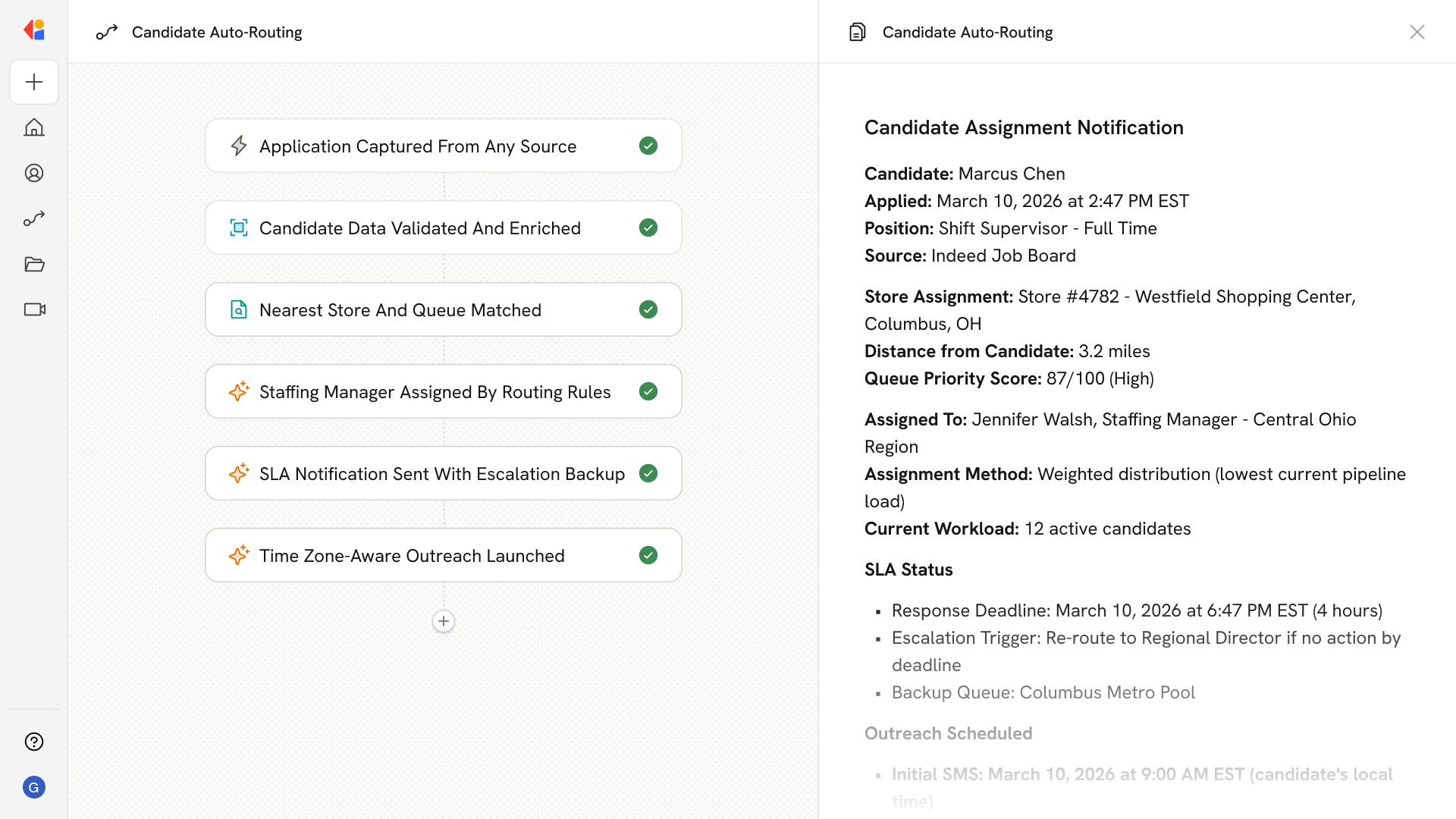
The Workflow activates automatically when a candidate applies through any connected source—career site, job board, referral portal, or apply-by-text—capturing the application in real time.
Step 2: Normalize and enrich candidate data
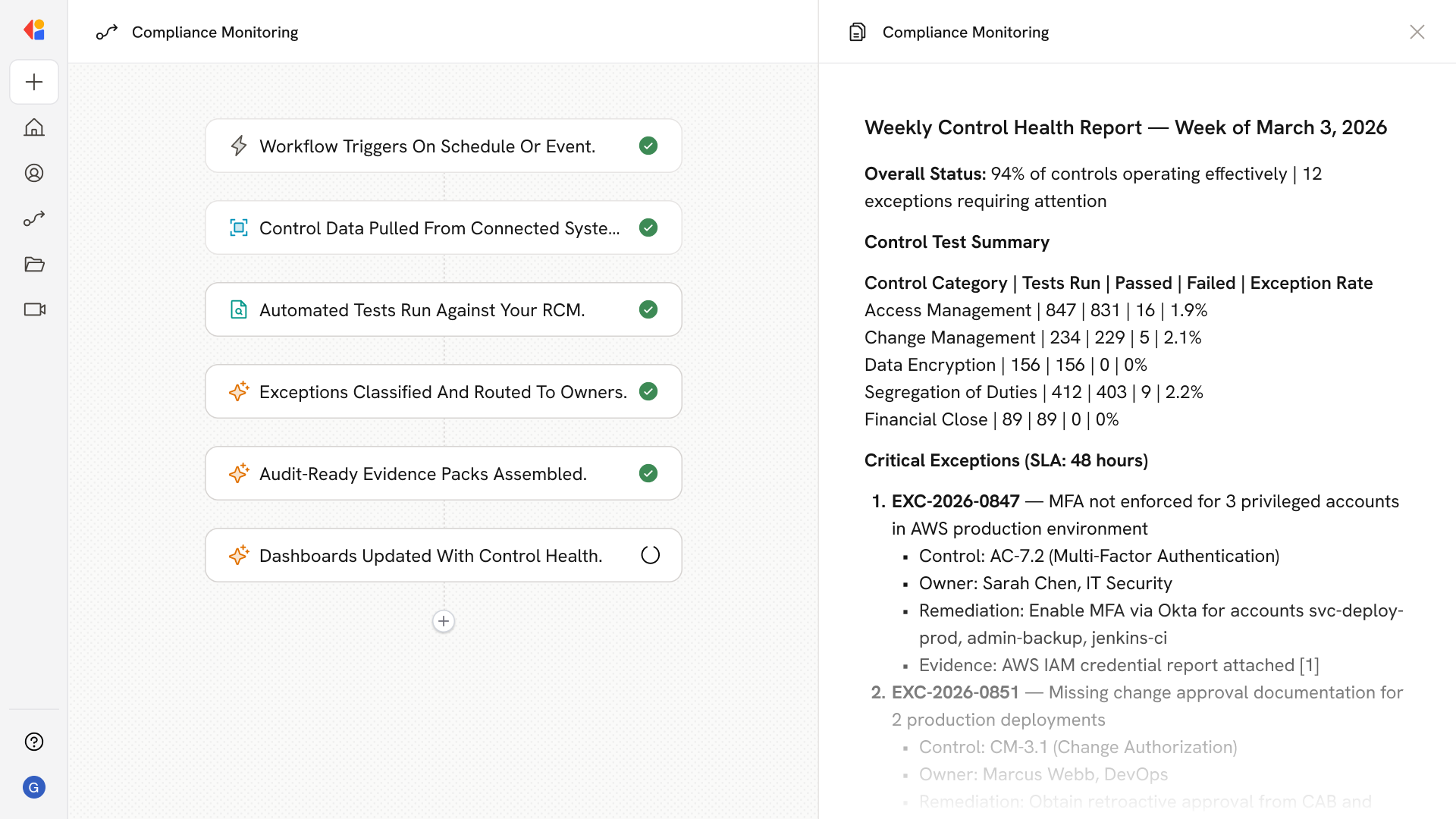
Cassidy pulls the Knowledge Base to validate required fields, enrich the candidate profile with geo-coordinates and language preferences, and de-duplicate against existing applicants across stores and requisitions.
Step 3: Match to store and queue
Using territory mapping and geo-fencing rules from your Knowledge Base, Cassidy identifies the nearest eligible store(s), checks shift fit and availability, and places the candidate into the appropriate regional or store-level queue with priority scoring.
Step 4: Assign to staffing manager
Cassidy applies your routing policy—round robin, weighted distribution, or skills-based—while factoring in current workload, calendar availability, and time zone business hours to assign the candidate to the right recruiter or store manager.
Step 5: Notify and start SLA timer
The assigned manager receives an instant notification via ATS task, Slack, or email with candidate details and an SLA countdown. If no response occurs within the threshold, Cassidy automatically re-routes to a backup queue or escalates to prevent breaches.
Step 6: Launch time zone-aware outreach
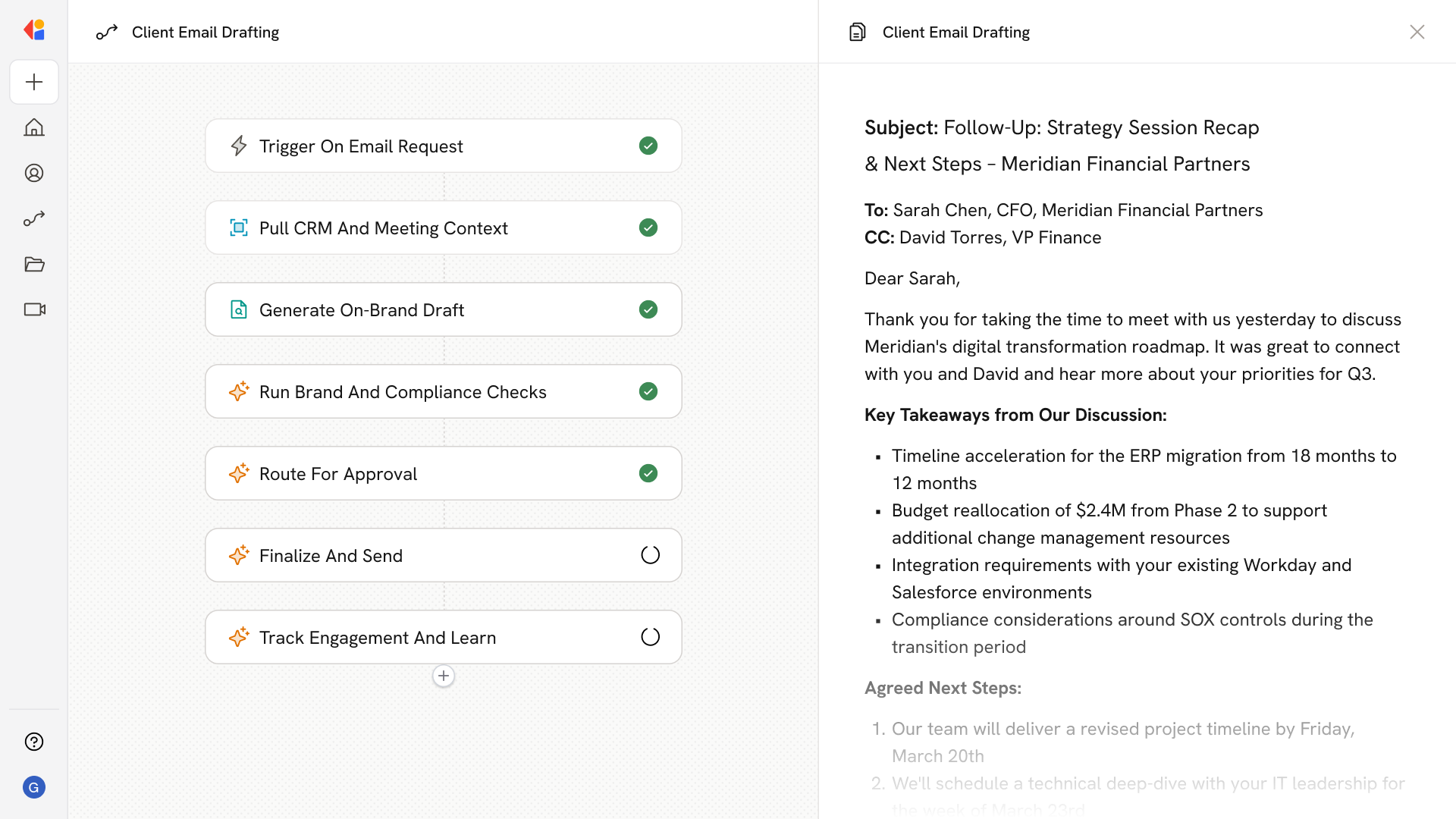
Cassidy triggers first-touch sequences—SMS, email, or self-serve scheduling links—timed to the candidate's local business hours and respecting quiet-hour rules for a consistent, compliant candidate experience.
Implement it inside your company
- Hands-on onboarding and support
- Self-paced training for your team
- Dedicated implementation experts
- Ongoing use case discovery
- ROI tracking & analytics dashboards
- Proven playbooks to get started fast