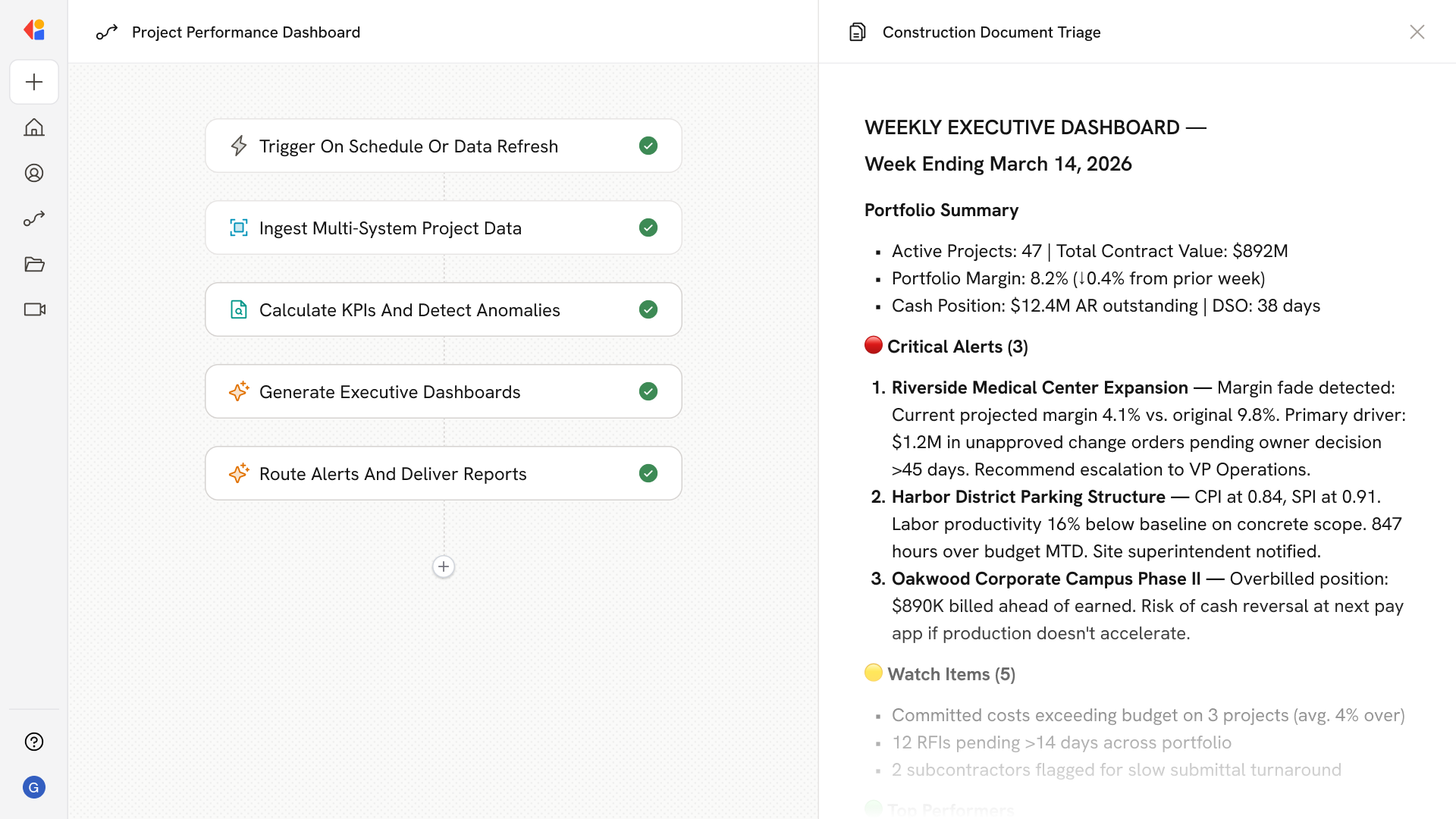
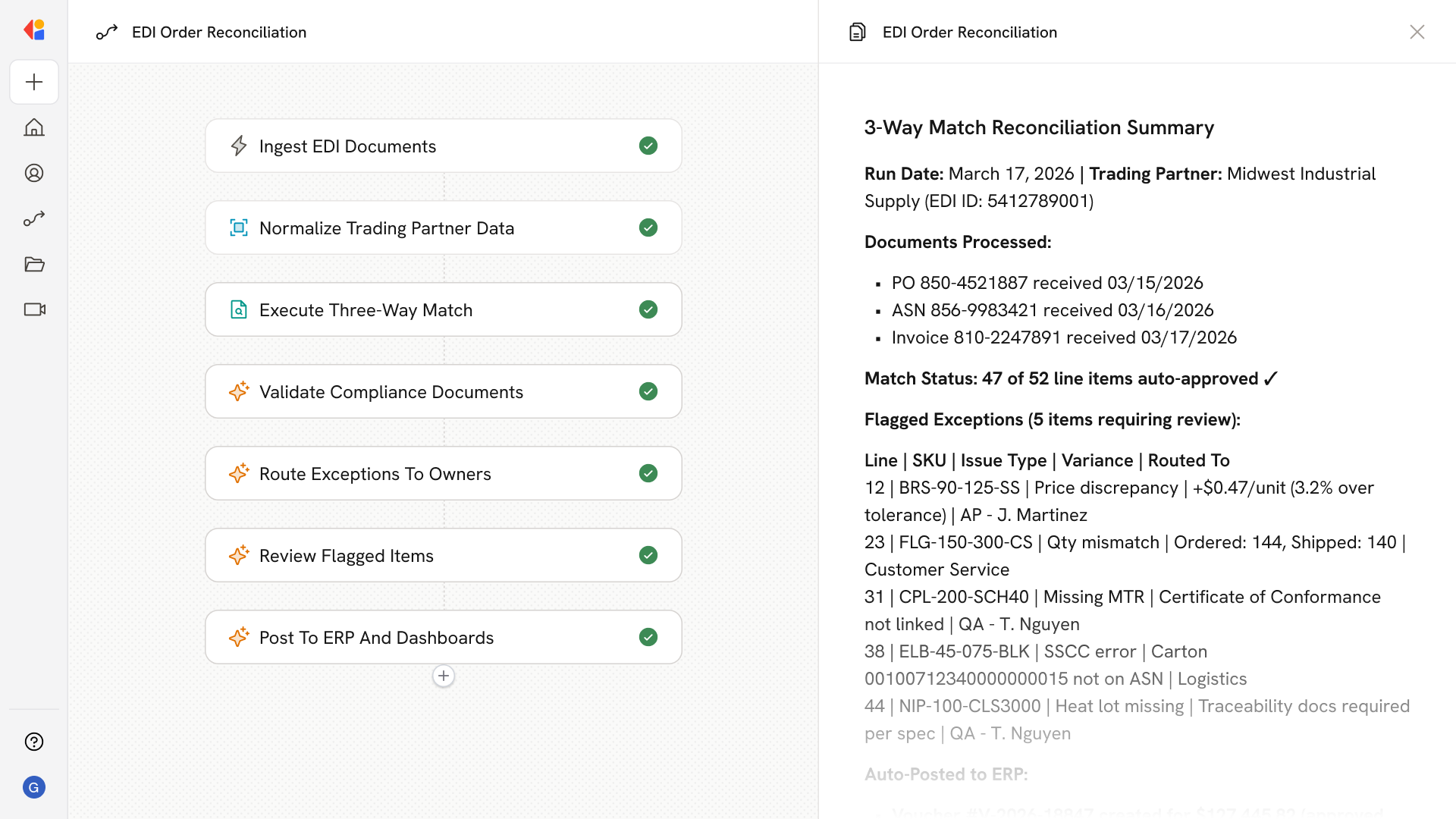
AI Owner Status Report Drafting Agent
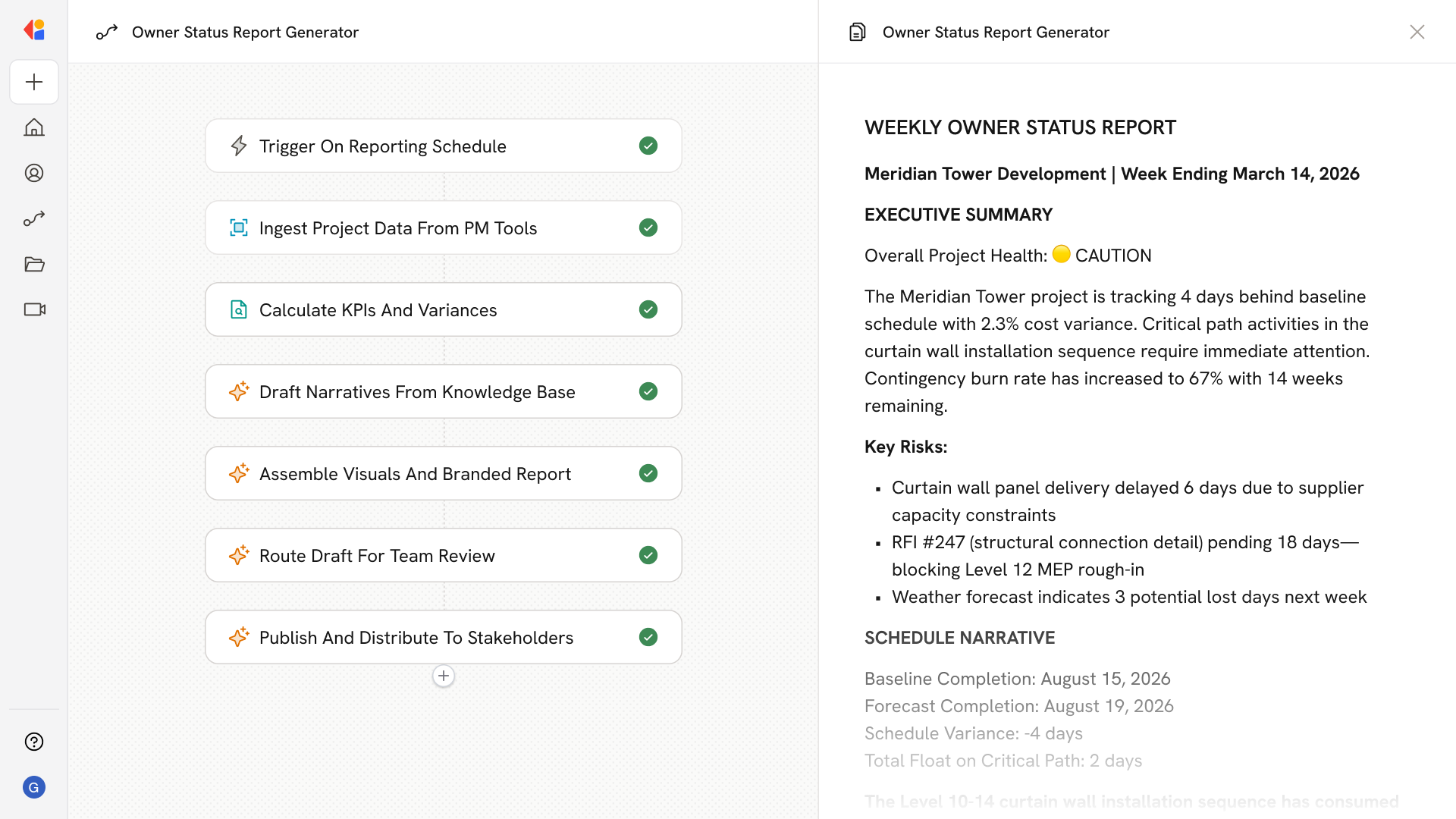
Automating Owner Status Report Drafting with AI
Connect Live Project Data Across Systems
The agent pulls schedule data from P6 or MS Project, cost and financials from your ERP, and logs from your PM platform—normalizing WBS codes, cost codes, and data dates so everything aligns without manual consolidation.
Generate Decision-Ready Narratives Automatically
AI drafts executive summaries, schedule narratives with CPM analysis, cost breakdowns with contingency tracking, and risk sections highlighting aging RFIs, critical submittals, and constraint log items—all in your firm's voice and format.
Package and Distribute Before Every OAC Meeting
The system assembles branded PDFs or slide decks with curated progress photos, milestone tables, and KPI appendices, then distributes to your stakeholder list on your weekly or bi-weekly cadence.
How Cassidy automates using AI
Step 1: Trigger on reporting cadence
The Workflow activates automatically on your weekly or bi-weekly schedule—aligned to OAC meetings—or triggers manually when you need an ad-hoc update for executive briefings.
Step 2: Ingest and normalize project data
Cassidy connects to your PM platform (Procore, Autodesk Construction Cloud), schedule tool (P6, MS Project), and ERP to pull the latest logs, cost actuals, change orders, RFIs, submittals, and field reports. Data is normalized across WBS and cost codes, with freshness checks to flag stale schedule updates or incomplete logs.
Step 3: Compute KPIs and analyze variances
Cassidy calculates schedule variance against baseline, float trends, critical path status, and slipped milestones. On the cost side, it computes budget vs. forecast, EAC/ETC, contingency and allowance burn, CO exposure, and cash flow variances—cross-referencing change events to specific activities and budget lines.
Step 4: Draft narratives using your Knowledge Base
Drawing on your firm's style guides, boilerplates, and owner preferences stored in Cassidy's Knowledge Base, the Workflow generates an executive summary with health indicators and top risks, a CPM-centric schedule narrative with recovery actions, a cost narrative with contingency status, and sections covering RFI/submittal aging, safety metrics, and procurement constraints.
Step 5: Curate visuals and assemble the package
Cassidy selects progress photos from structured metadata, pairs them with scope and location context, and inserts updated charts and milestone tables. The report is assembled into a branded PDF or slide deck with appendices containing detailed logs, KPI definitions, and data lineage.
Step 6: Route for review with Human-in-the-Loop
The draft routes to your PM, superintendent, or project controls team for validation. Reviewers can redline narratives while data-sourced sections remain locked to prevent drift—maintaining audit trails for claims protection.
Step 7: Publish and distribute to stakeholders
Once approved, Cassidy publishes the final report to your document control system and distributes it to your pre-set stakeholder list ahead of the OAC meeting—ensuring owners and executives have decision-ready information on time, every cycle.
Implement it inside your company
- Hands-on onboarding and support
- Self-paced training for your team
- Dedicated implementation experts
- Ongoing use case discovery
- ROI tracking & analytics dashboards
- Proven playbooks to get started fast