AI Open Enrollment Coordinator Agent
Automating Open Enrollment Management for PEOs with AI
Streamline PrismHR Workflow Configuration and Enrollment Processing
The agent handles plan year setup, eligibility rules, and enrollment workflow configuration while processing employee elections, approvals, and exception queues eliminating manual data entry and reducing configuration errors across complex multi-client populations.
Validate and Transmit 834 Files with Carrier-Specific Precision
AI automation pre-validates outbound files against HIPAA syntax, control totals, and each carrier's companion guide requirements before transmission, then monitors TA1/999 acknowledgments and flags rejected members for immediate remediation.
Reconcile Rosters and Invoices Automatically
Automated workflows compare carrier-confirmed enrollments against PrismHR records and match invoices to payroll deductions identifying tier mismatches, retro changes, over-age dependents, and billing discrepancies that would otherwise require hours of manual review.
How Cassidy automates this using AI
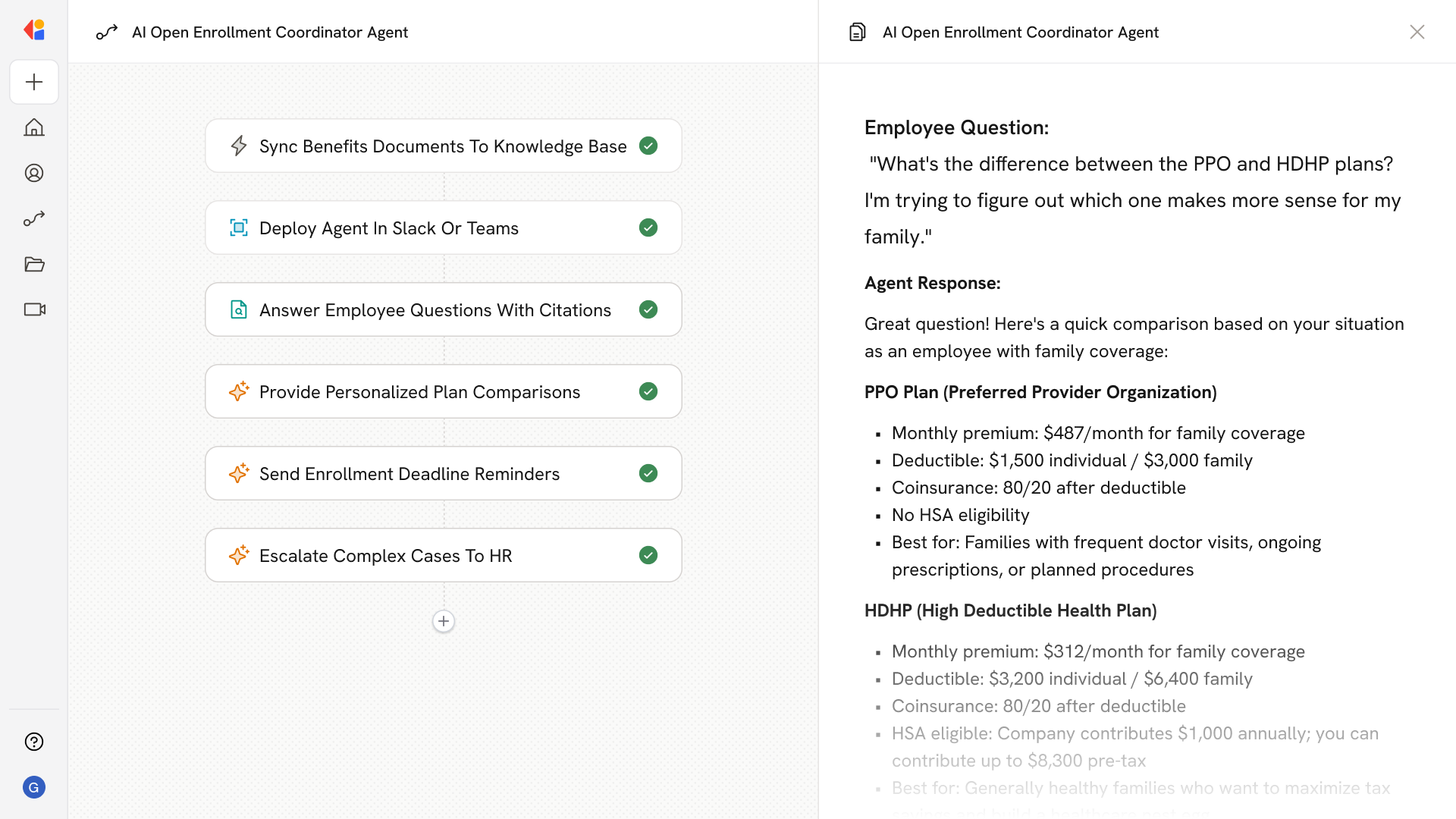
Step 1: Trigger on enrollment period launch or file receipt
The Workflow activates when open enrollment begins, when employee elections are submitted through PrismHR Employee Portal, or when carrier acknowledgment files arrive ensuring every stage of the OE cycle is captured in real time.
Step 2: Validate elections and flag exceptions
Cassidy reviews incoming enrollments against eligibility rules, PCP format requirements, dependent relationship logic, and single-active-plan constraints, routing exceptions like missing EOI or invalid coverage tiers to the appropriate queue with clear remediation guidance.
Step 3: Generate and validate carrier files
Cassidy assembles 834 transactions or proprietary file formats using carrier-specific companion guide mappings, applies SNIP-level validation and business rule checks, and prepares files for secure transmission via SFTP flagging any records that would trigger rejection before they're sent.
Step 4: Monitor acknowledgments and remediate rejects
When TA1/999 acknowledgments or carrier acceptance reports arrive, Cassidy parses the results, matches them to transmitted records, and surfaces rejected members with root-cause context so your team can correct and retransmit without manual file comparison.
Step 5: Reconcile rosters and invoices
Cassidy compares carrier enrollment rosters to PrismHR records and matches invoice line items to payroll deductions, identifying discrepancies in effective dates, coverage tiers, retro adds/terms, and rate mismatches then generates exception reports with recommended corrections.
Step 6: Sync payroll and close out enrollment
Once reconciliation is complete, Cassidy ensures payroll deduction codes align with approved elections, posts any arrears or refunds, and archives all files, acknowledgments, and approval trails for audit-ready documentation.
Implement it inside your company
- Hands-on onboarding and support
- Self-paced training for your team
- Dedicated implementation experts
- Ongoing use case discovery
- ROI tracking & analytics dashboards
- Proven playbooks to get started fast