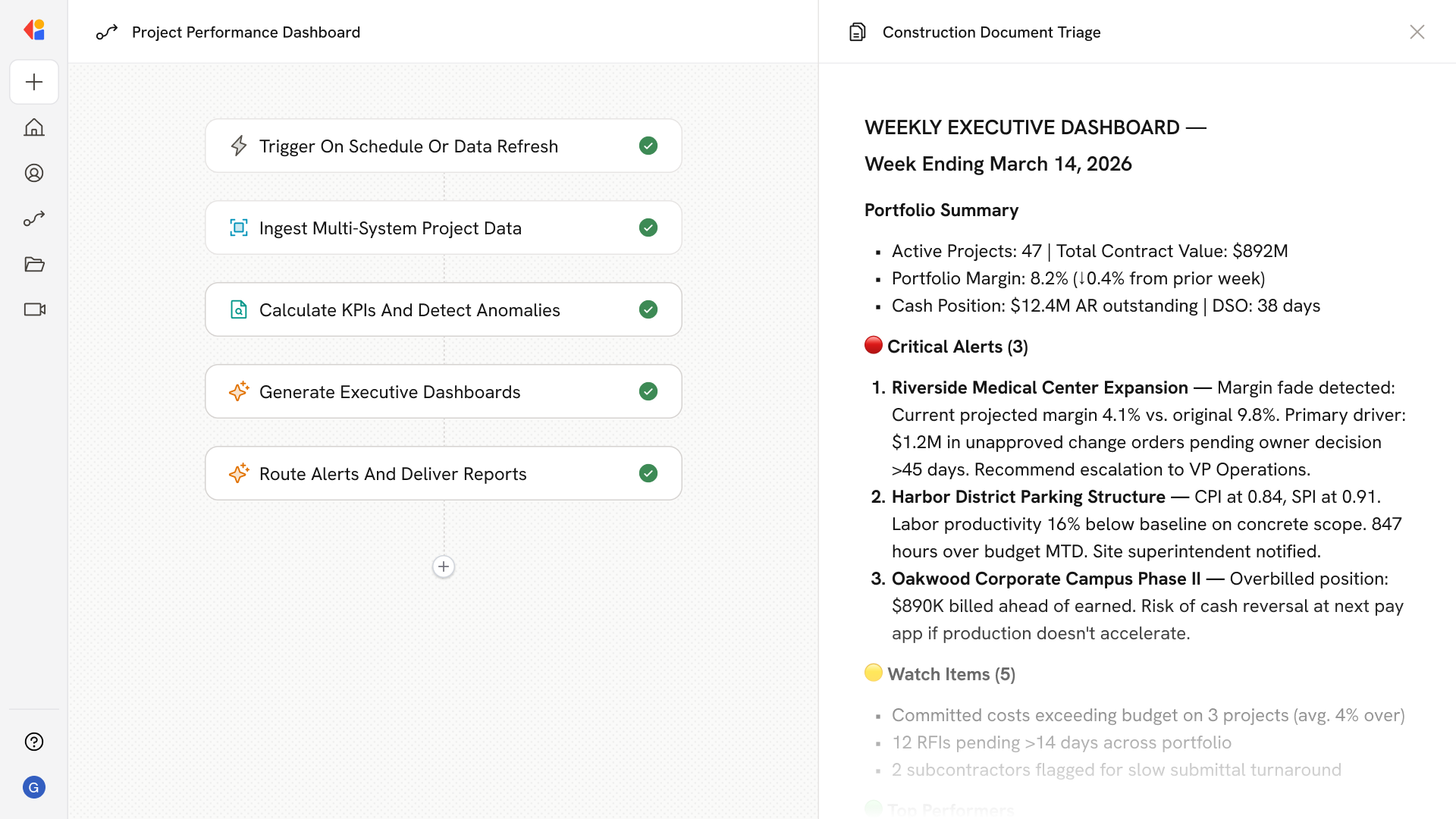
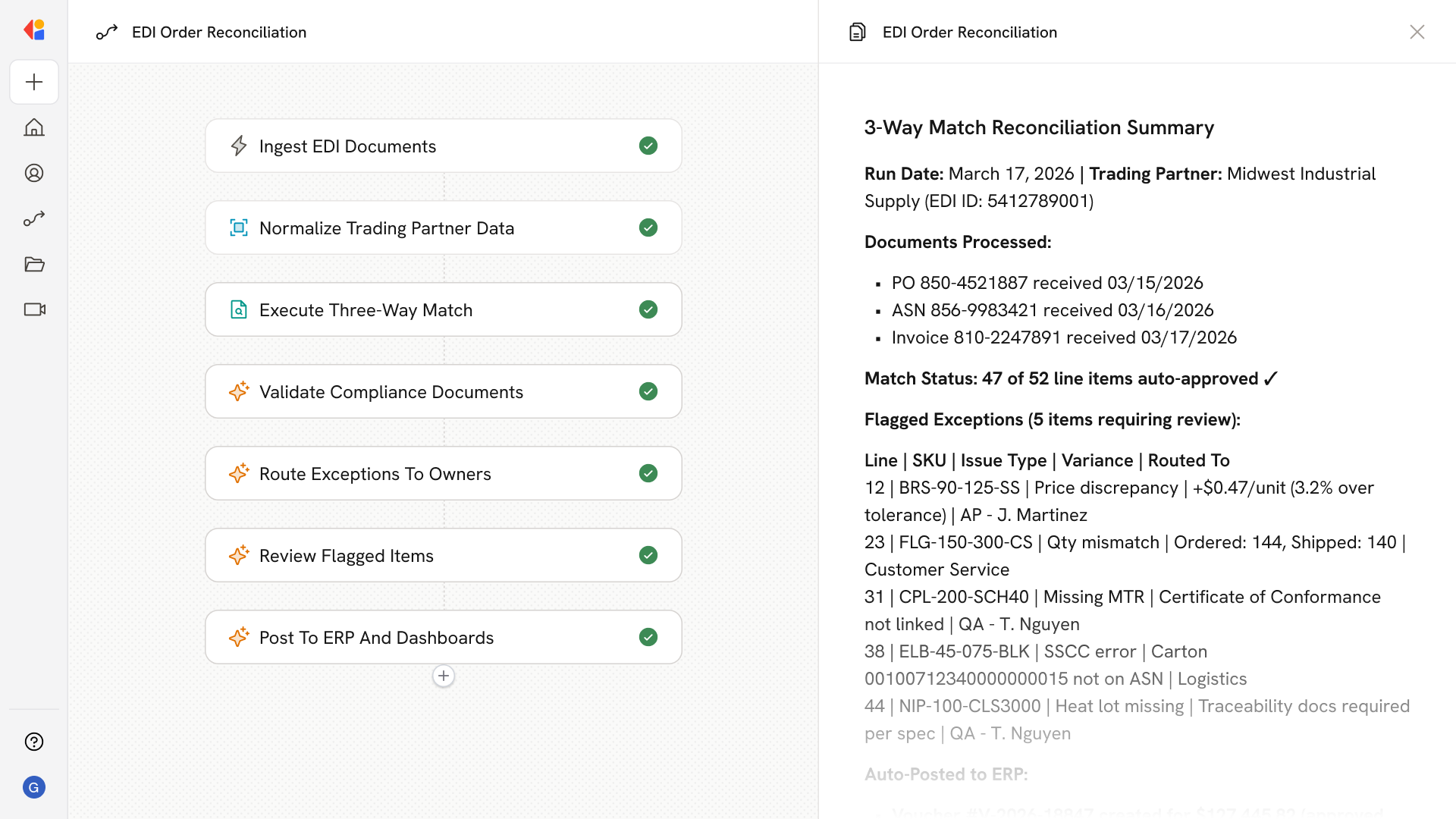
AI Historical Cost Search Agent
Automating Historical Unit Cost Search with AI
Centralize and Normalize Scattered Cost Data
The agent ingests historical estimates, bid tabs, purchase orders, and subcontractor quotes across Excel, PDFs, and ERP systems—then normalizes costs by time, location, and wage regime to enable true apples-to-apples comparisons.
Benchmark Against RSMeans and Local Market Data
Every unit price is automatically compared against RSMeans benchmarks with City Cost Index adjustments, alongside your own historical medians, giving estimators defensible price ranges with clear audit trails.
Surface Insights and Flag Anomalies at Bid Time
When an estimator searches for a scope, the system returns P10–P90 ranges, recent medians, productivity assumptions, and outlier warnings—then auto-generates Basis of Estimate notes citing sources, factors, and inclusions.
How Cassidy automates using AI
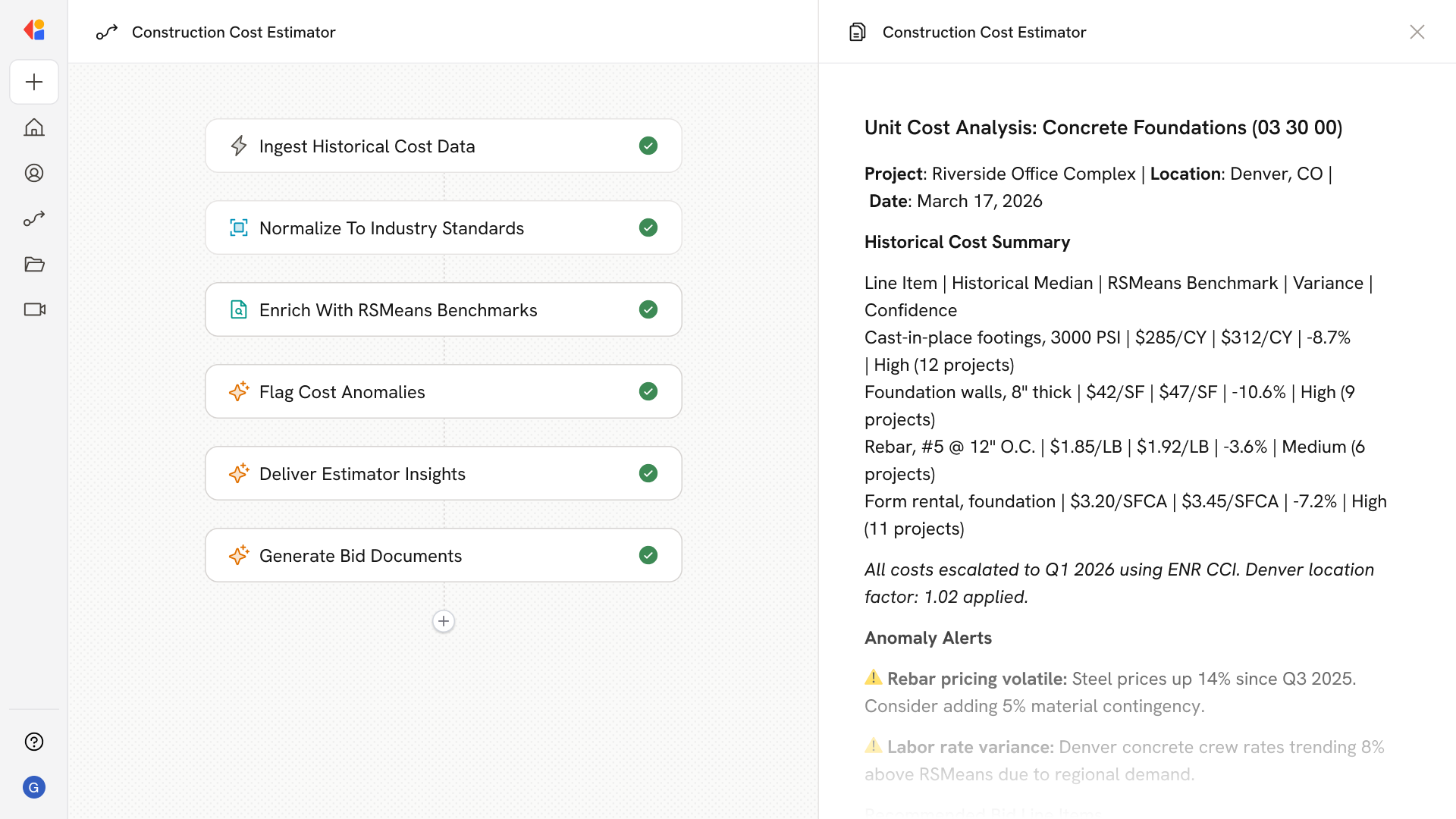
Step 1: Ingest historical cost data
The Workflow triggers when new cost data arrives—whether from uploaded estimate workbooks, exported bid tabs, ERP feeds, or subcontractor quote submissions—and parses line items, quantities, UOM, labor/material/equipment costs, and project metadata.
Step 2: Normalize and map to industry standards
Cassidy adjusts historical unit prices to a common pricing date using escalation indices, applies location factors (RSMeans CCI or locally researched costs), harmonizes UOM and scope differences, and maps line items to CSI MasterFormat or UniFormat codes.
Step 3: Enrich with RSMeans benchmarks
The Workflow pulls licensed RSMeans unit prices and assemblies, applies the appropriate City Cost Index for the target location, and stores crew composition and productivity assumptions to explain any variances between internal costs and market references.
Step 4: Detect anomalies and validate
Cassidy flags line items whose normalized costs fall outside expected bands given scope, location, and wage regime—surfacing warnings when scope differs (fire-rated vs standard, premium manufacturers) and highlighting volatile material trends.
Step 5: Serve insights in the estimator's workflow
When an estimator searches a scope, Cassidy returns historical ranges, recent medians, RSMeans benchmarks with CCI factors, and productivity notes—allowing one-click acceptance or adjustment with auto-generated Basis of Estimate documentation.
Step 6: Generate bid artifacts
The Workflow pre-populates line items for common scopes, applies markups and coefficients, produces alternates and add/deduct schedules, and rolls up OH&P, bonds, and contingency—with full audit trails and source citations attached.
Implement it inside your company
- Hands-on onboarding and support
- Self-paced training for your team
- Dedicated implementation experts
- Ongoing use case discovery
- ROI tracking & analytics dashboards
- Proven playbooks to get started fast