AI Benefits Benchmarking Agent
Automating Benefits Benchmarking Reports with AI
Clean and standardize census data automatically
The agent ingests employee census files in any format—CSV, Excel, or PDF—validates fields like DOB, ZIP, and tier assignments, flags inconsistencies, and outputs quote-ready files in carrier-specific templates.
Normalize quotes for apples-to-apples comparison
AI automation parses multi-carrier quotes, converts between age-banded and composite rate structures, aligns plan designs to a common schema, and surfaces material differences in cost sharing, networks, and Rx tiers.
Overlay market benchmarks and generate client-ready reports
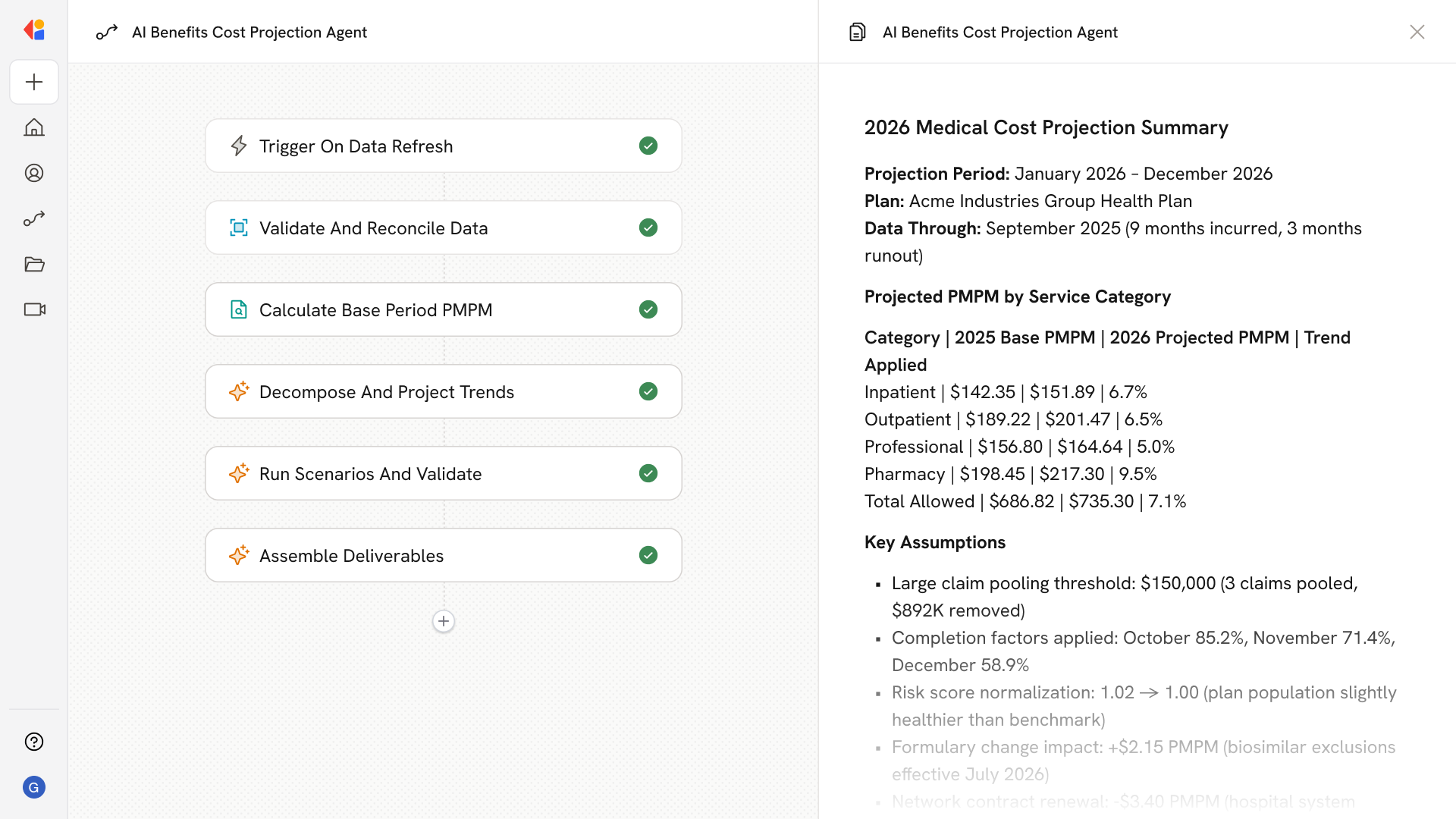
The system positions current and proposed plans against regional, industry, and size-band benchmarks, then assembles branded deliverables with contribution scenarios, variance charts, and clear recommendations.
How Cassidy automates this using AI
Step 1: Trigger on census or quote upload
The Workflow activates when a new census file or carrier quote is uploaded—whether via email attachment, shared drive, or direct upload to the Knowledge Base.
Step 2: Clean and validate census data
Cassidy ingests the census, normalizes fields (DOB, ZIP, employment class, tier assignments), flags missing or inconsistent values, and outputs a standardized, quote-ready file with an audit log of fixes.
Step 3: Parse and normalize carrier quotes
Cassidy extracts plan designs and rate structures from multiple carrier quotes (PDF or Excel), converts age-banded to composite equivalents where needed, and aligns effective dates and rating areas for true apples-to-apples comparison.
Step 4: Generate plan comparison matrix
The Workflow builds a side-by-side comparison of plan designs, premiums by tier, and PEPM costs—calling out material differences in deductibles, coinsurance, OOP max, and Rx tiers.
Step 5: Overlay market benchmarks
Cassidy pulls relevant benchmarks by region, industry, and employer size, then positions each plan option against market percentiles for premiums, cost sharing, and employer contribution norms.
Step 6: Model contribution scenarios
The Workflow runs employer vs. employee cost projections across multiple strategies—percent-of-premium, fixed dollar, or budget targets—and flags ACA affordability considerations.
Step 7: Assemble client-ready report
Cassidy generates a branded PDF or deck with executive summary, methodology, benchmark variance charts, contribution scenarios, and appendices (clean census, quote exhibits, assumptions).
Step 8: Human-in-the-Loop review and handoff
The completed report routes to your team for final QA. Once approved, Cassidy can export enrollment configuration specs, 834/EDI mapping templates, and implementation checklists for PrismHR or your HRIS platform.
Implement it inside your company
- Hands-on onboarding and support
- Self-paced training for your team
- Dedicated implementation experts
- Ongoing use case discovery
- ROI tracking & analytics dashboards
- Proven playbooks to get started fast