AI Field Sales Follow-Up Email Agent for Compressed Air Equipment
Automating Field Sales Follow-Up Emails for Compressed Air Equipment with AI
Event-Driven Follow-Up Cadences
The agent triggers stage-specific emails based on real workflow events—quote sent, site visit completed, PO received, hours-meter threshold reached—so no opportunity or PM window slips through the cracks.
Domain-Specific Messaging That Resonates
Templates embed compressed-air terminology and KPIs—SCFM at PSIG, specific power (kW/100 CFM), ISO 8573-1 air quality classes, PDP readings—translating technical value into energy savings, uptime, and compliance outcomes customers understand.
Seamless Handoffs Across Sales and Service
Automated workflows connect CRM opportunities, quoting tools, and service/CMMS systems, ensuring consistent communication from initial RFQ through start-up summaries and post-service reports with zero manual hand-offs.
How Cassidy automates using AI
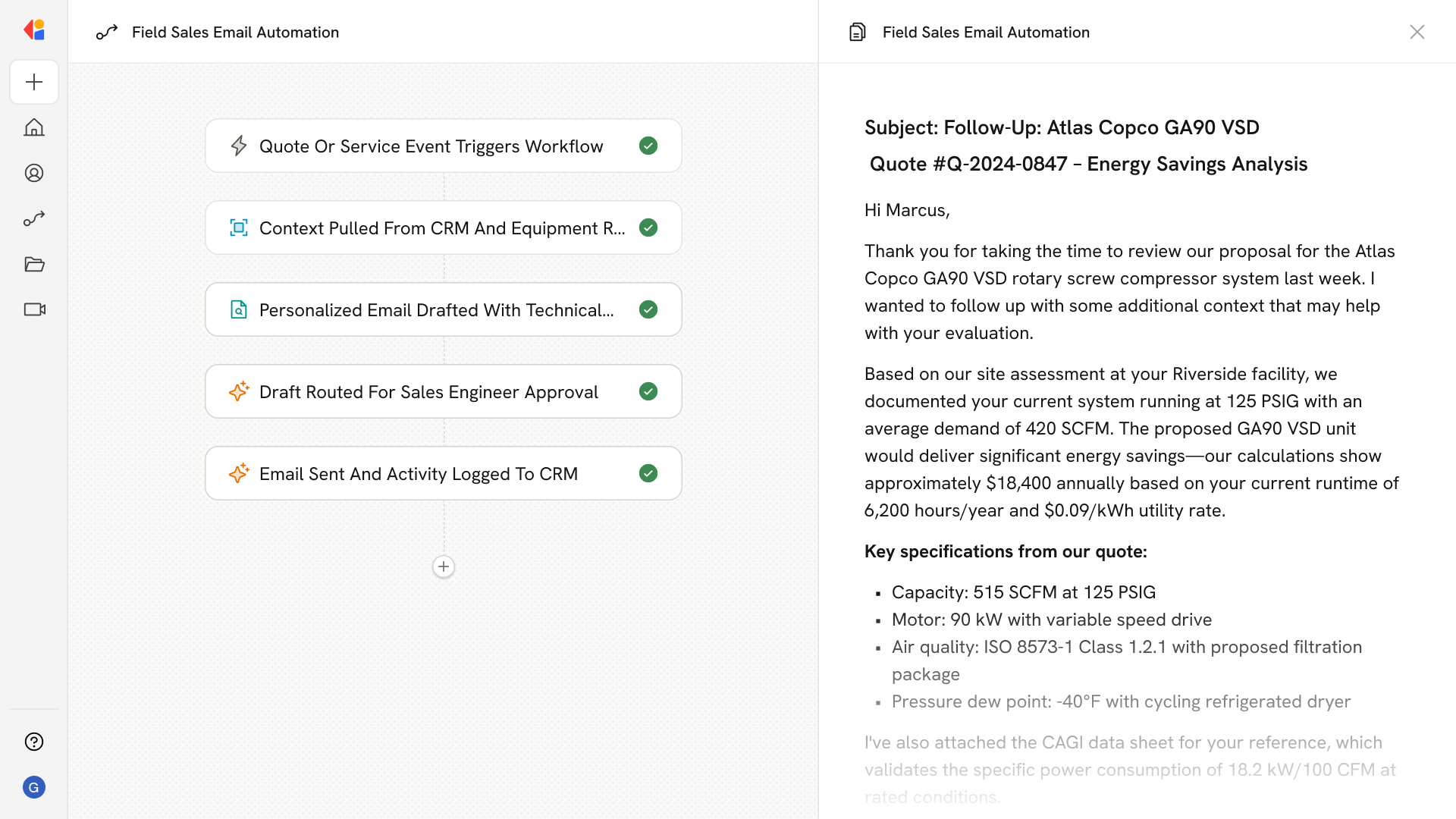
Step 1: Trigger on quote, visit, or service event
The Workflow activates when a quote is sent, a site assessment is scheduled or completed, a PO is received, equipment ships, start-up finishes, or a PM threshold is reached in your CRM or CMMS.
Step 2: Pull context from connected systems
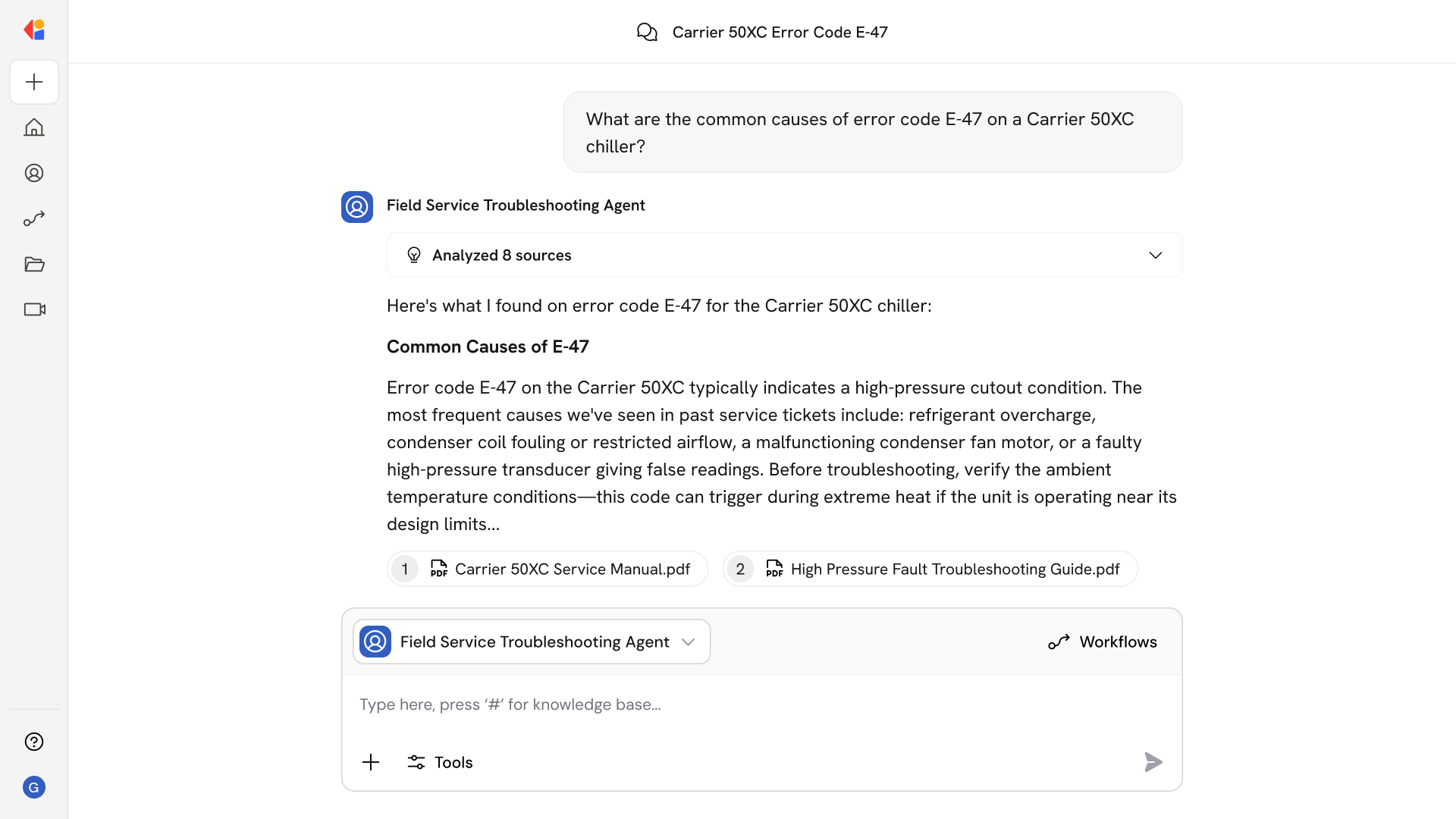
Cassidy retrieves opportunity details, equipment specs (model, SCFM, PSIG, control type), CAGI data sheets, site-visit findings, service history, and hour-meter readings from your Knowledge Base and integrated tools.
Step 3: Generate domain-specific email content
Using compressed-air terminology and your company's templates, Cassidy drafts personalized follow-ups—quote reminders with energy-savings estimates, site-visit recaps referencing ISO 8573-1 classes and PDP readings, pre-install checklists, start-up summaries, or PM scheduling requests.
Step 4: Human-in-the-Loop review
Before sending, the draft routes to the assigned sales engineer or service coordinator for approval, ensuring technical accuracy and appropriate commercial terms.
Step 5: Send and log communication
Once approved, Cassidy sends the email and logs the activity back to your CRM or service system, maintaining a complete audit trail and updating opportunity or work-order status automatically.
Implement it inside your company
- Hands-on onboarding and support
- Self-paced training for your team
- Dedicated implementation experts
- Ongoing use case discovery
- ROI tracking & analytics dashboards
- Proven playbooks to get started fast