Technical Knowledge Agent for Field Service Teams
How does it work?
Technical Knowledge Agent handles the diagnostic and repair questions that slow techs down on-site. Ask questions like:
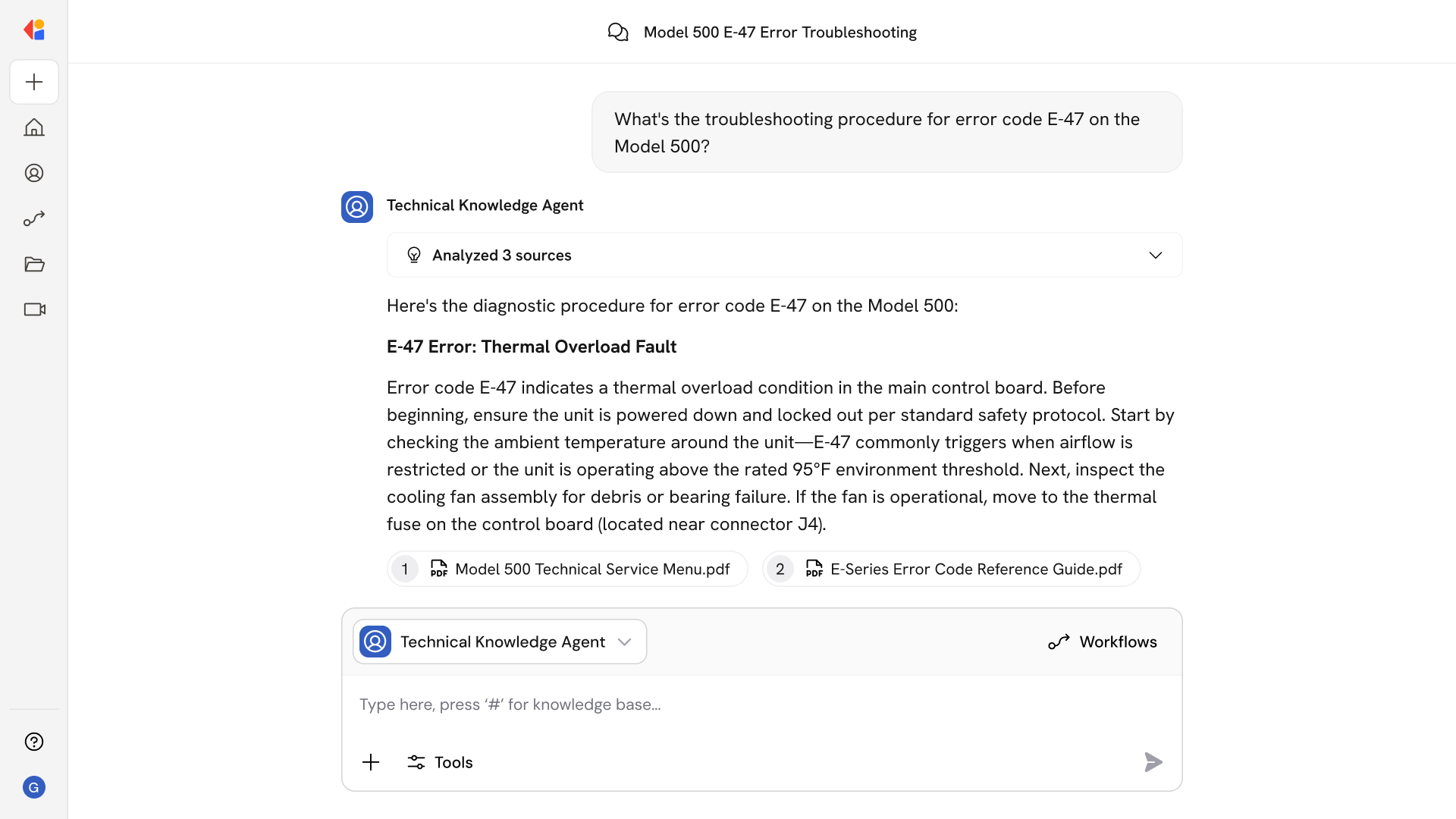
- "What's the troubleshooting procedure for error code E-47 on the Model 500?"
- "How do I replace the compressor assembly on this unit?"
- "What fixes have worked for intermittent power failures on this equipment?"
- "What are the torque specs for the mounting brackets?"
- "Has this serial number had recurring issues before?"
- "Walk me through the calibration sequence for the pressure sensor."
- "What safety precautions apply to servicing the hydraulic system?"
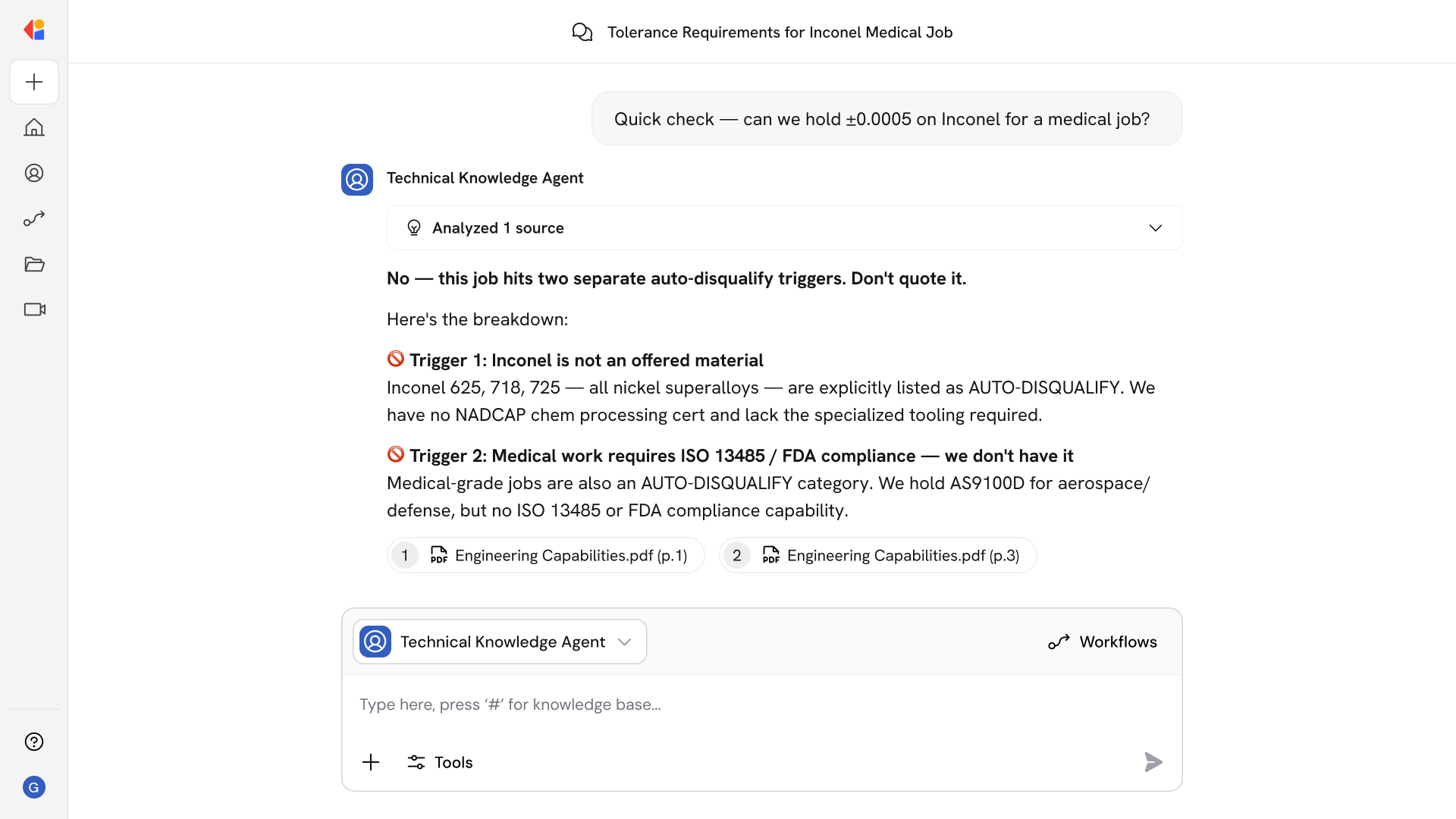
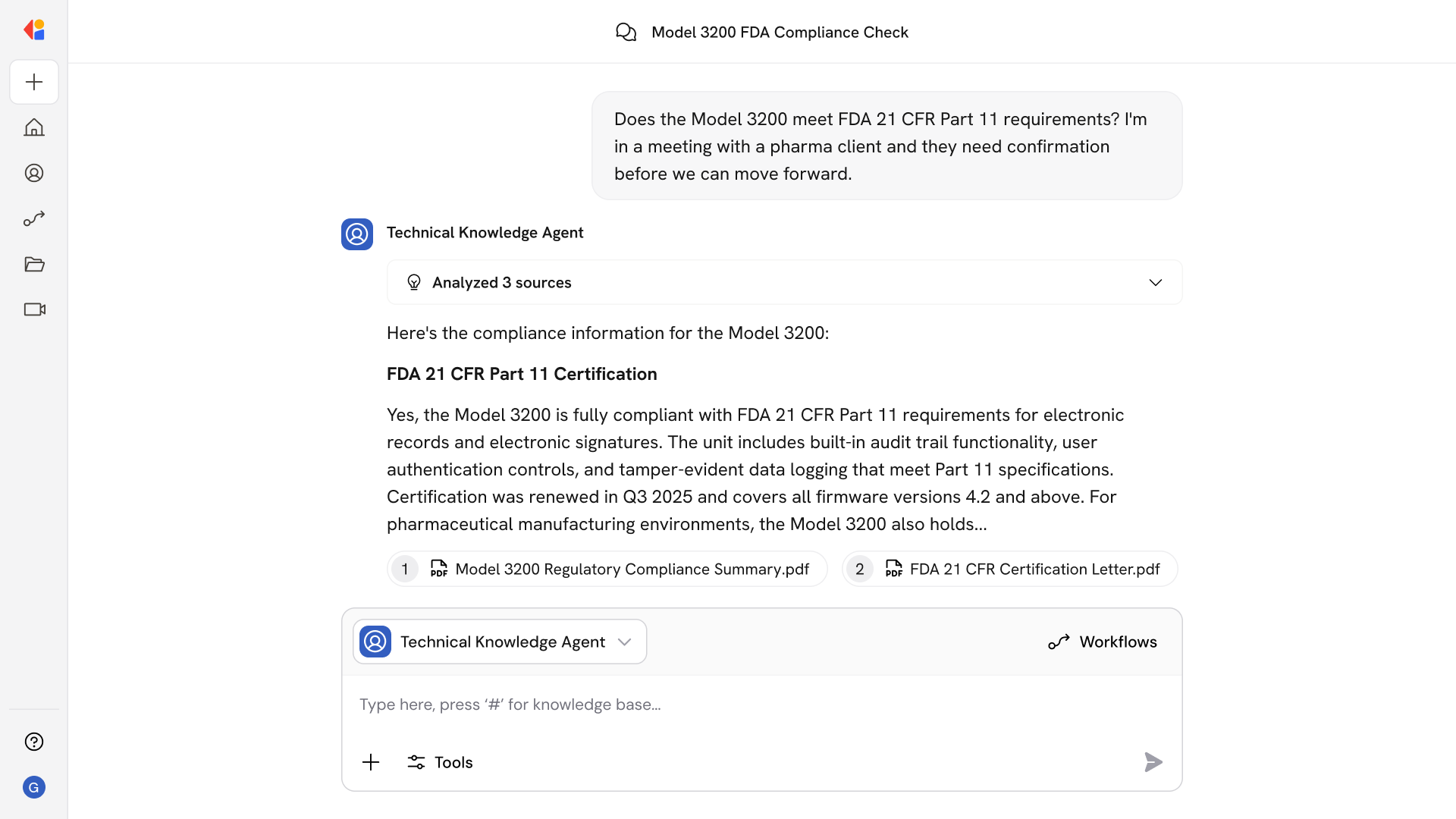
The Agent asks targeted follow-up questions to narrow down root cause, then returns step-by-step repair instructions with referenced sources—so you get consistent guidance without digging through manuals or calling back to the office.
Who uses Technical Knowledge Agent for Field Service Teams?
Technical Knowledge Agent is built for field service teams who need reliable answers while working on-site:
- Field Technicians troubleshooting equipment issues and performing repairs
- Service Engineers diagnosing complex or unfamiliar problems in the field
- Installation Teams referencing specifications and setup procedures during deployments
- Technical Support Leads guiding junior techs through difficult fixes remotely
It's especially valuable when techs encounter equipment they don't service often, or when facing issues that require cross-referencing multiple sources to pinpoint root cause—no more calling back to the office or flipping through binders on-site.
How does Technical Knowledge Agent for Field Service Teams use your Knowledge Base?
Technical Knowledge Agent searches across your connected sources—including SharePoint manuals, ServiceNow service logs, Confluence troubleshooting guides, Google Drive repair records, and more—to surface the right fix for the issue at hand.
When you describe a problem or ask about a specific piece of equipment, the Agent:
- Pulls relevant sections from equipment manuals and technical documentation
- Searches past service logs and repair records for similar issues and proven fixes
- References troubleshooting guides and SOPs for step-by-step instructions
- Cites sources so techs can verify procedures and access full documentation
Because the Knowledge Base syncs continuously, you're always working with the latest specs, updated procedures, and recent service history—not outdated PDFs or last year's manual.
Implement it inside your company
- Hands-on onboarding and support
- Self-paced training for your team
- Dedicated implementation experts
- Ongoing use case discovery
- ROI tracking & analytics dashboards
- Proven playbooks to get started fast