Read more insights
March 2026 Product Update

Hey Cassidy community,
Here's everything that's new in Cassidy this month.
Happy reading 💙
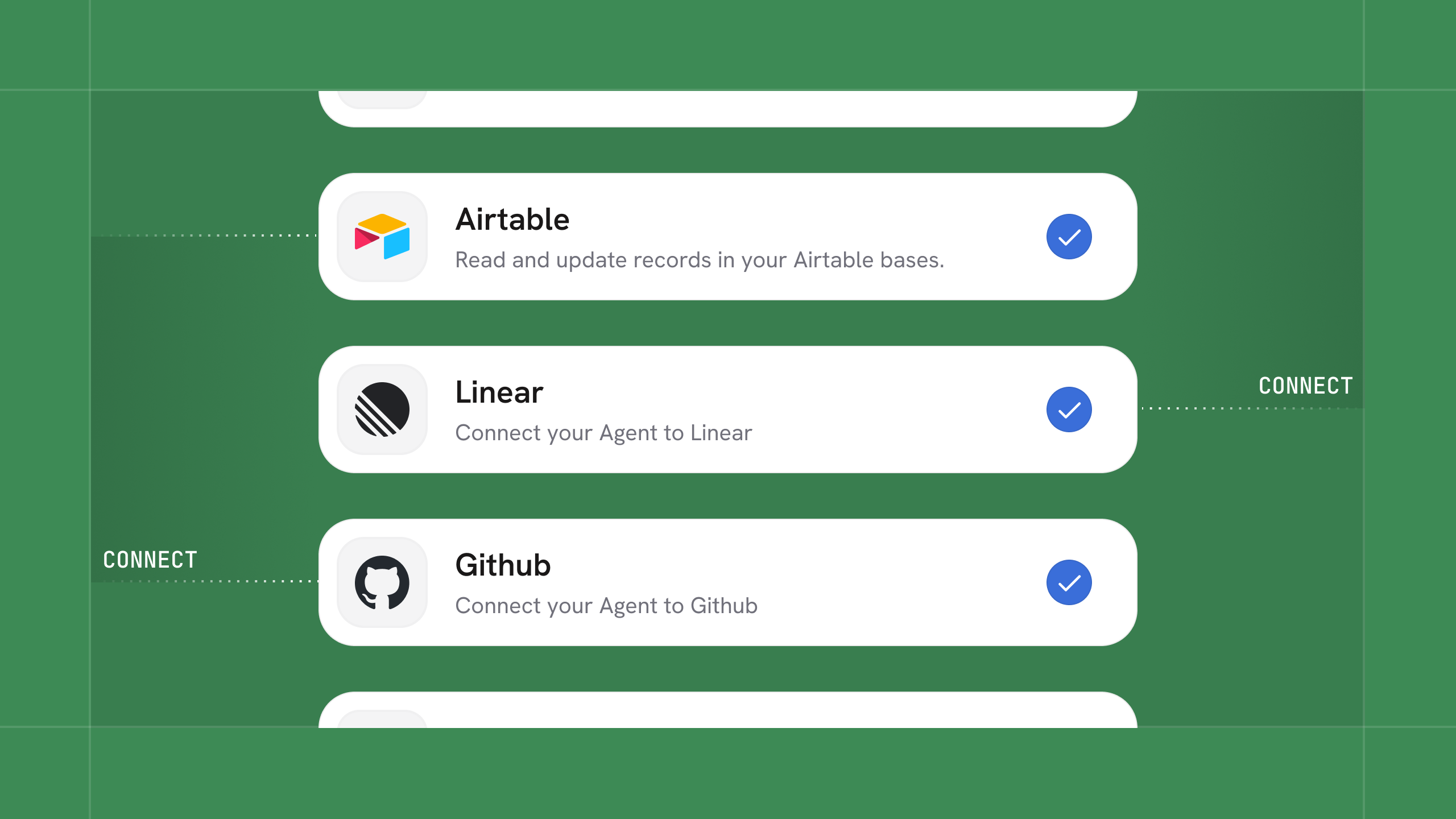
⭐ Spotlight: MCP is now Available in Cassidy
This is an enterprise-ready MCP (Model Context Protocol) integration that lets you connect your Agents to more external systems and live data sources than ever before.
What makes it enterprise-ready:
- Choose permissions for each action: Enable, ask for approval, or disable
- Control who can access which MCP servers
- Decide whether users share connections through service accounts or connect their own account
- Everything is logged in the chat
⛲ Workflow Improvements
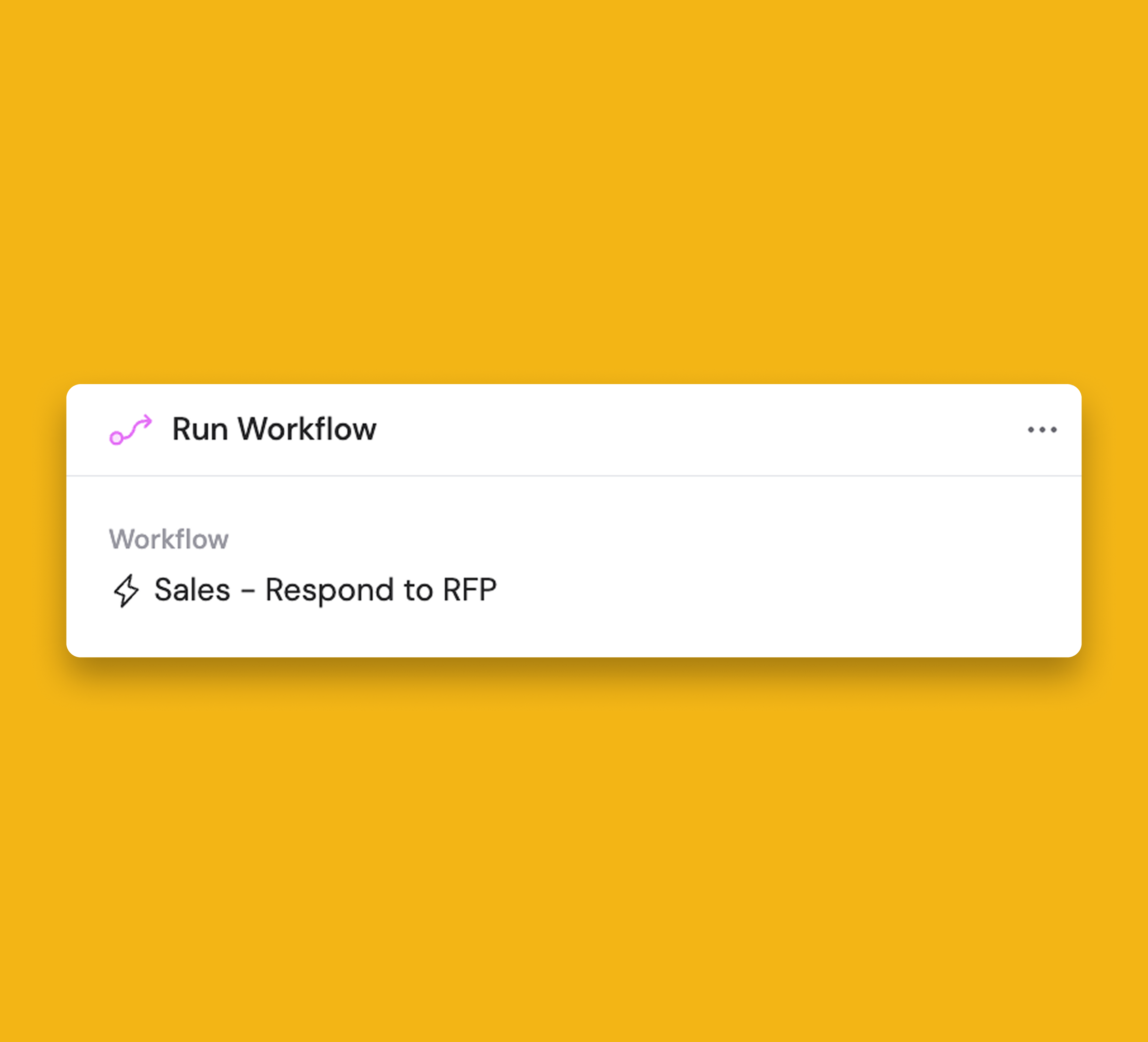
⚡ New Workflow Action: Run Workflow
Trigger another Workflow as a step inside your current Workflow.
Handle complex, multi-step processes all in one place, and automatically kick off follow-up Workflows without leaving your automation.
☁️ Airtable Workflow Integration
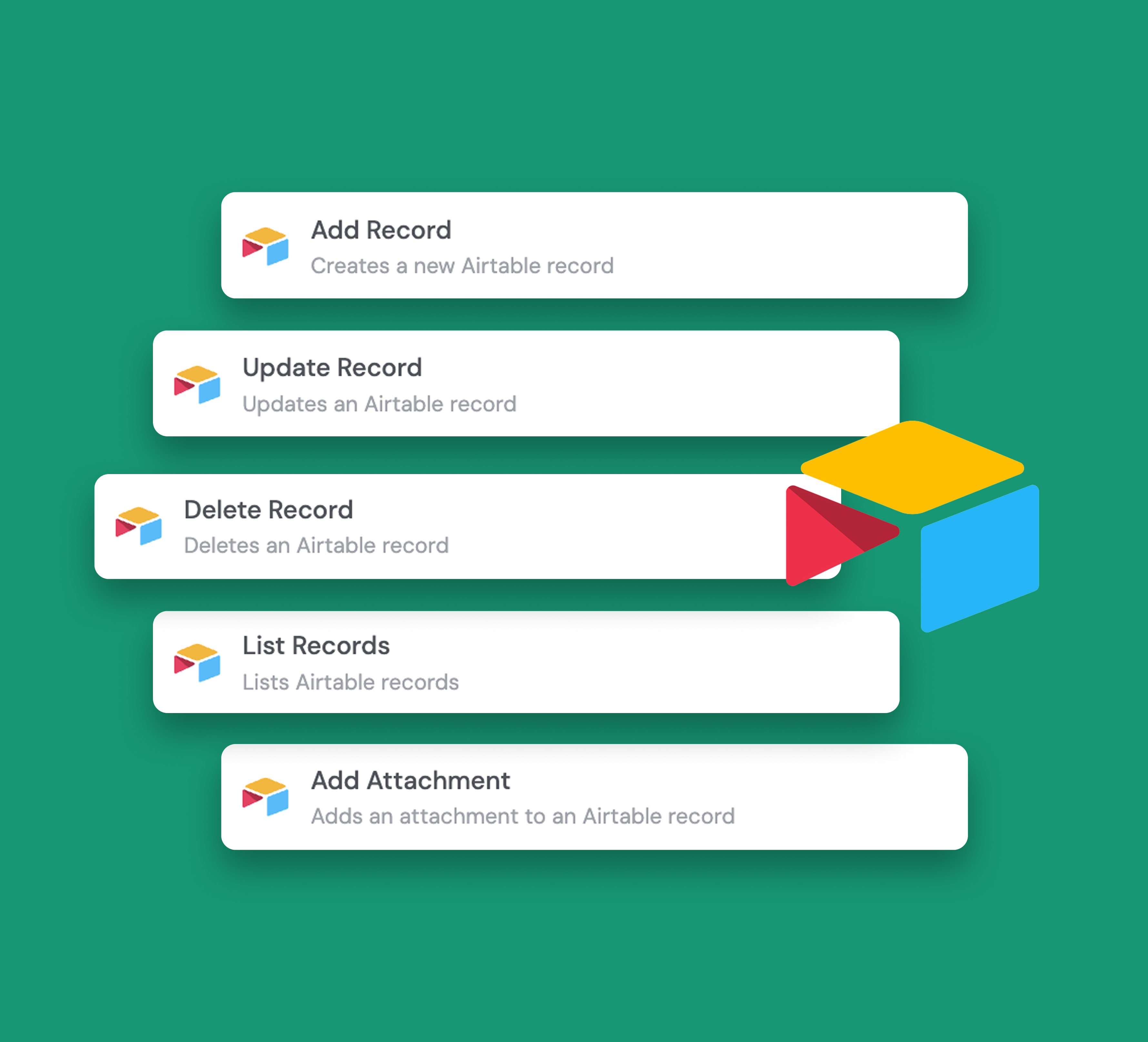
We’ve added Airtable actions to Workflows, letting you manage records and add attachments directly from Cassidy.
Records can be added, updated, deleted or listed seamlessly to automate your project management workflows without leaving the platform.
⚙️ Capabilities & Connectors in Generate Text Actions
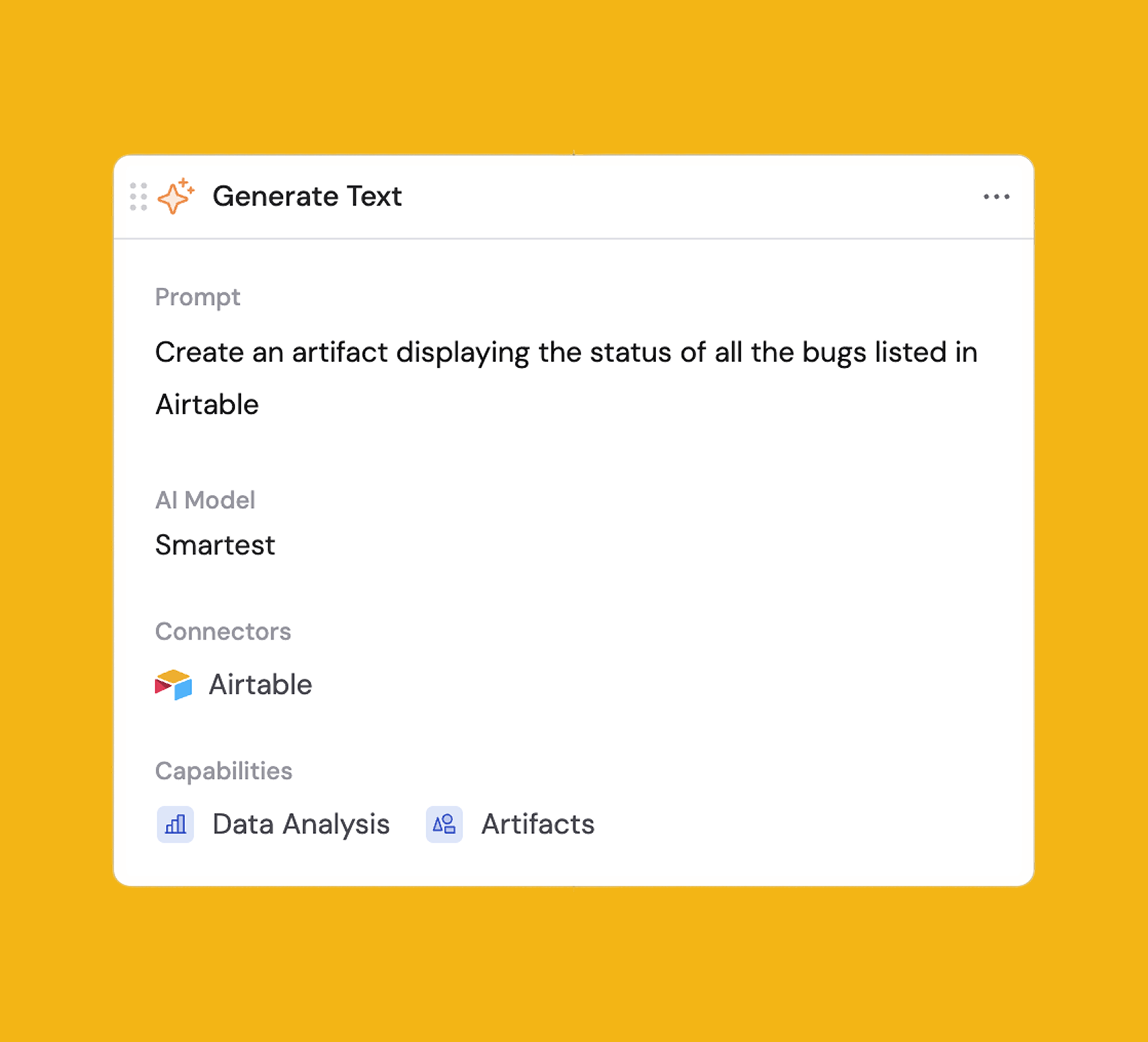
Get more powerful, context-aware Workflows up and running faster than ever.
Enable Capabilities (like web search, data analysis, or image generation) and add Connectors (to your CRM, databases, and other tools) directly within the block, removing the need to build a custom Agent.
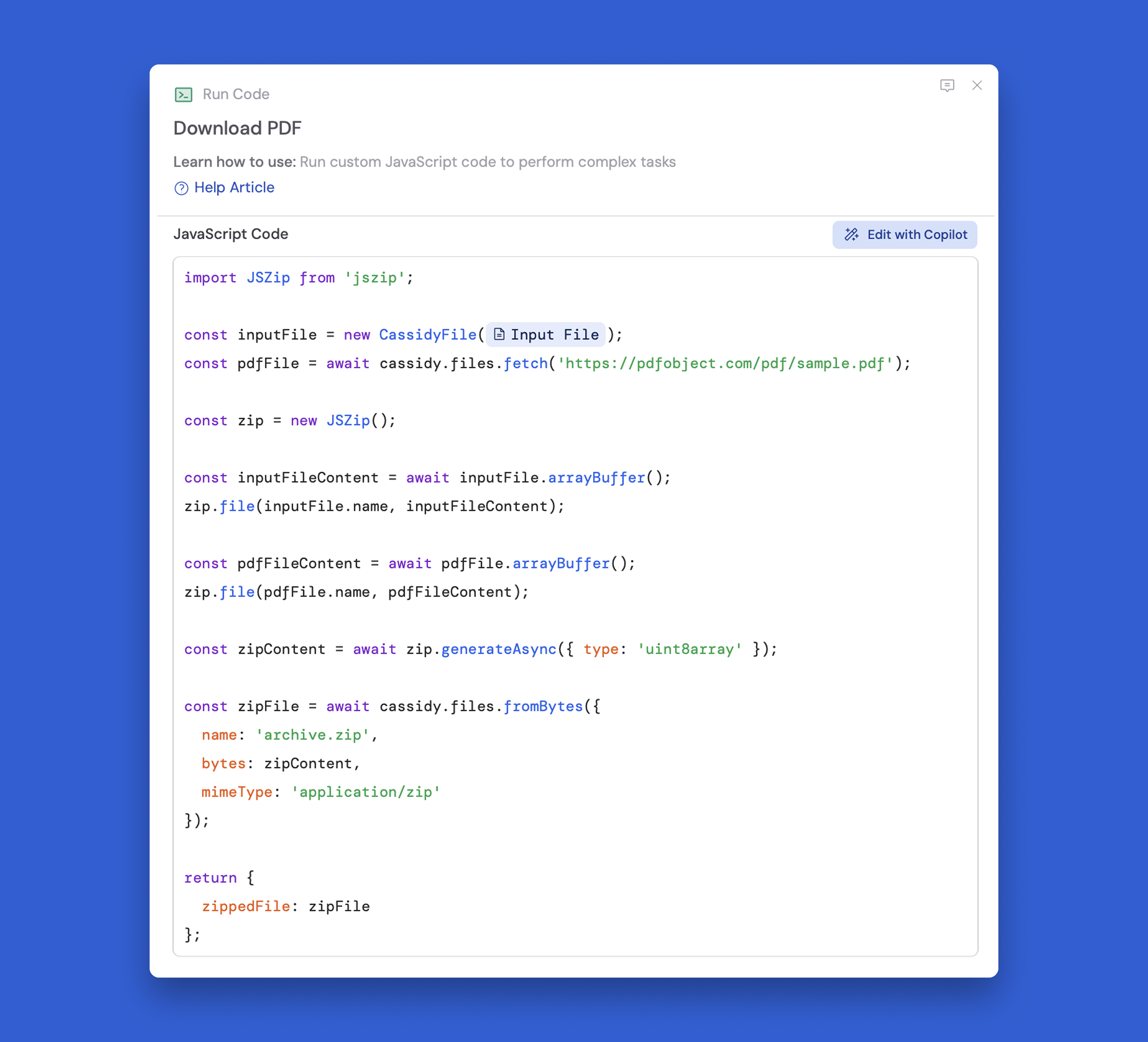
📂 Work with Files in the Run Code Action
Modify and create files without needing to leave your Workflow.
Pro tip: Copilot can write the code for you if you describe the changes you'd like to make.
👋 Agent Improvements
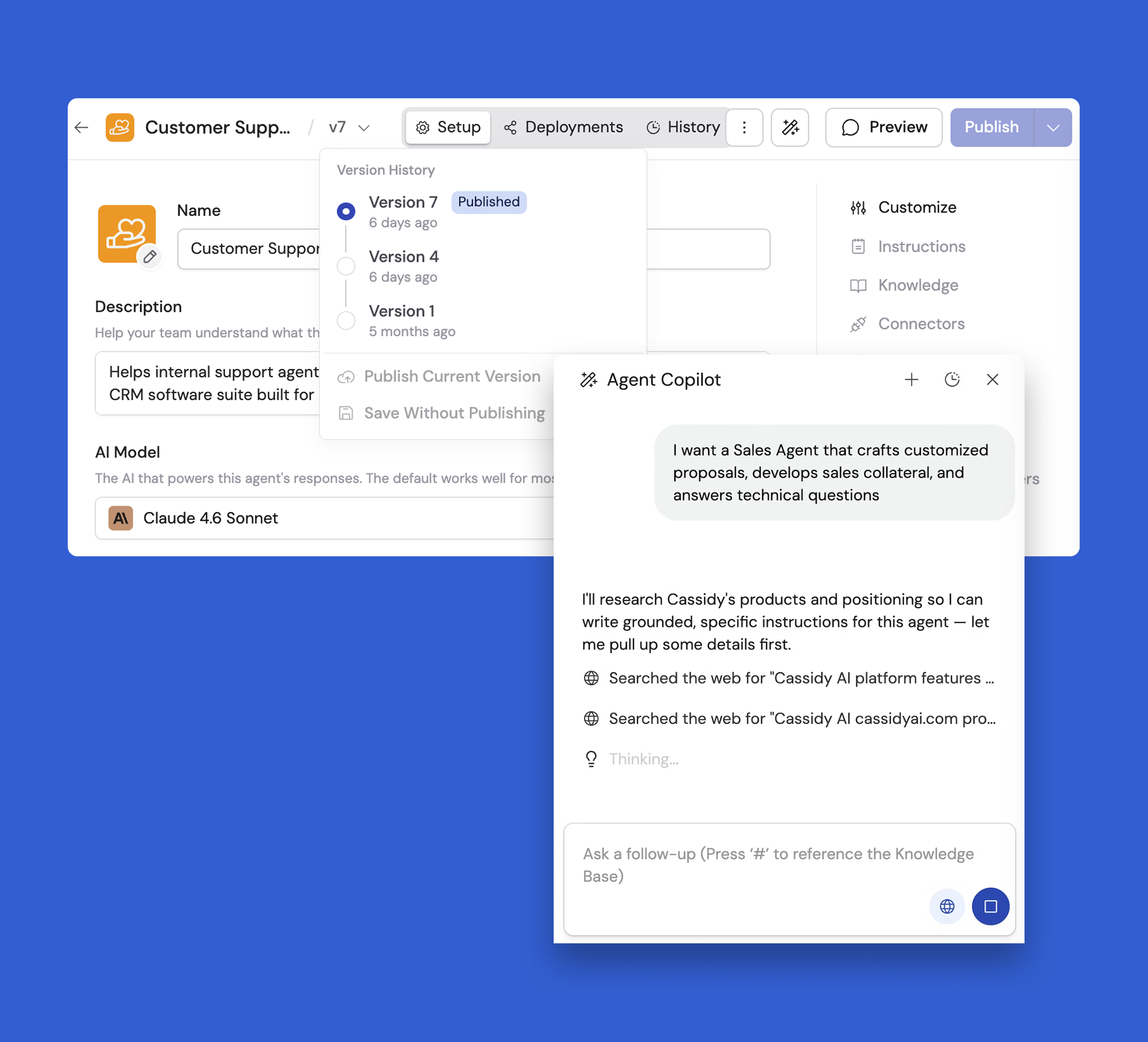
⭐ Meet Agent Copilot and Your Refreshed Agent Editor
Agent Copilot works alongside you as you configure your Agents. Describe what you need in plain language, and Copilot helps you set up prompts and instructions, connect knowledge, add tools, and refine behavior.
The Agent editor has been rebuilt to make configuration more intuitive:
- Tools are now organized into Capabilities (like Web Search, Data Analysis, Artifacts), Connectors (like HubSpot, Salesforce), and Workflows—each in their own section, so they're easier to find and configure
- The Knowledge section now works like "attaching" documents and folders, making it simpler to connect your Agent to the right information
- Workflows are now a standalone section—no longer hidden, and much easier to add and manage
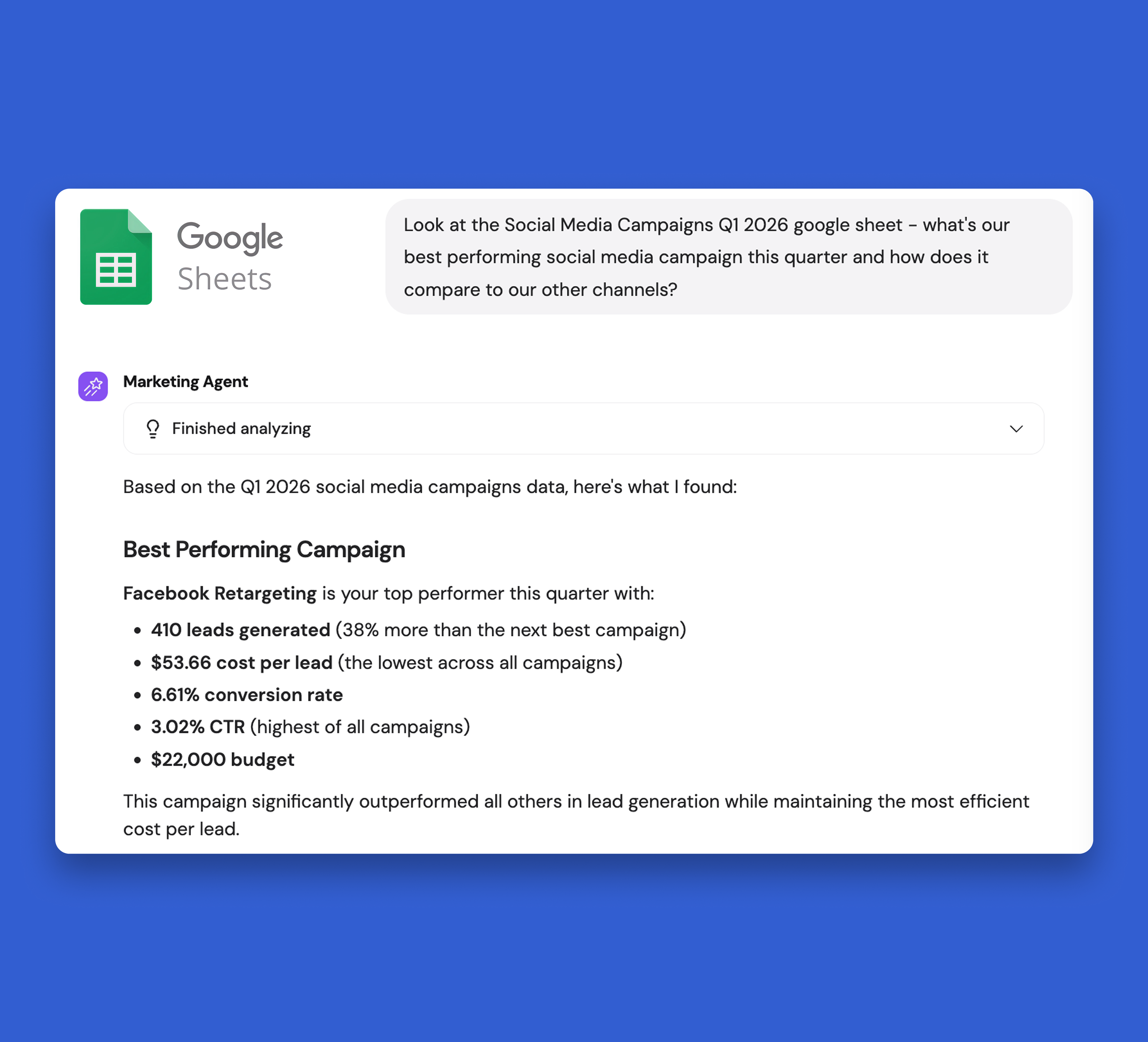
🔗 New Agent Connector: Google Sheets
Teams can query Google Sheets in plain language to extract information quickly, with in-chat approvals for any actions that modify data.
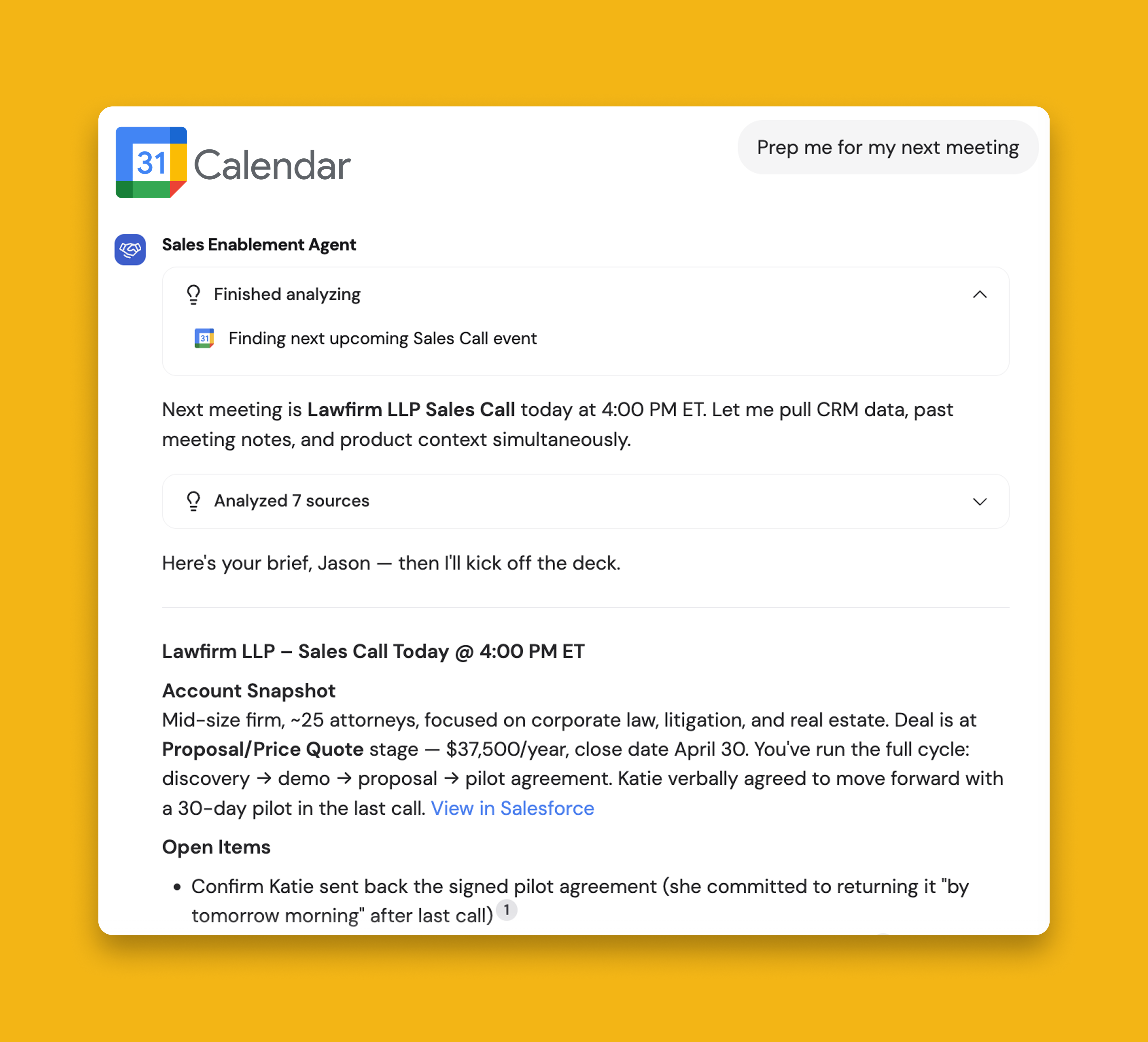
🔗 New Agent Connector: Google Calendar
Teams can query Google Calendar in plain language to extract event information quickly, with in-chat approvals for any actions that modify calendar events.
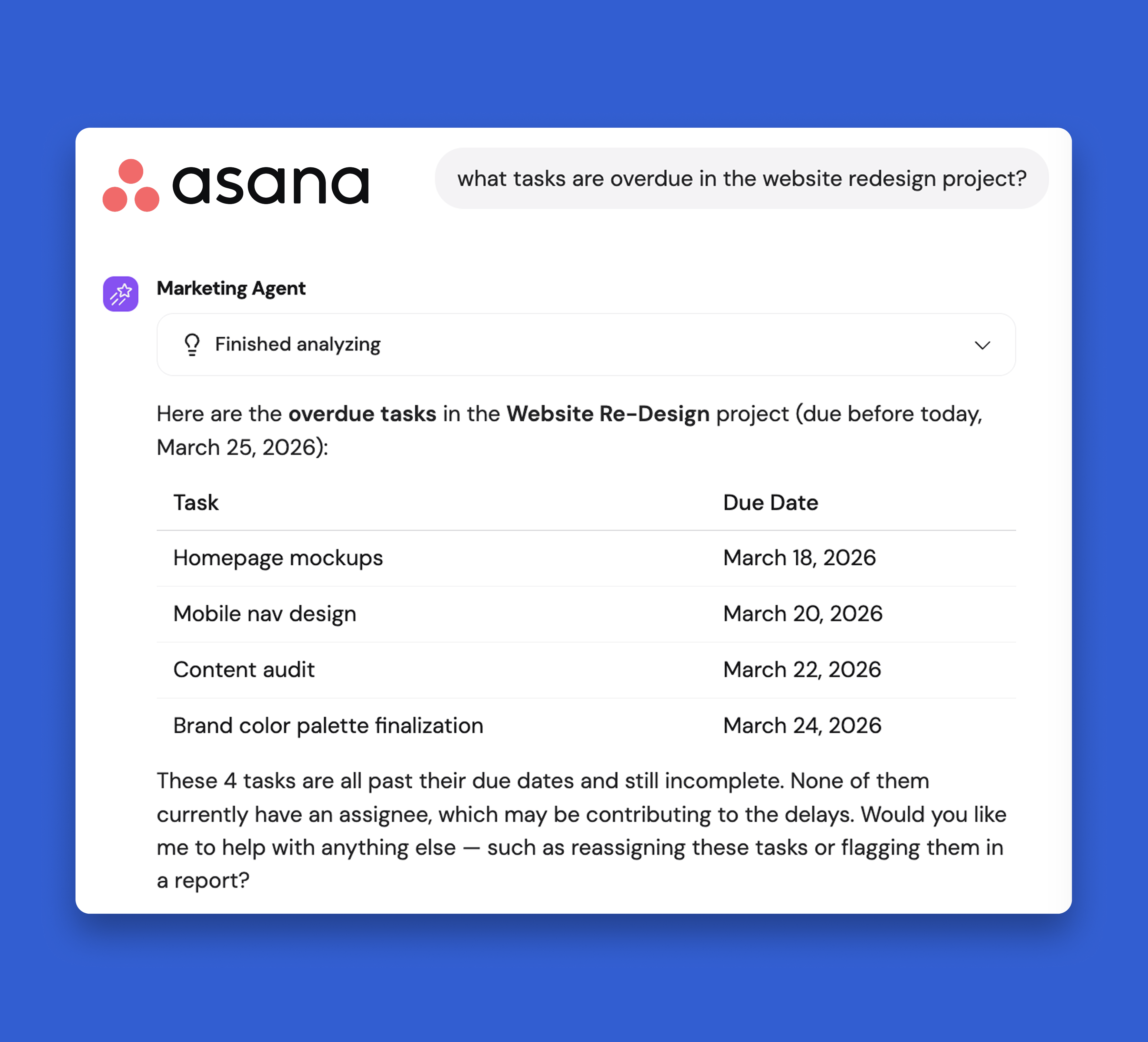
🔗 New Agent Connector: Asana
Teams can query Asana in plain language to extract information quickly, with in-chat approvals for any actions that modify data.
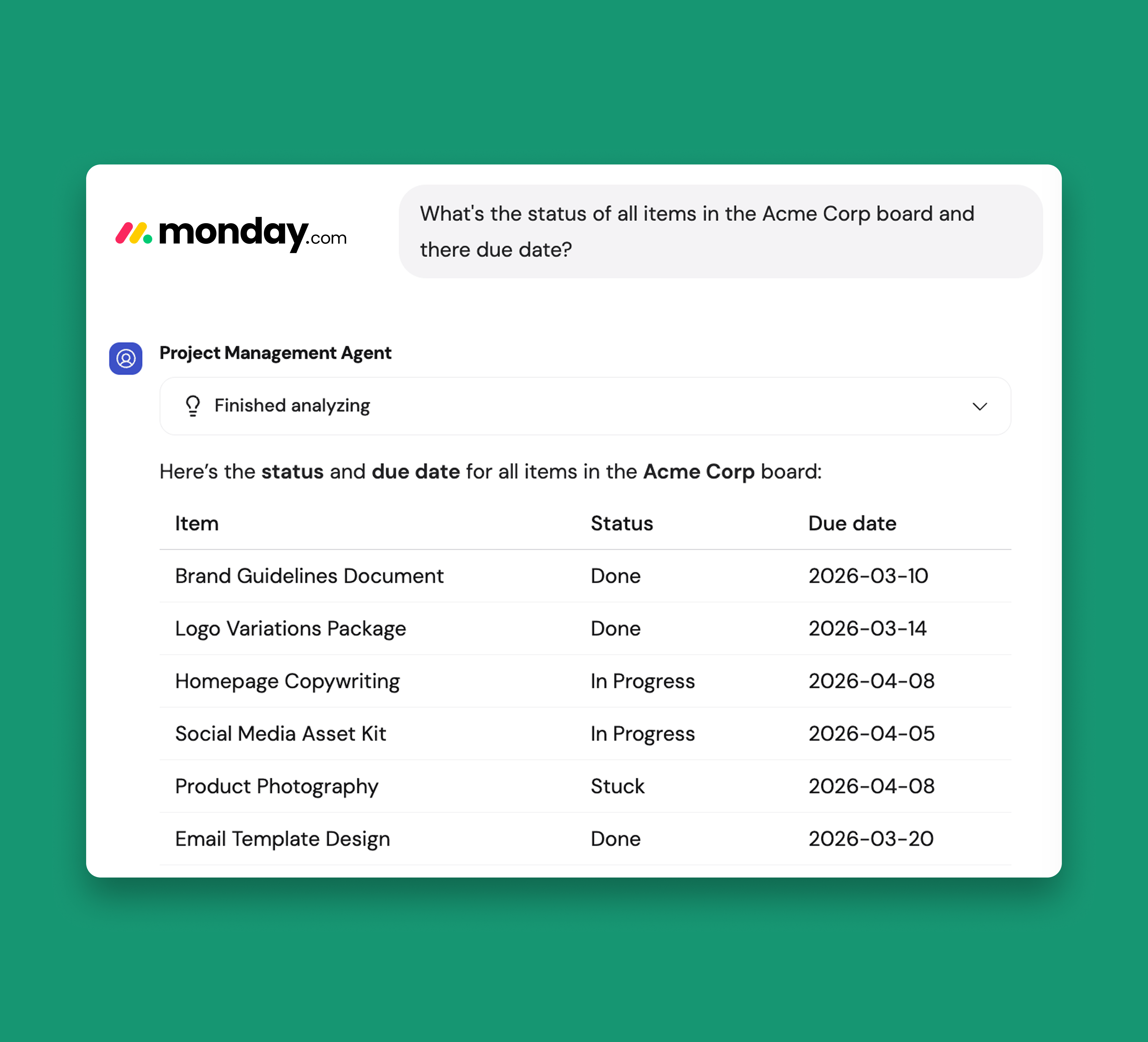
🔗 New Agent Connector: monday.com
Teams can query monday.com in plain language to extract information quickly, with in-chat approvals for any actions that modify data.
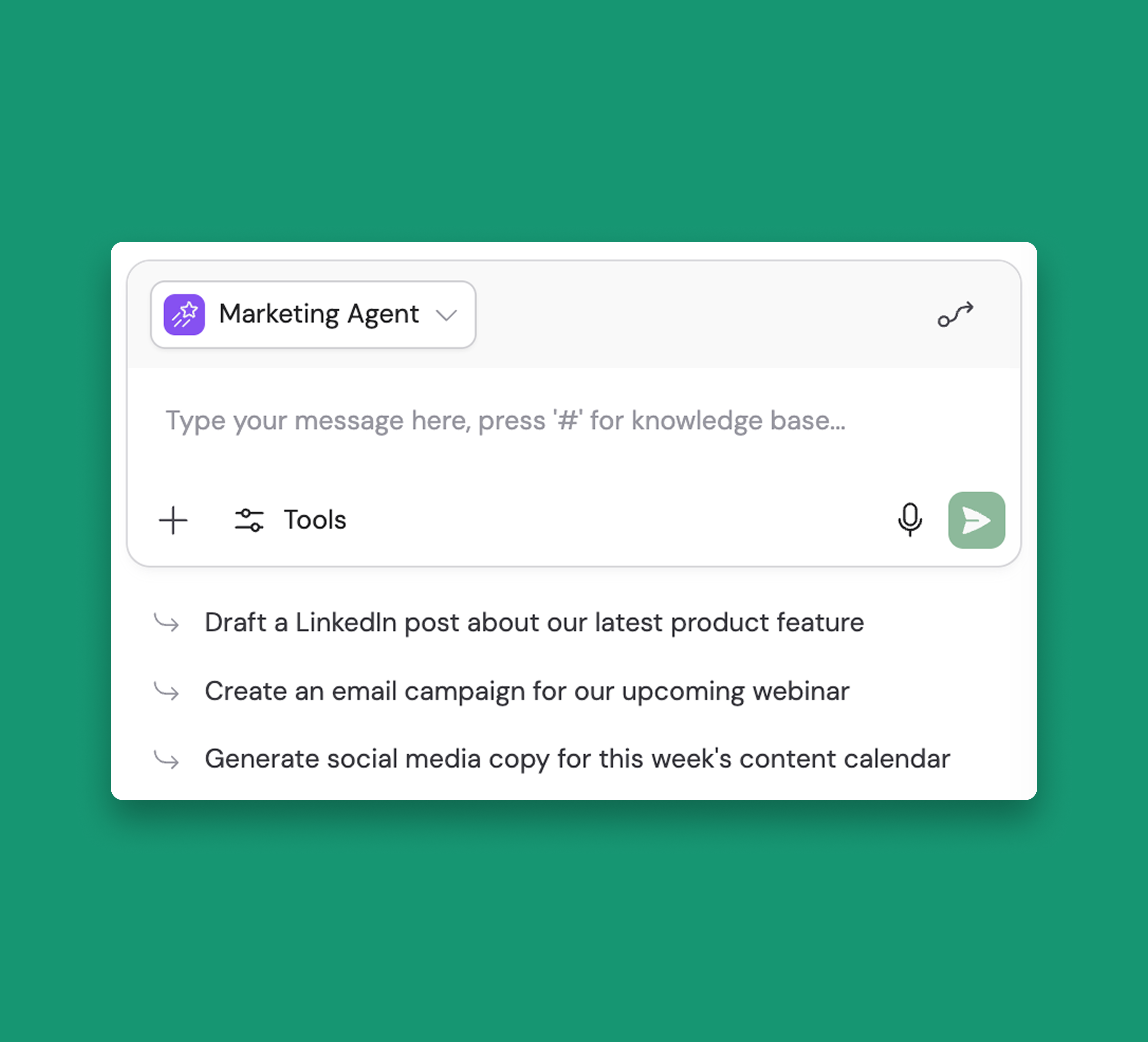
💬 Conversation Starters for Agents
Help users get started with an Agent by designing custom pre-built prompts.
These prompts appear as clickable suggestions in a new chat, helping users understand what tasks your custom Agents can handle and making it easier for teams to discover and adopt Agent capabilities.
📚 Platform Improvements
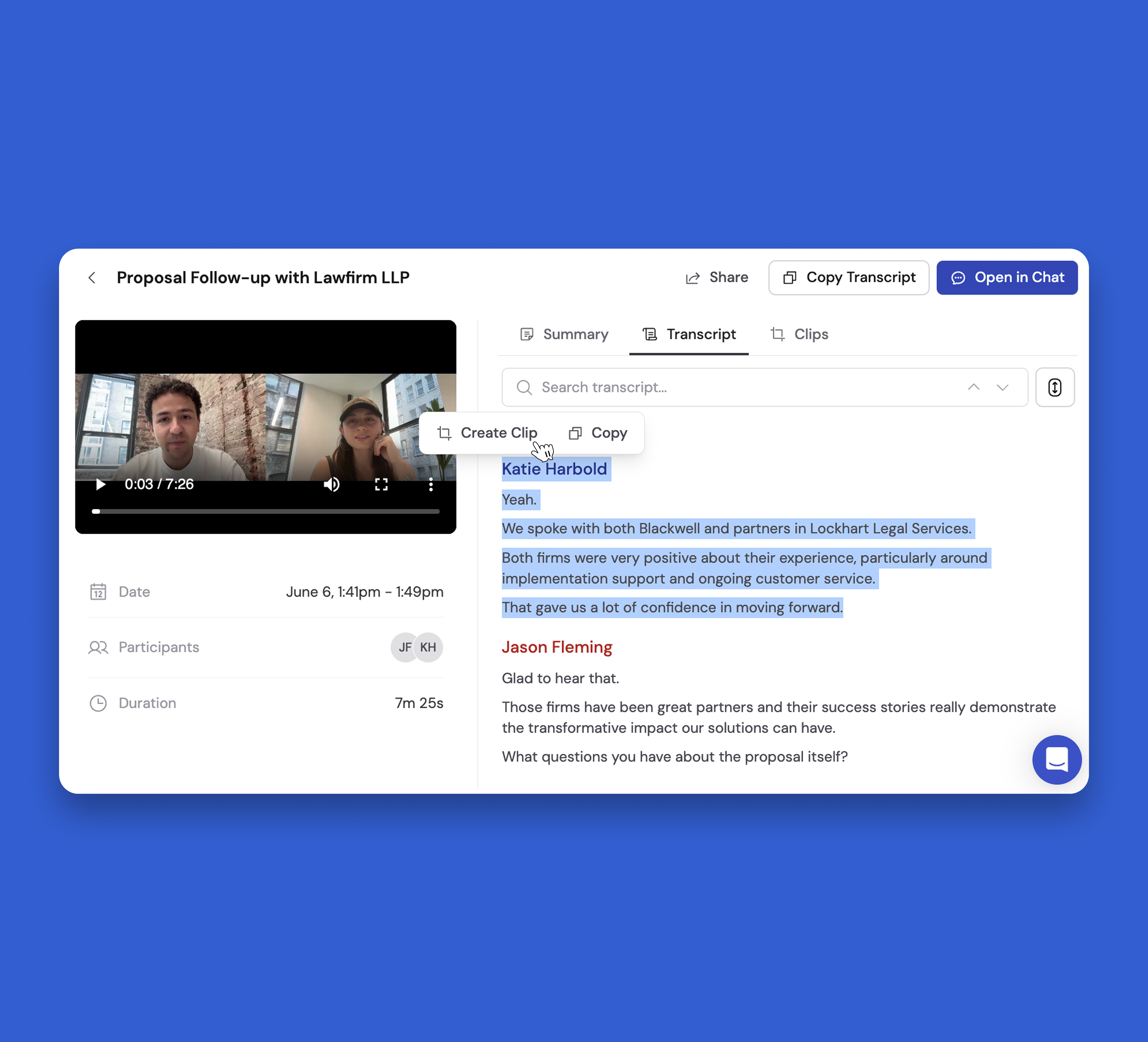
✂️ Introducing: Meeting Clips
Share important moments, customer feedback, or key decisions with the people who need them, while keeping the rest of the meeting confidential.
Simply highlight any text in your meeting transcript to create a clip, and find all your saved clips in the new Clips tab.
Clips have independent permissions from the original meeting—so even if a meeting is private, you can share specific clips with teammates who need them.
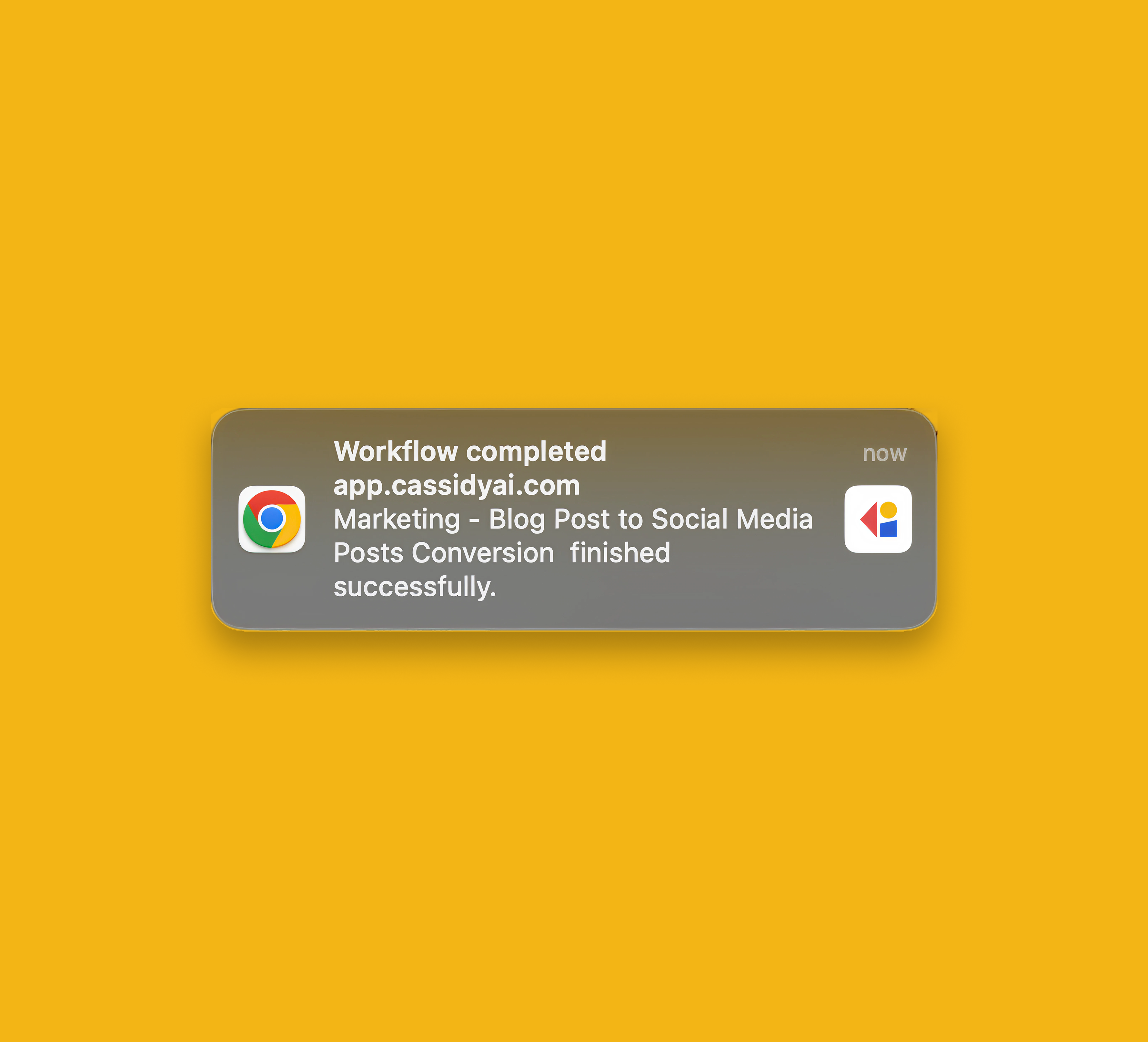
🔔 Browser Notifications for Workflow & Agent Chat Completion
Stay informed when your Agents finish responding or Workflow runs complete while working in other tabs or applications—eliminating the need to monitor open tabs for a status update.
New Models
- GPT-5.4
- GPT-5.4 Mini
- GPT-5.4 Nano



Build AI Agents that operate like your team
Cassidy Inc. © 2026
