Read more insights
February 2026 Product Update
Hey Cassidy community,
Here's everything that's new in Cassidy this month.
Happy reading 💙
⭐ Spotlight: New Agent Tool - Browser Use
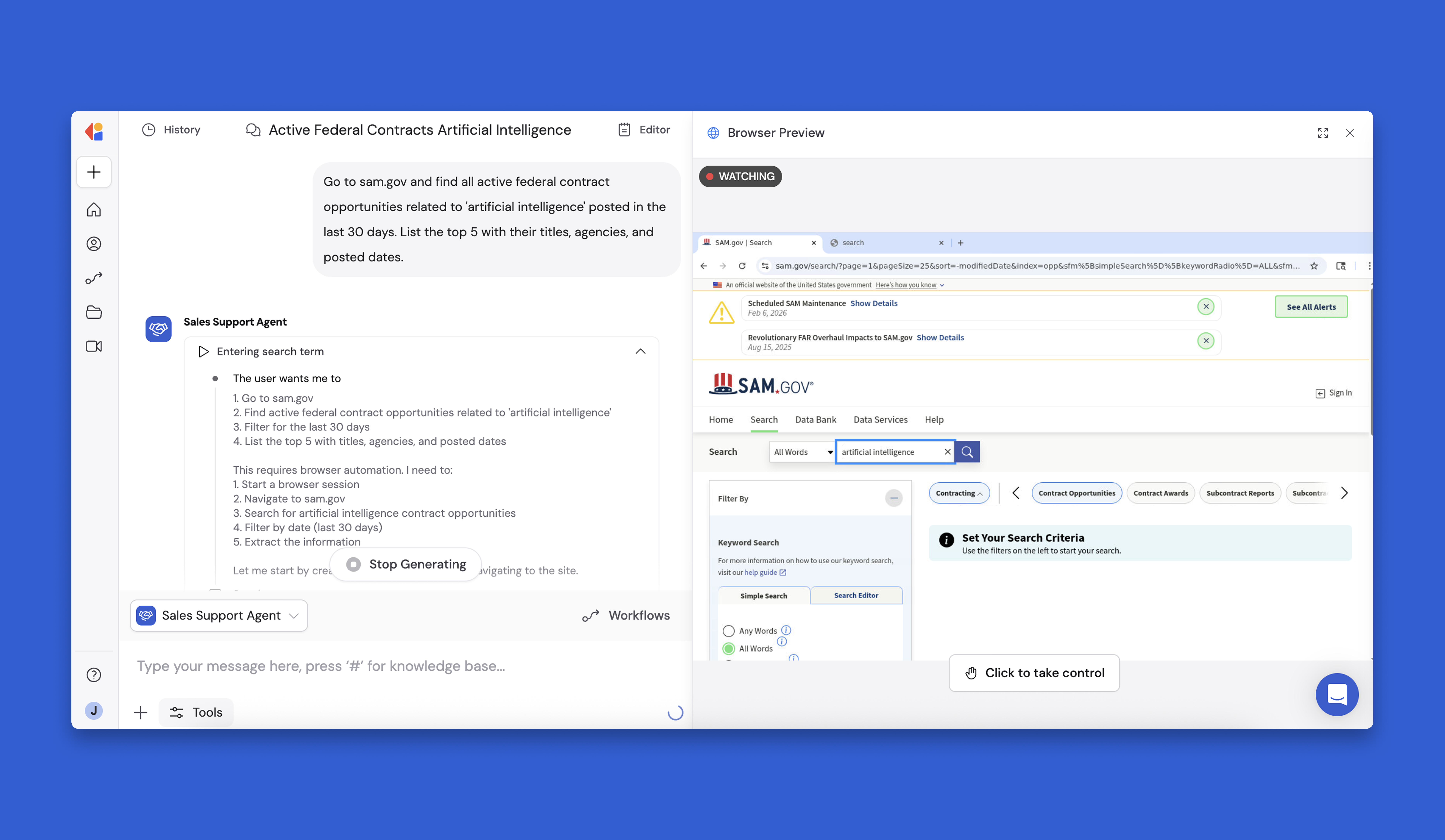
Introducing Browser Use—a new tool that lets your Agents automate interactive web tasks like navigating public databases, extracting data from government sites, and conducting visual reviews.
Unlike basic web scraping, Browser Use can handle complex, multi-step interactions on sites that require clicking, filtering, and navigating—think SAM.gov contract searches, vendor portals, or compliance databases.
Key features:
- Side-by-side view: Watch the browser work in real time
- Take control anytime to guide the Agent
- Review screenshots of every step afterward
- Works within Workflows for end-to-end automation
Want to try it? Add Browser Use to any Agent, then ask it to navigate a site and extract specific data.
⛲ Workflow Improvements
📋 monday.com Workflow Integration
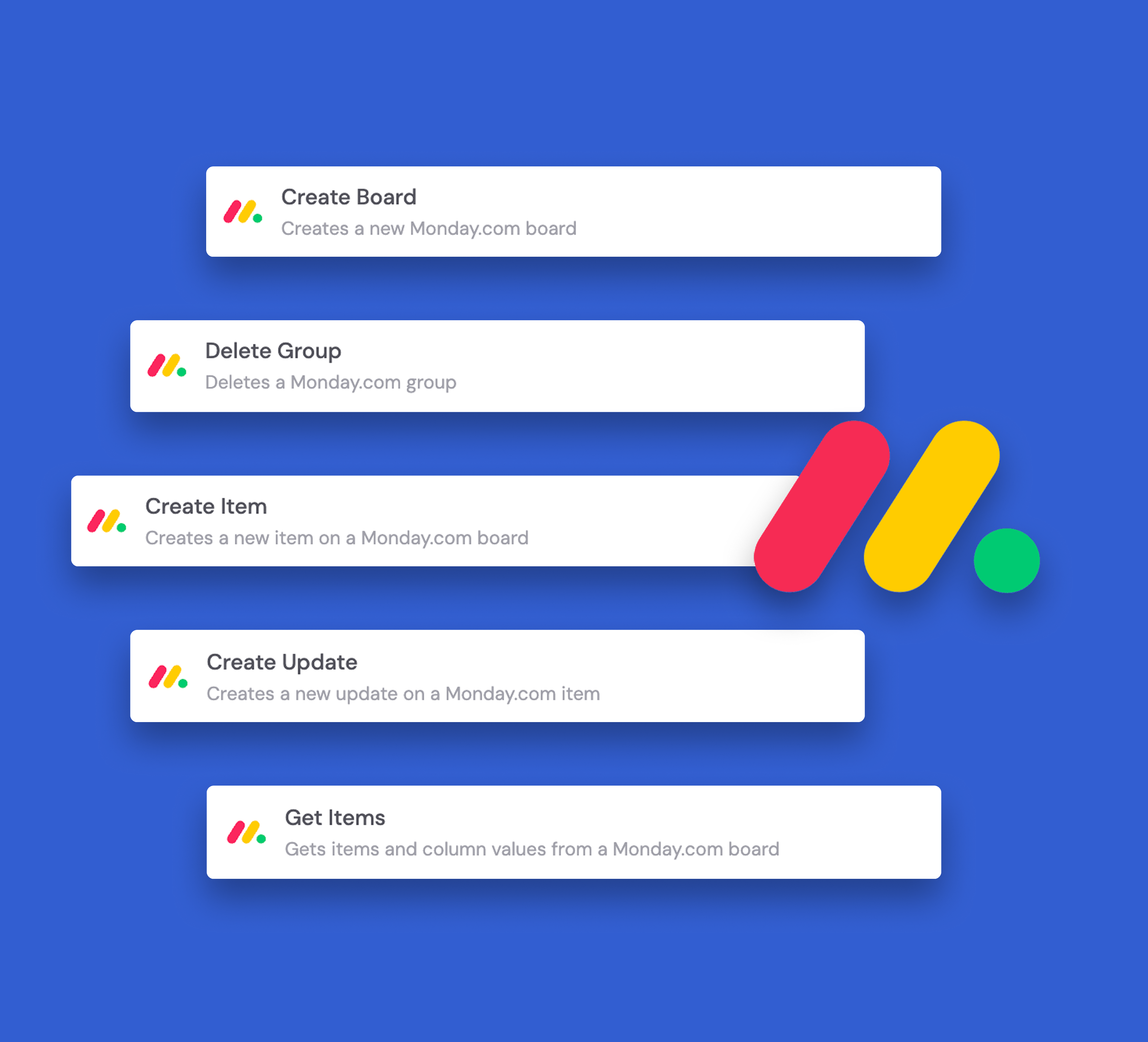
We've added monday.com triggers and actions to Workflows, enabling you to manage boards, items, groups and columns directly from Cassidy.
These properties can be created, updated, retrieved, or deleted seamlessly to automate your project management workflows without leaving the platform.
📧 Expanded HubSpot Workflow Integration
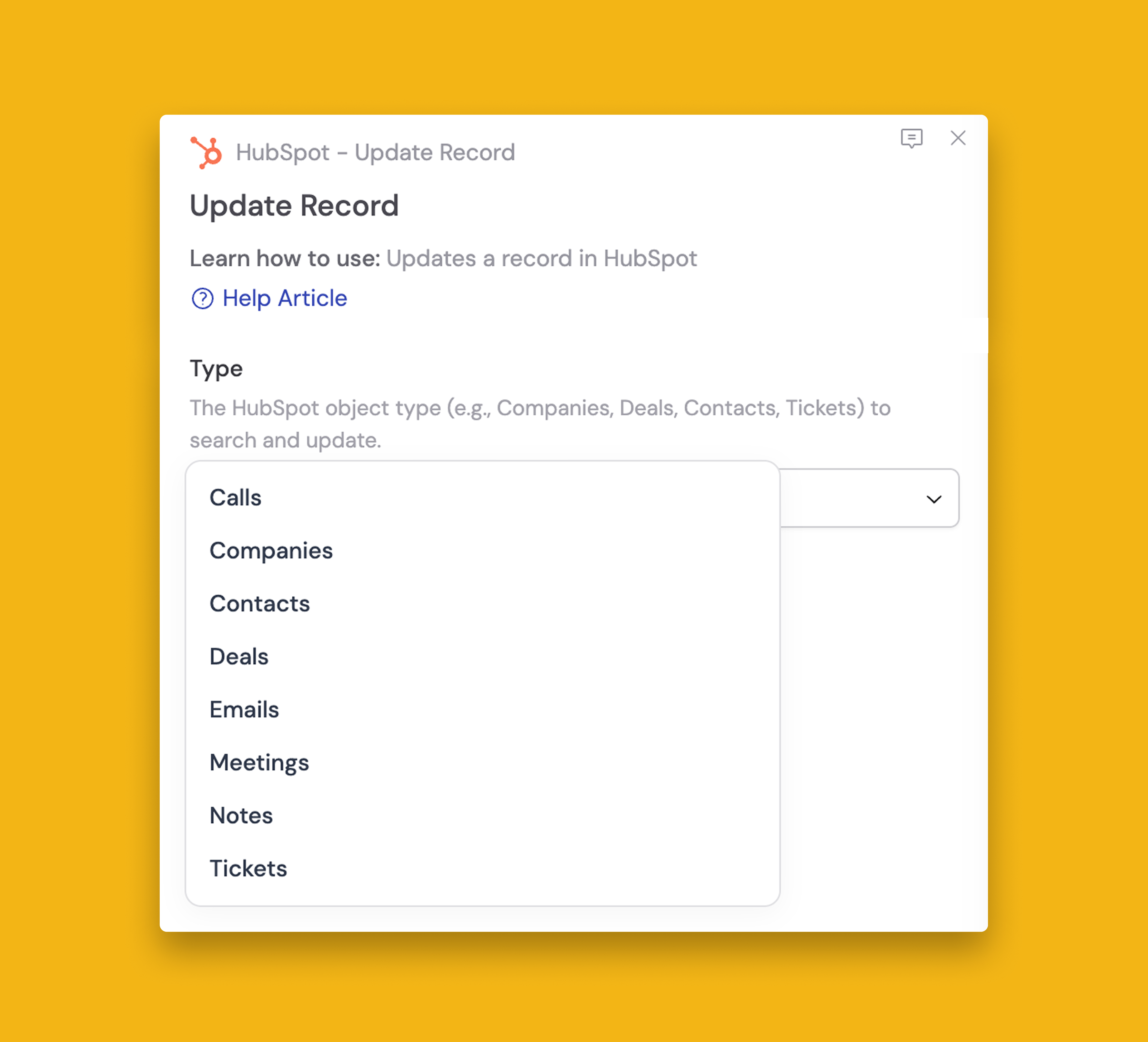
Emails, calls, meetings, and notes object types are now accessible through the HubSpot Workflow Integration.
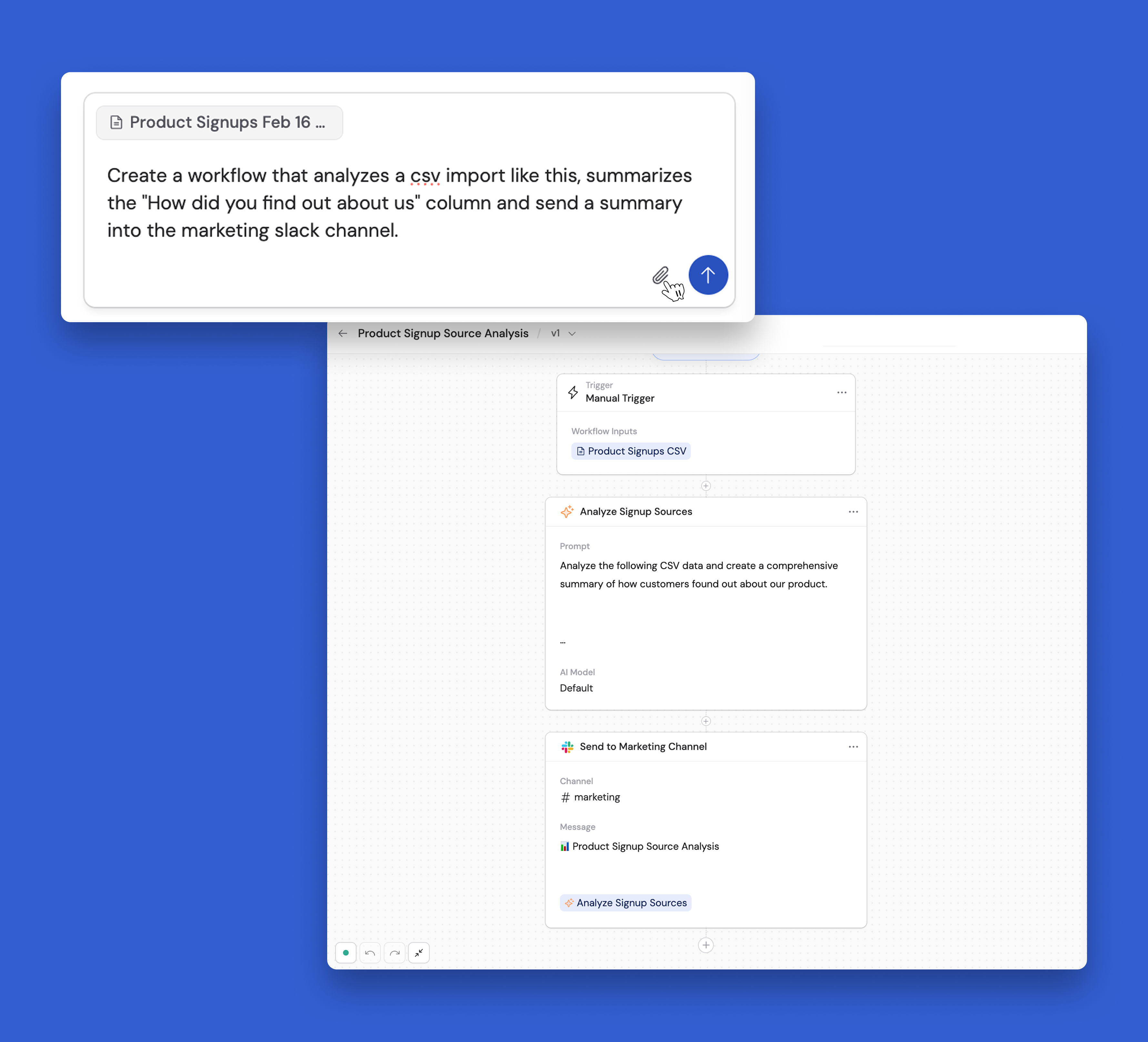
📎 Attach Files in Workflow Copilot
Build more accurate Workflows from the start by providing Copilot with a sample file to digest.
By providing a file, Copilot better understands what steps are required to transform it—reducing back-and-forth adjustments and getting you to the final result faster.
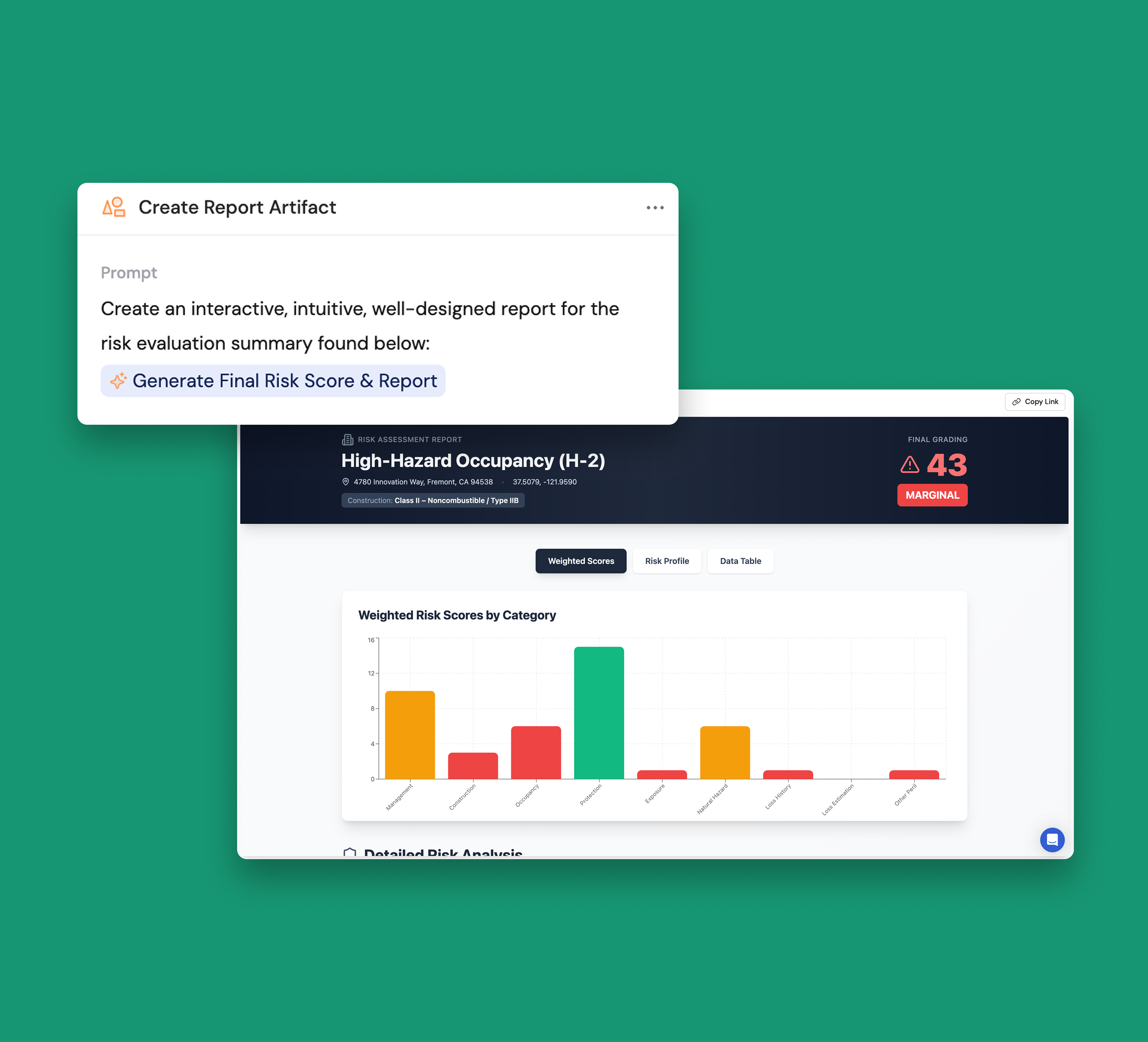
📊 New Workflow Action: Create Artifact
Generate interactive outputs like reports and dashboards directly from your Workflow data.
This action brings the full functionality of the Artifacts Agent Tool into your automations, allowing you to create dynamic, shareable artifacts as part of any Workflow.
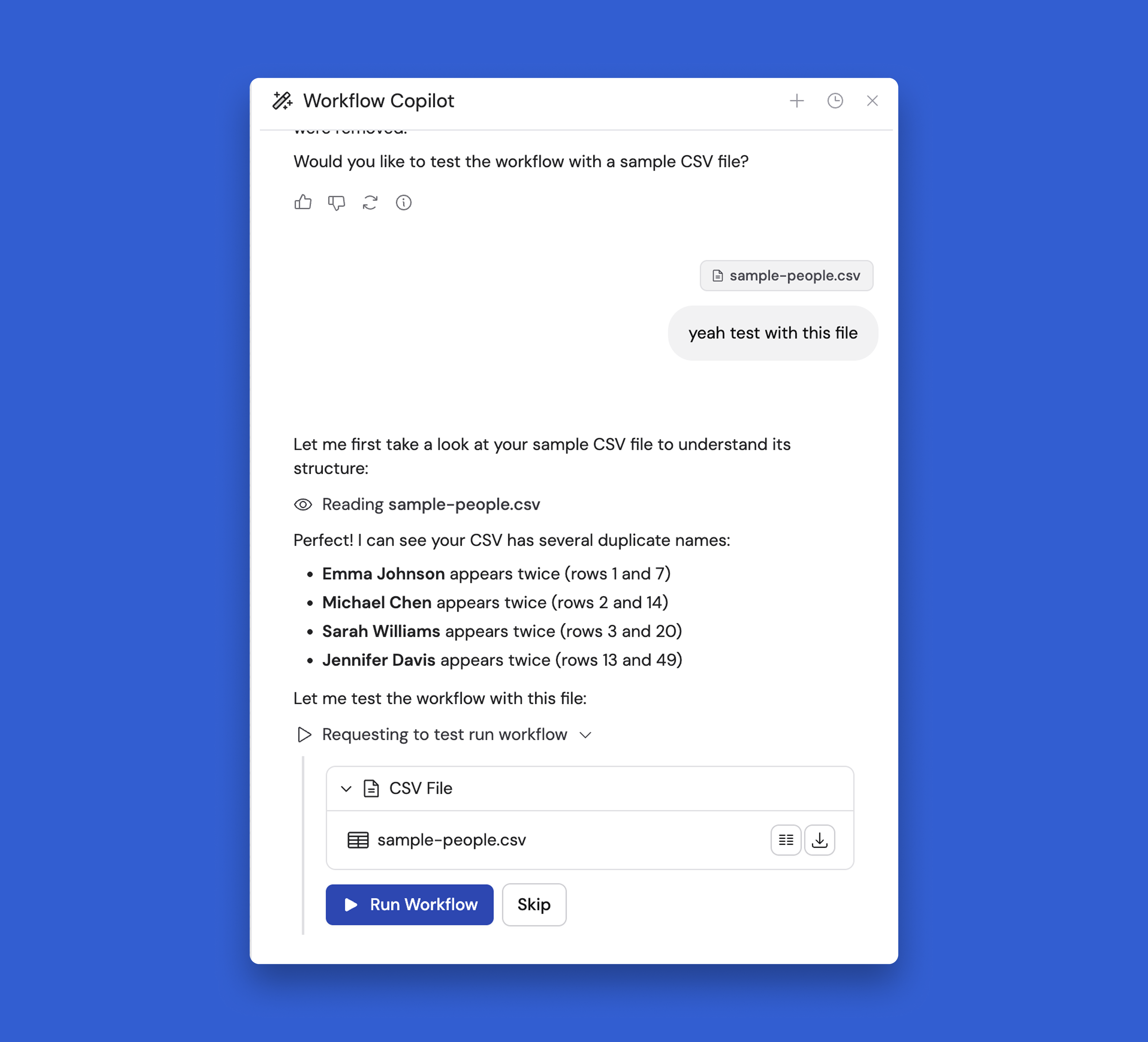
🧪 Workflow Copilot: Test and Debug Workflows
Workflow Copilot can now execute test runs of your Workflows on your behalf using sample data you provide.
The Copilot steps through each action to check for errors, identify issues, and suggest fixes automatically based on the results it sees.
Debug and refine Workflows faster without manually testing each step and interpreting the outputs yourself. The Copilot catches problems early—before your automations go live—so you can deploy with confidence.
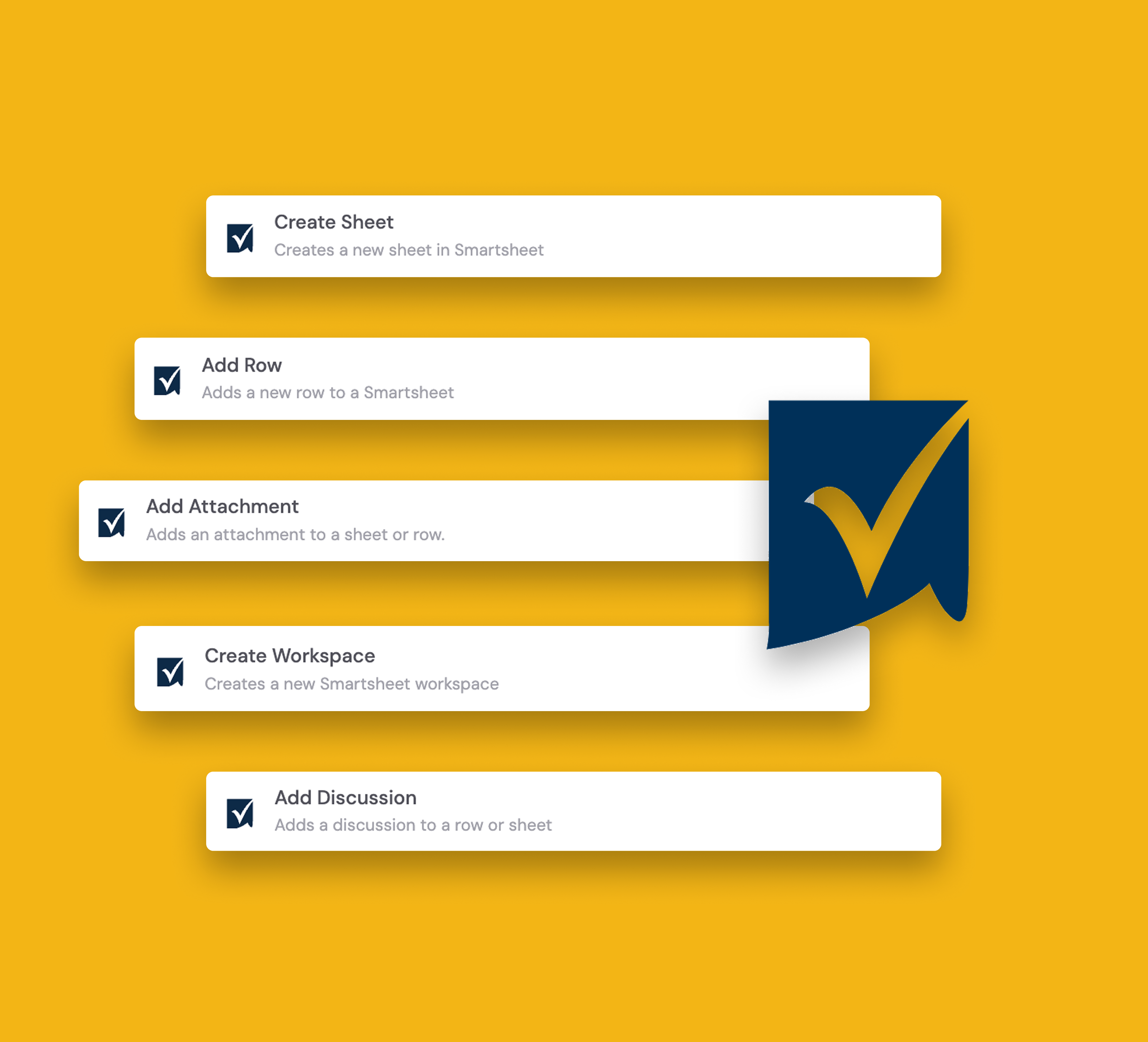
✔️ Smartsheet Workflow Integration
We’ve added Smartsheet triggers and actions to Workflows, letting you manage rows, attachments, discussions, sheets, and workspaces directly from Cassidy.
These items can be added, updated, moved, found, or created seamlessly to automate your project management workflows without leaving the platform.
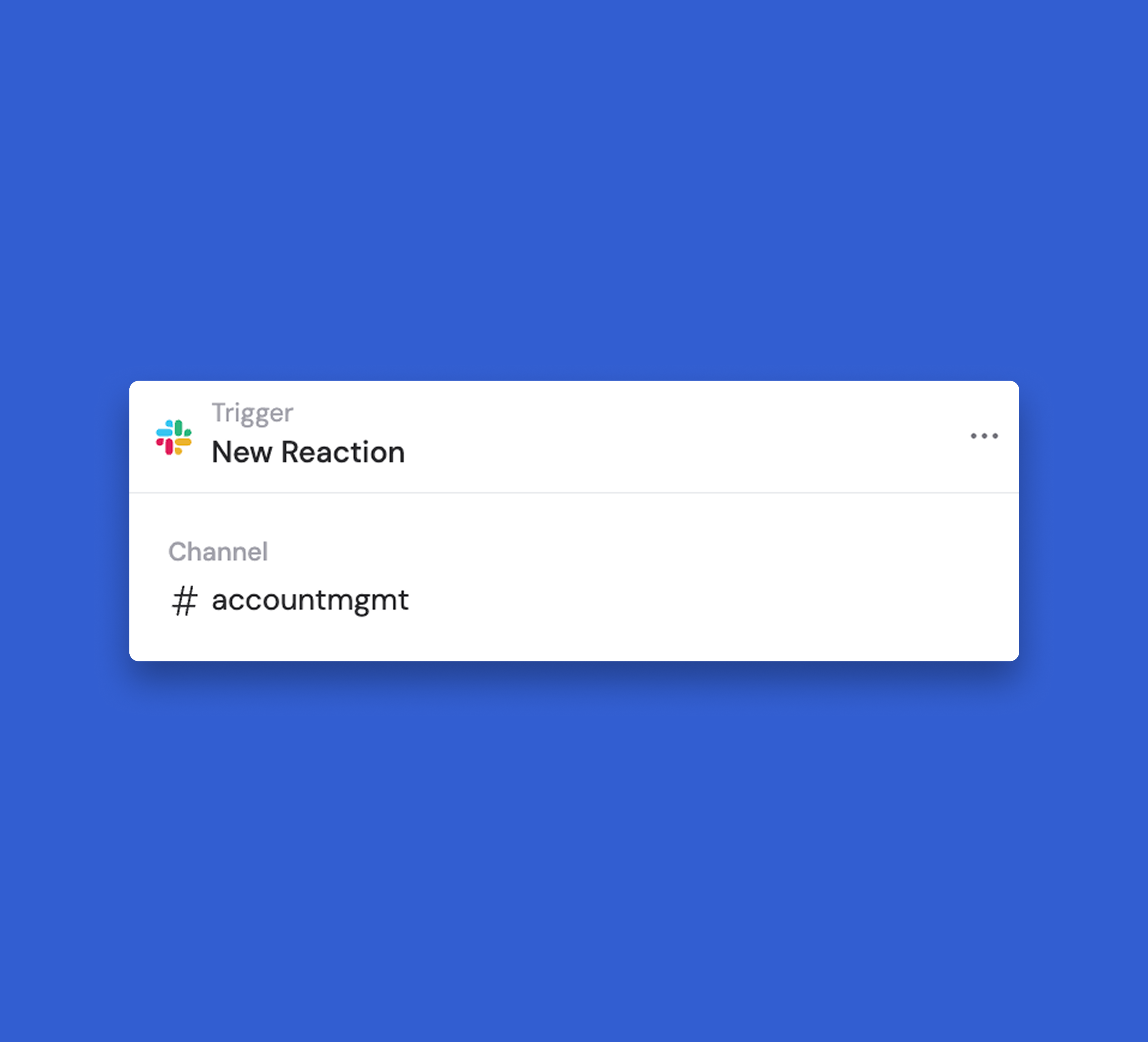
🔥 Use Slack reactions as a trigger for Workflows
Select the channel and specify which reaction starts the automation, bringing your Workflows right into the flow of your team's conversations.
This eliminates the need to leave Slack to kick off automations—just react and watch your Workflow run.
👋 Agent Improvements
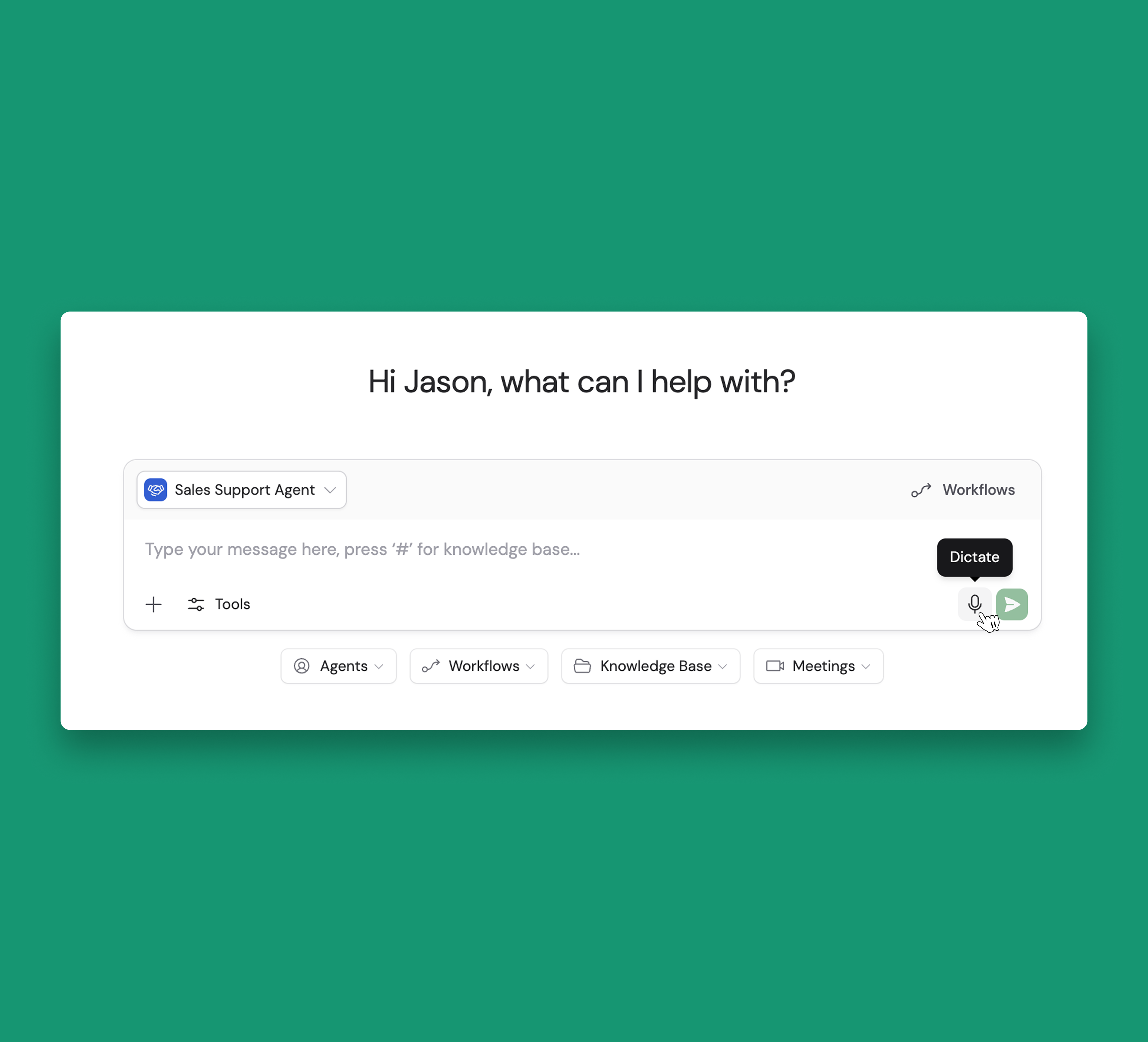
🎤 Voice Input for Agents
Talk directly to any Cassidy Agent instead of typing. Voice input captures your thoughts faster—making it easier to get to the answers.
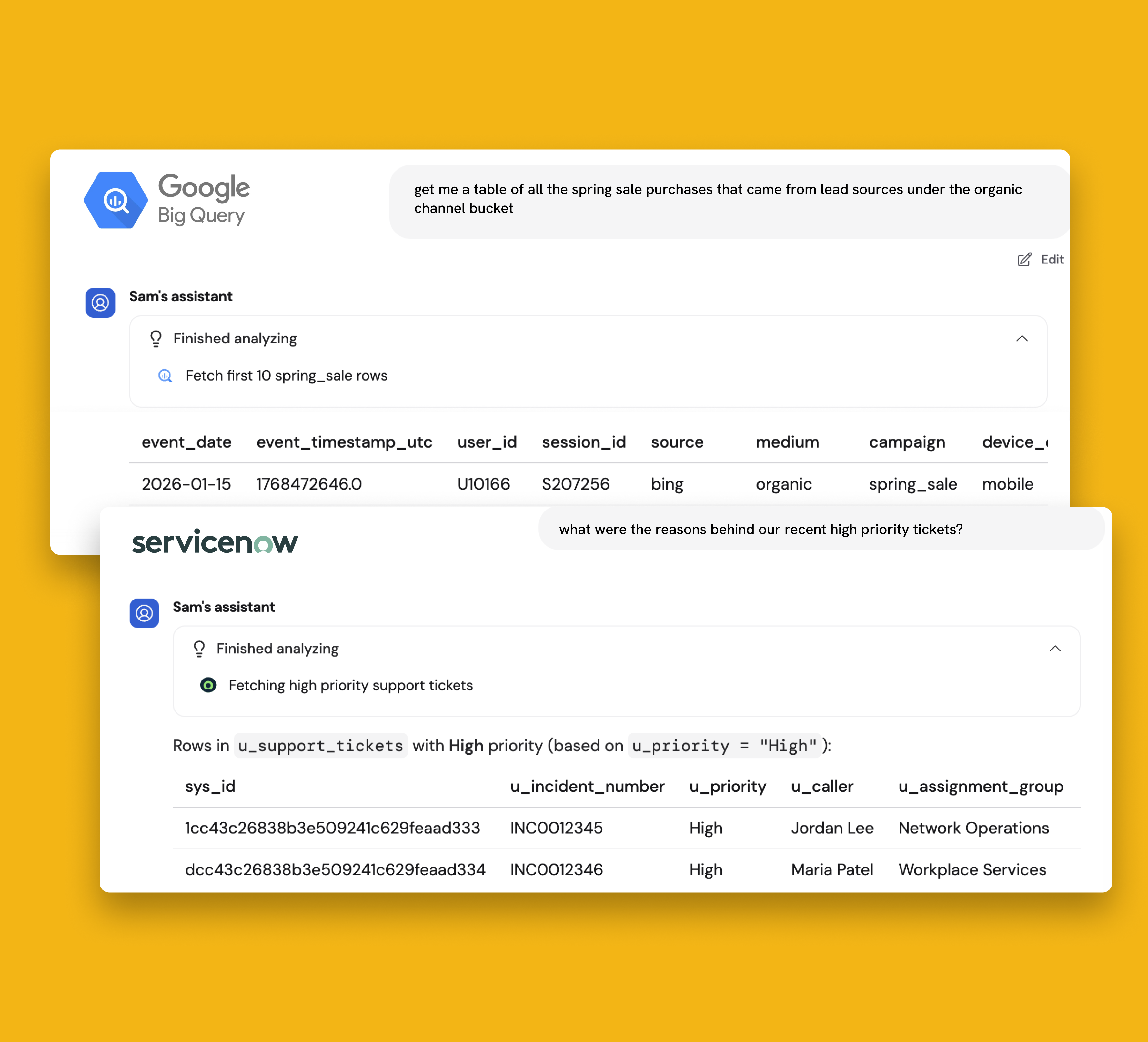
🔗 New Agent Tools: ServiceNow & Google BigQuery Connections
Query ServiceNow & Google BigQuery directly in Agent chat.
Teams can query these tools in plain language to extract information quickly, with in-chat approvals for any actions that modify data.
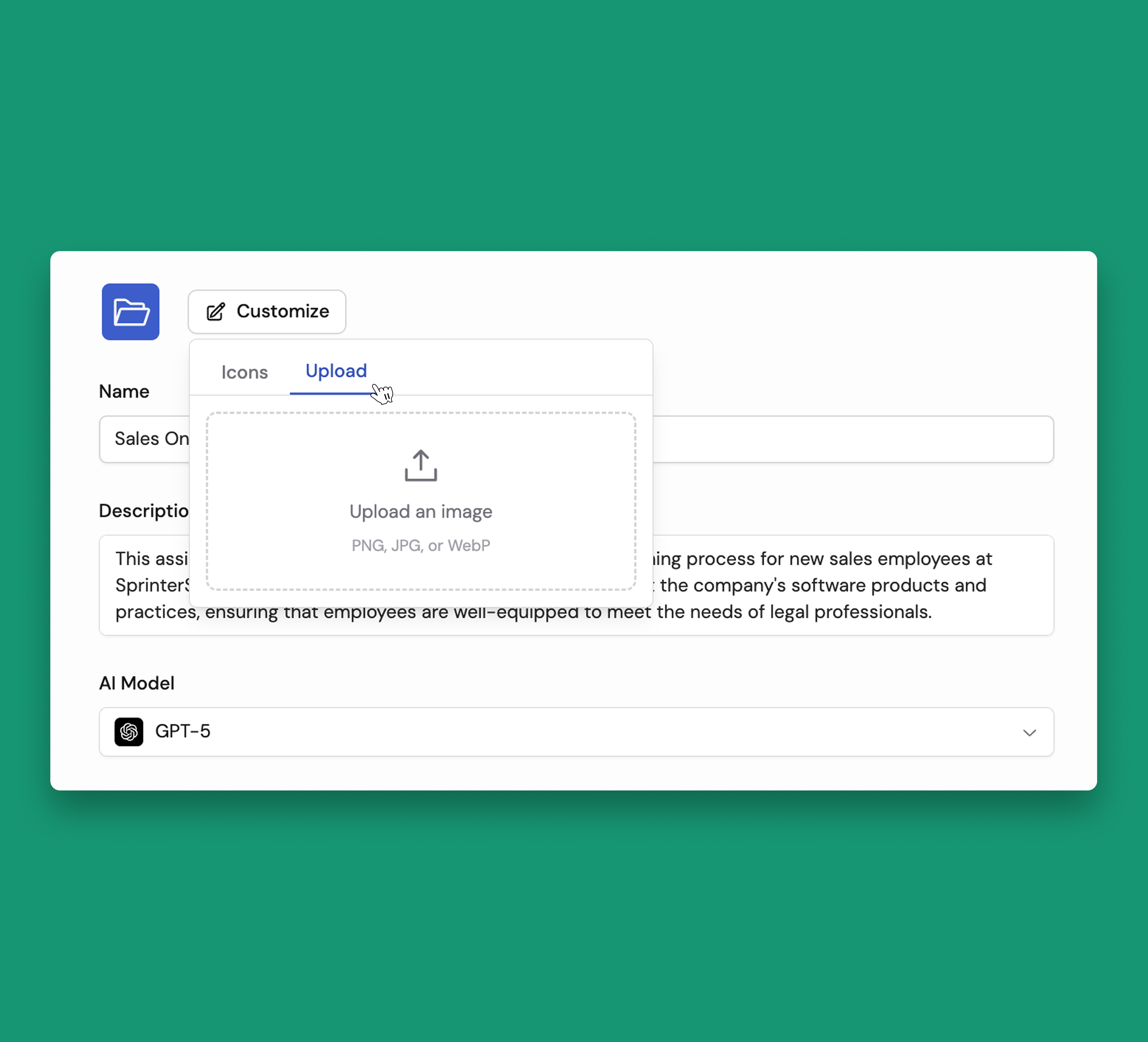
🎨 Custom Agent Icons
Give your Agents a personal touch by uploading your own image as their icon.
📚 Platform Improvements
🎯 User & Organization-Level Instructions to Customize AI Behavior
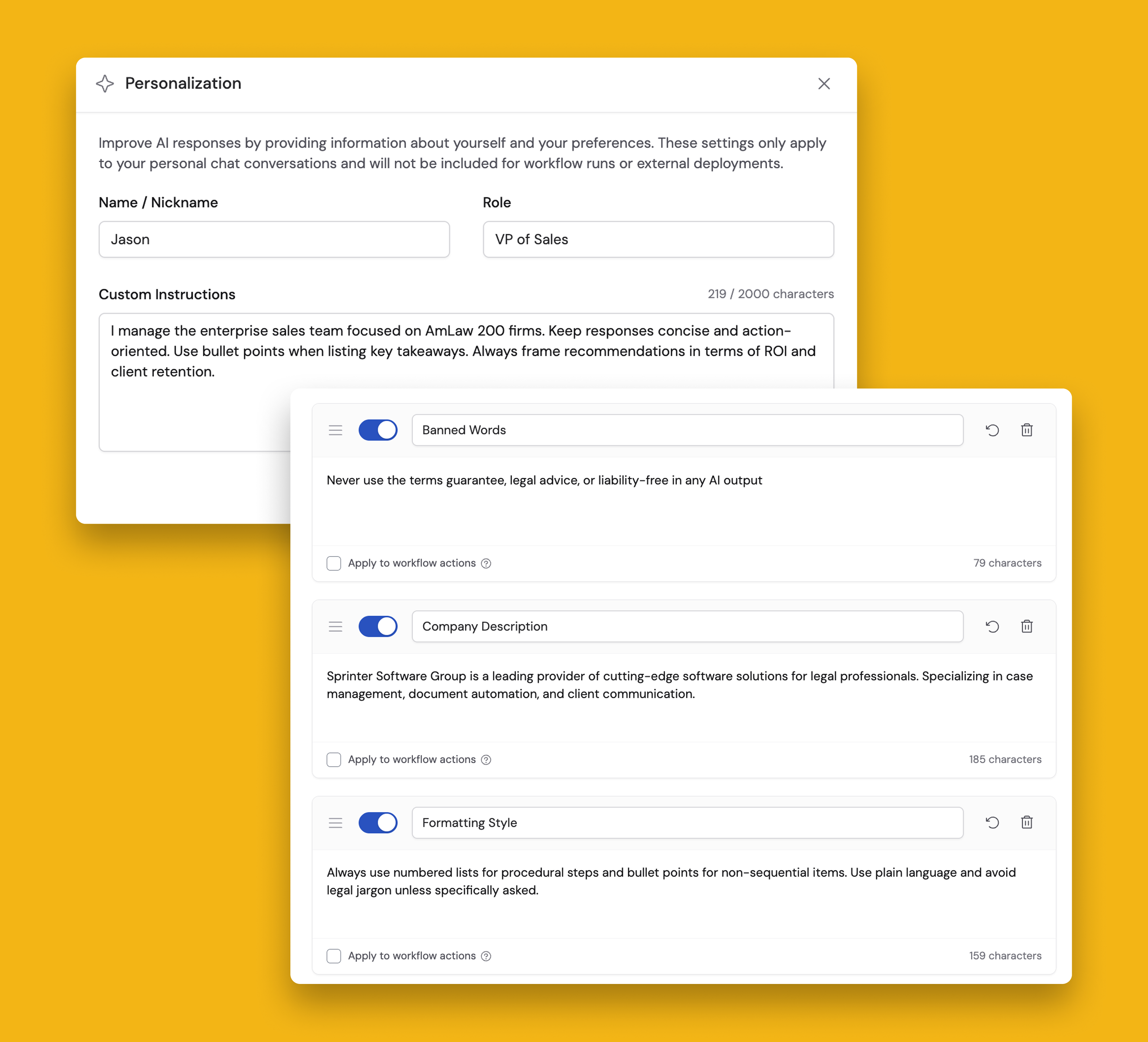
Tailor how AI responds across your personal Chats and your entire organization with two levels of custom instructions!
User-level Personalization tailors your individual Chat experience. Add your name, role, and custom preferences (like tone or formatting) to get more relevant responses in your conversations. Simply click "Personalize" in any new Chat and tell the AI about yourself.
Organization-level Global Instructions allow admins to define AI behavior rules that apply to every Agent and Workflow. Set brand voice guidelines, compliance guardrails, banned words, and company context—all from Organization Settings. Optionally apply specific instructions to Workflow actions with a simple checkbox.
Check out our Help Article to get started.
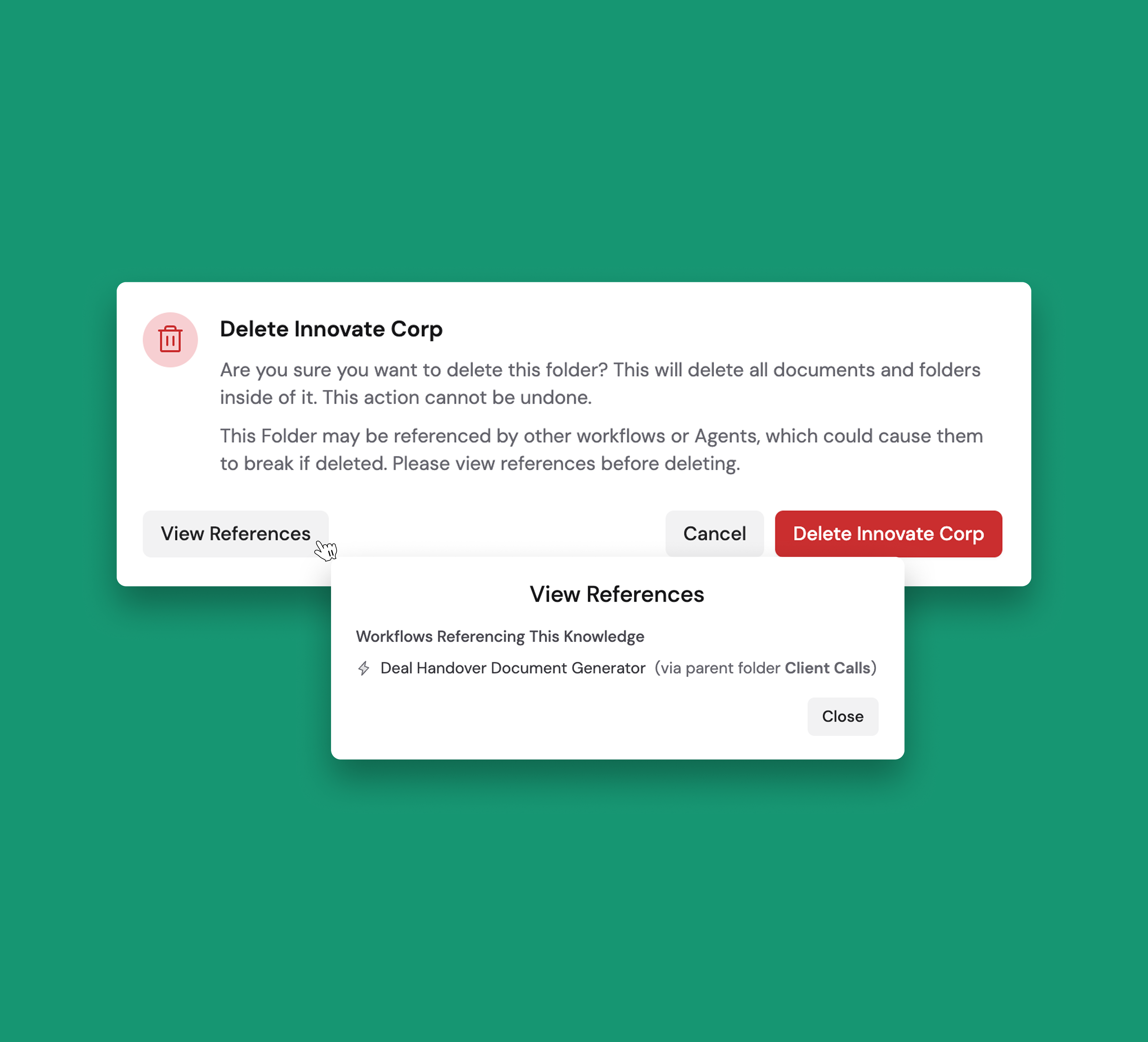
🛑 Delete Workflows, Agents, and Knowledge Base Items With Confidence
Before deleting any item in your workspace, you’ll be presented with a confirmation screen showing all references to that item.
For example, when deleting a Knowledge Base item, the new confirmation will show you which Workflows and Agents are currently referencing it, if any.
This update ensures you can keep your workspace organized without breaking dependencies that disrupt team workflows.
New Models
We also added the following models:
- Opus 4.6
- Haiku 4.5
- GPT-5 Mini and GPT-5 Nano
- Claude Sonnet 4.6
- Gemini 3.1 Pro


Build AI Agents that operate like your team
Cassidy Inc. © 2026
