Read more insights
December 2025 Product Update
Hey Cassidy community,
Here's everything that's new in Cassidy this month.
Happy reading 💙
⭐ Spotlight: Create and Edit Files with our new Data Analysis Tool in Assistants and Workflows
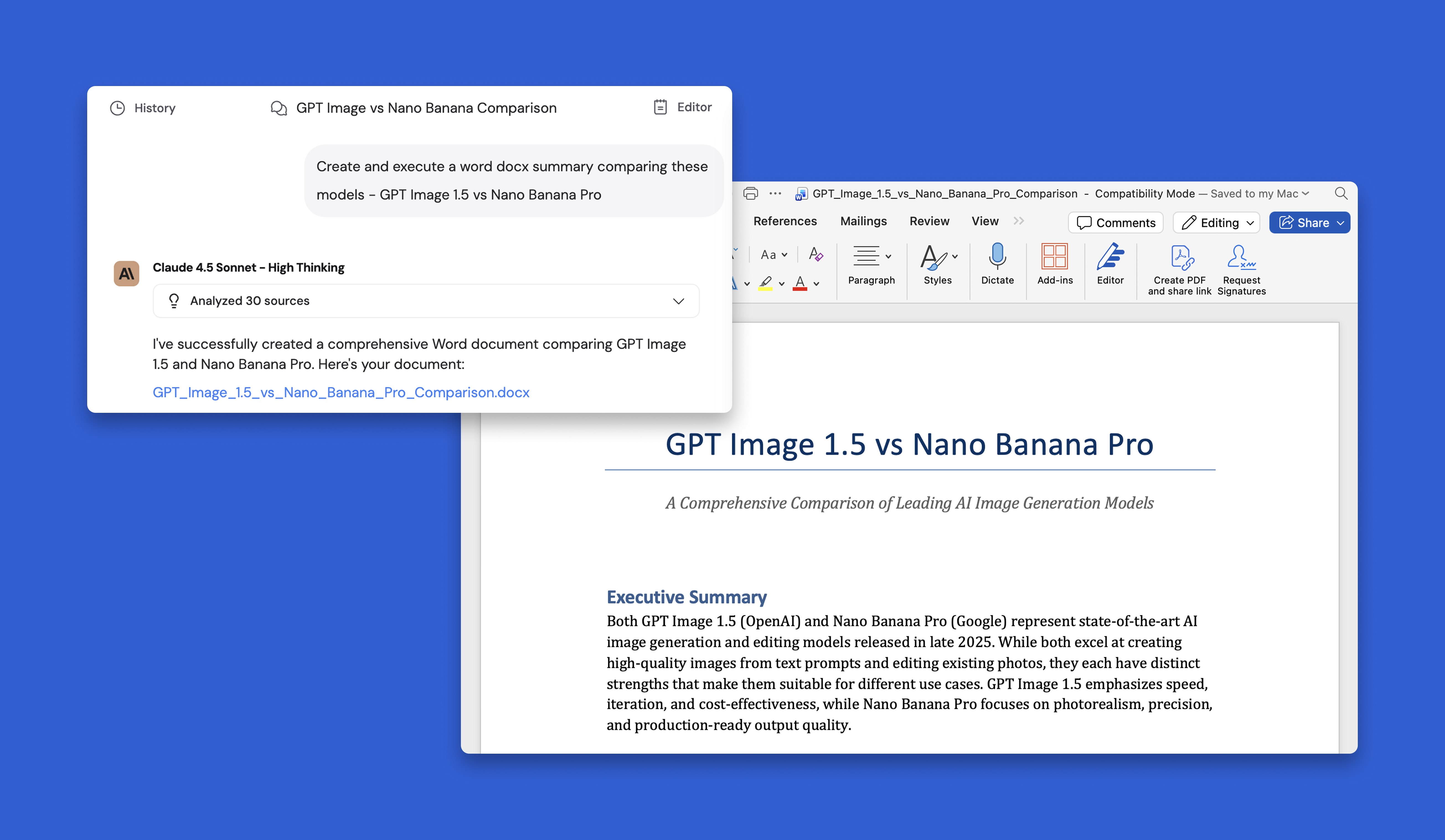
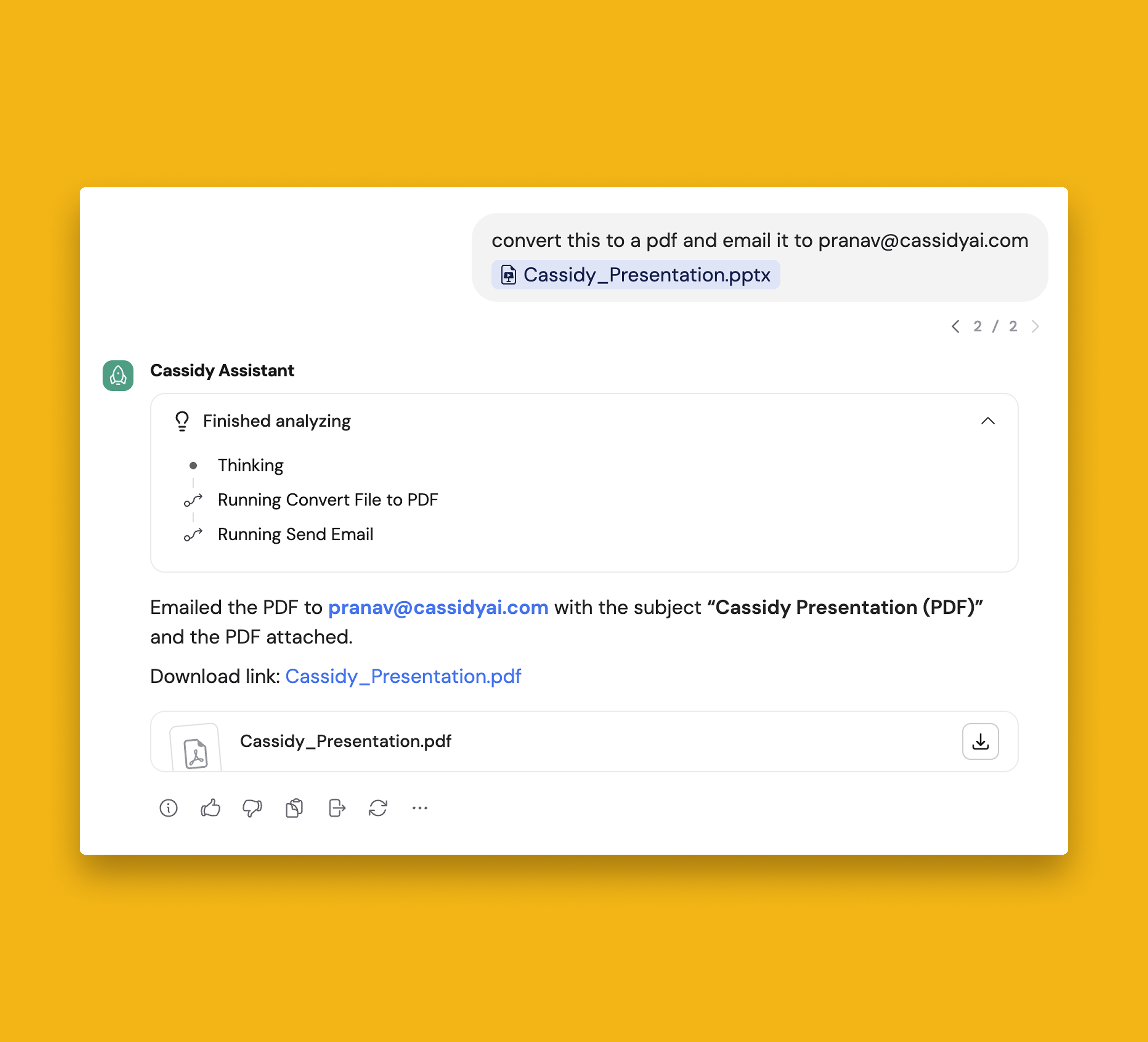
Create and edit charts, Word documents, Powerpoint presentations, and PDFs—without ever leaving Cassidy.
In the example above, you can see an Assistant generating a Word document comparing GPT Image 1.5 and Nano Banana Pro from a simple prompt.
⛲ Workflow Improvements
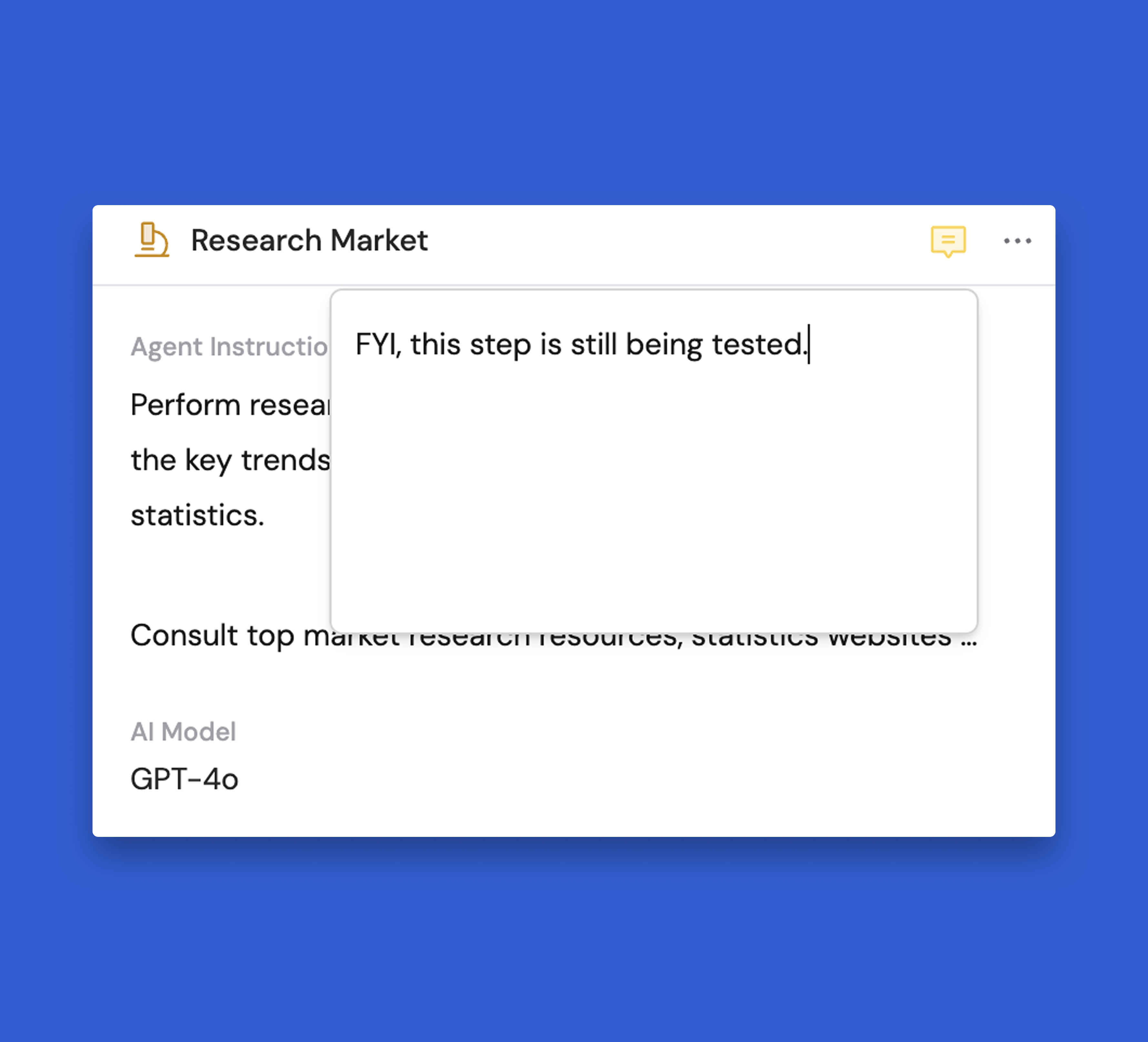
Add notes to Actions in Workflows
You can now add any comment you’d like to a specific Action in a Workflow. This allows you to leave notes for yourself or other team members, ensuring no context gets lost while building out your automations!
Use Copilot to edit Workflow Actions
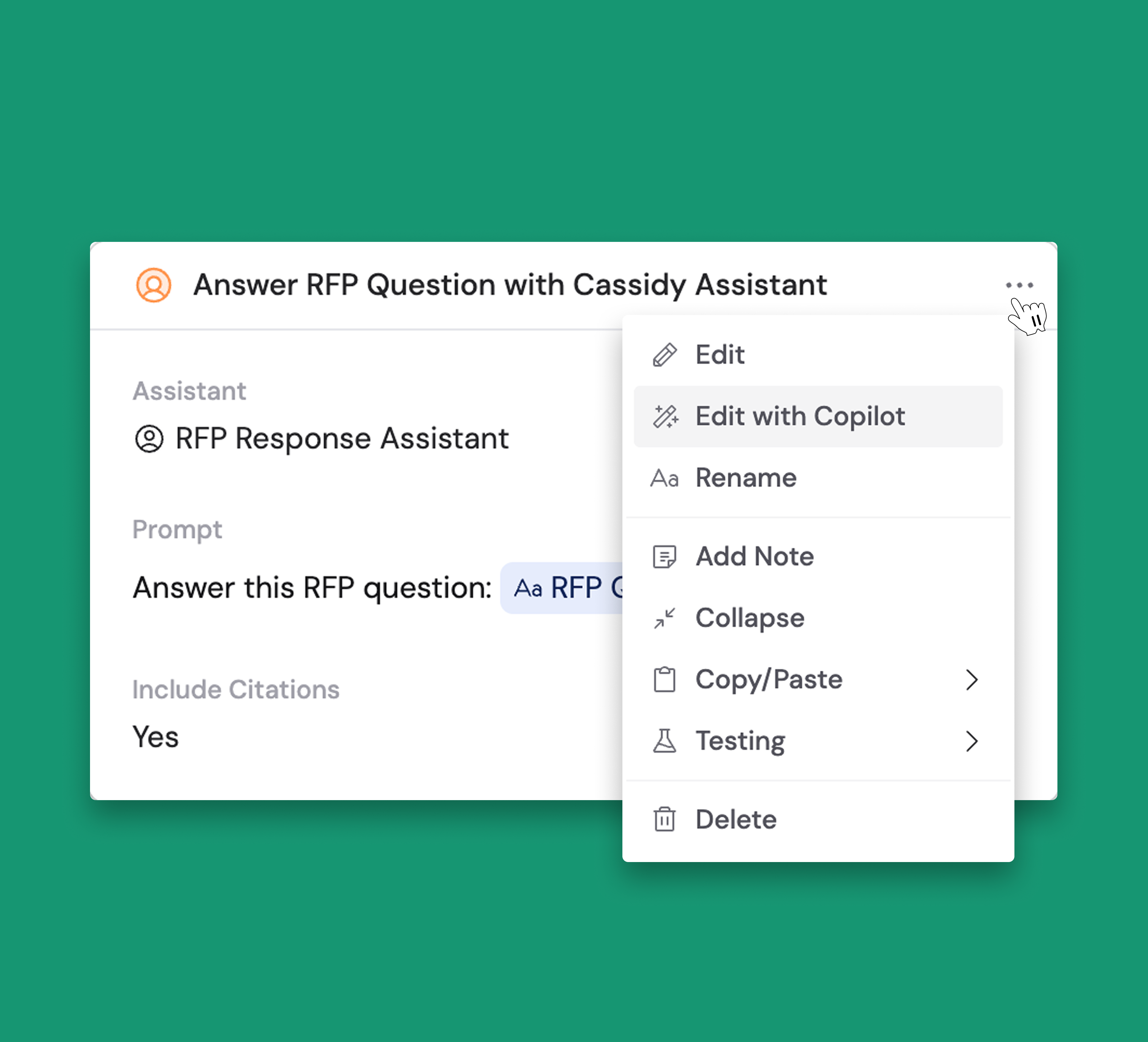
You can now edit specific Workflow Actions faster by describing the changes you’d like to see to Copilot!
Use the “Edit in Copilot” button in the Actions edit dropdown to write your prompt 😁
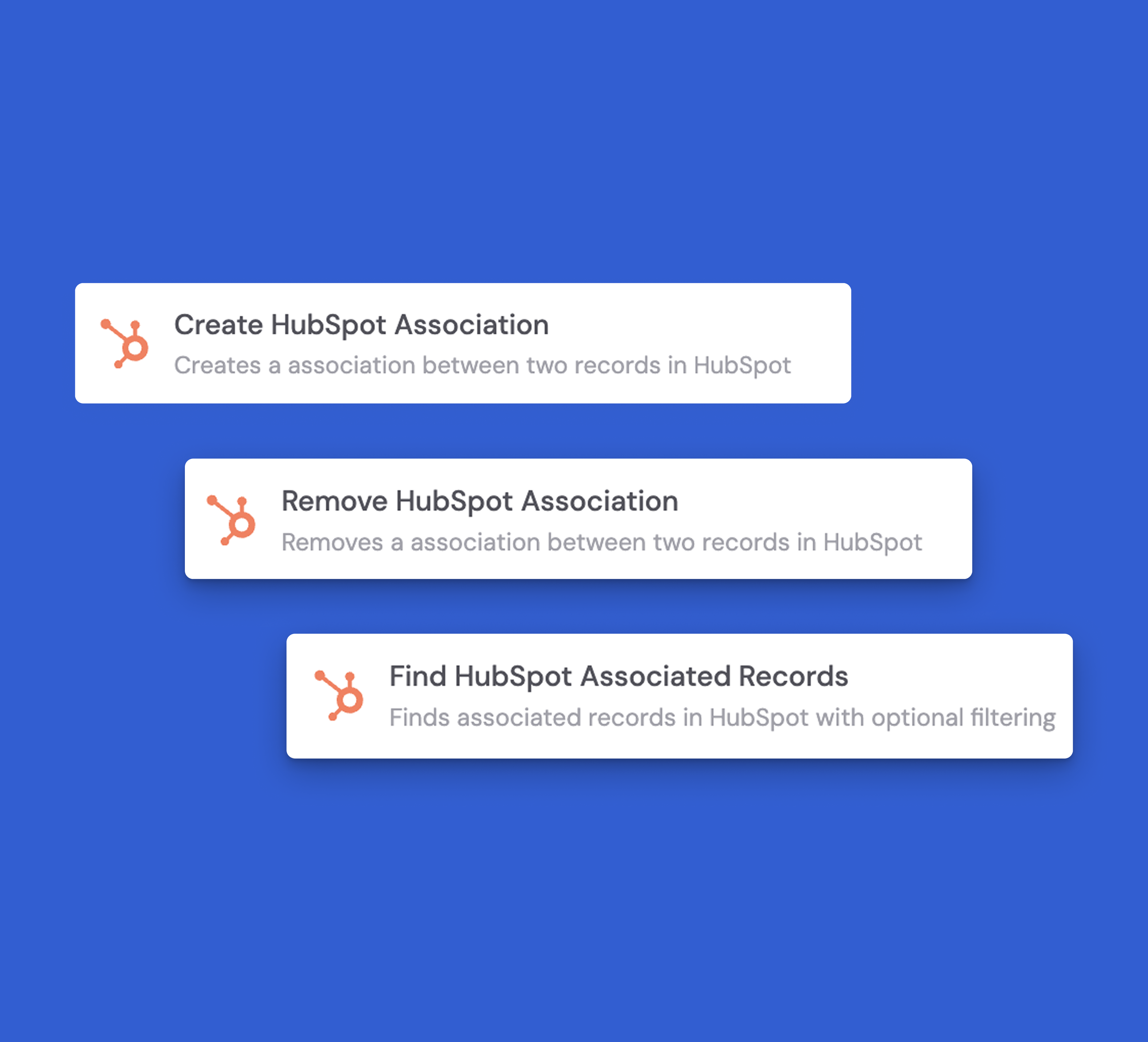
HubSpot Workflow integration now has three new actions
HubSpot Workflow integration now has three new actions: Create Association, Remove Association, and Find Associated Record 🚀
These actions let you seamlessly manage your HubSpot data directly from Cassidy Workflows, making it easier to keep your CRM data synchronized and automate more of your sales and marketing processes.
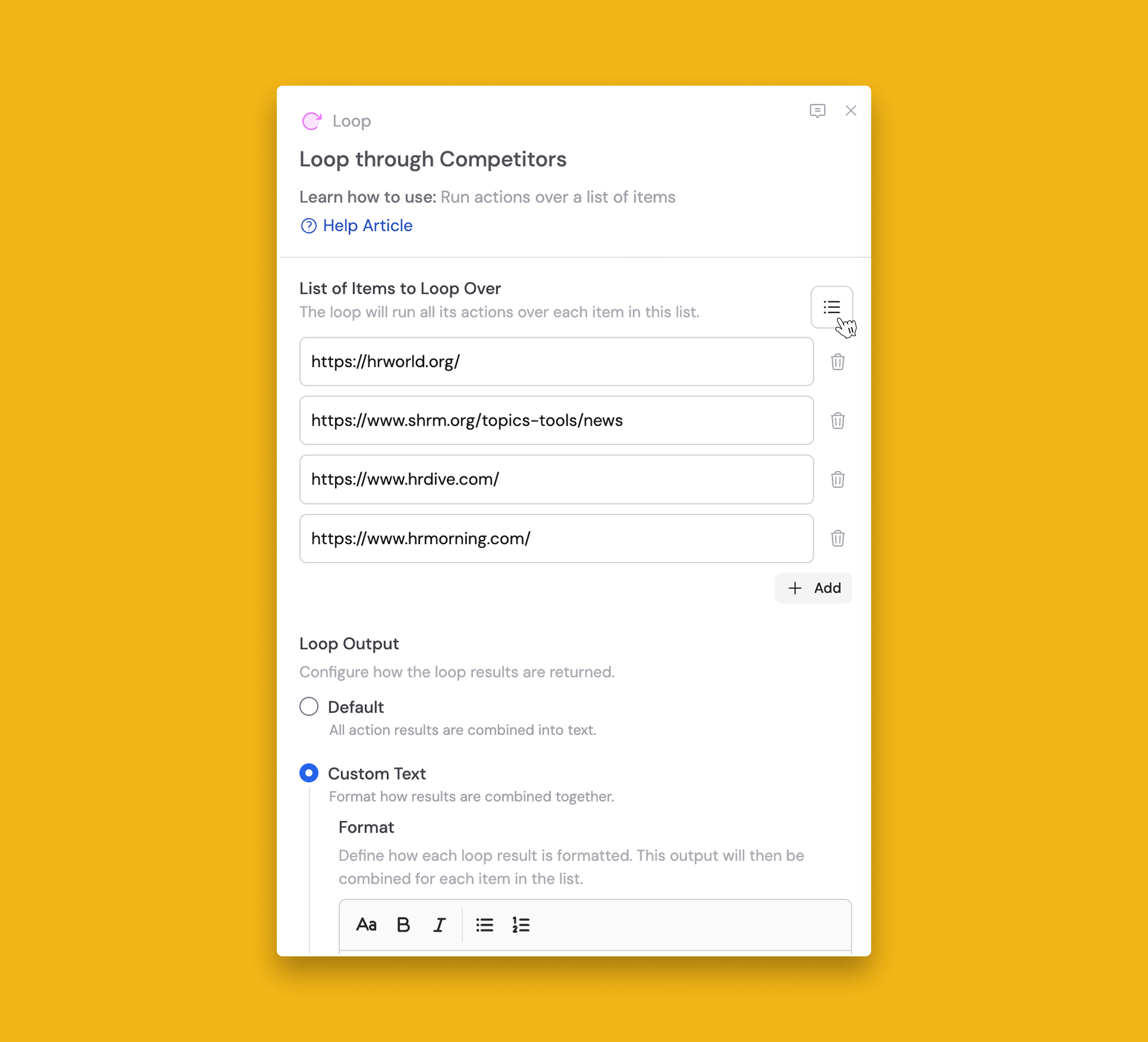
Manually Enter Lists in the Loop action
You can now manually enter a List of Items directly into the Loop action in Workflows.
Previously, you had to use workarounds to create lists before running a Loop. Now, you can type your items right into the Loop action itself.
For example, if you're building a scheduled competitor monitoring Workflow, you can add your competitor URLs directly into the Loop action. The Workflow will then run through each URL automatically—no extra steps needed.
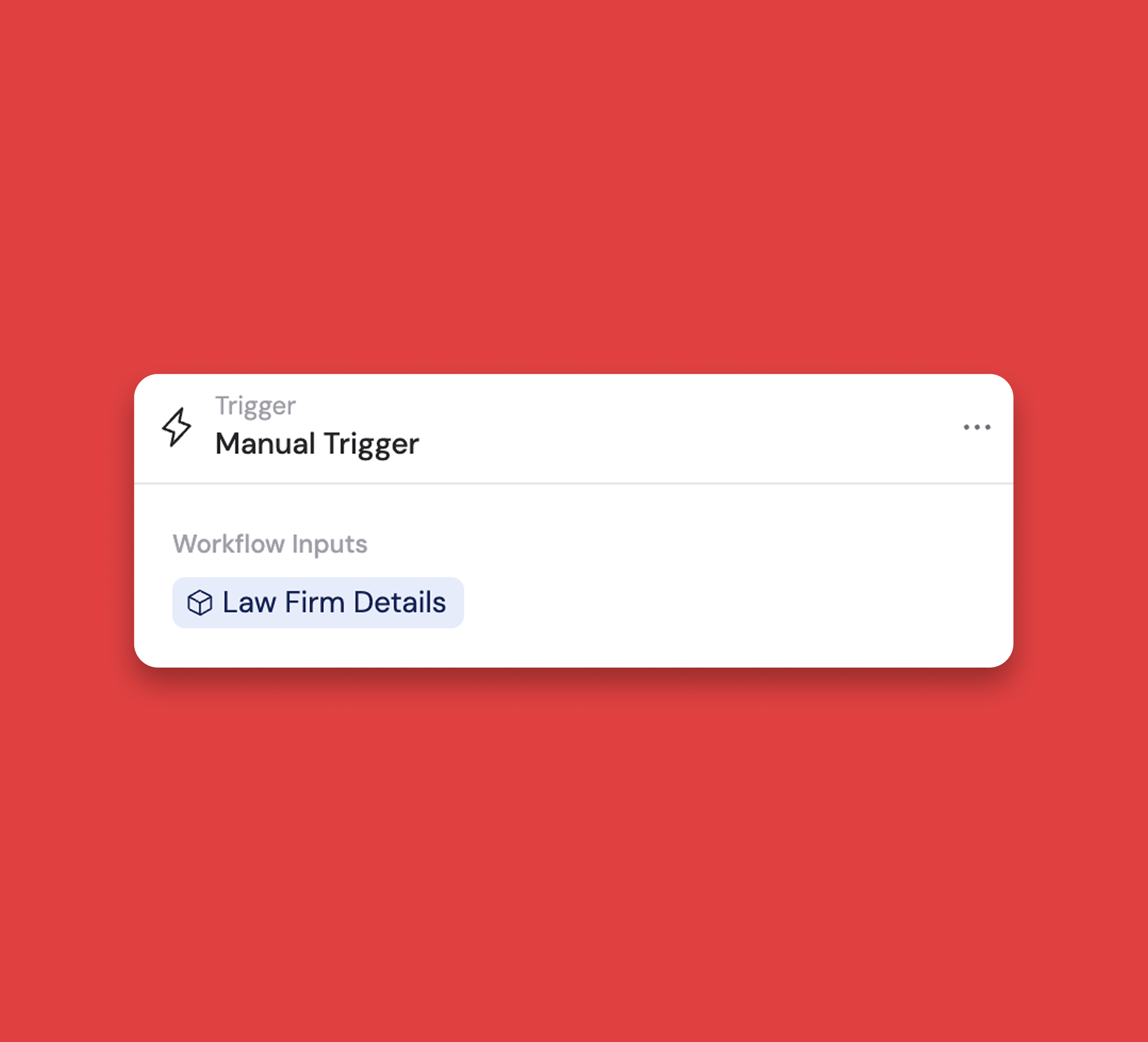
Use objects as a manual trigger for Workflows
You can now input an object as a manual trigger to start your Workflows.
A small improvement that makes building even smoother.
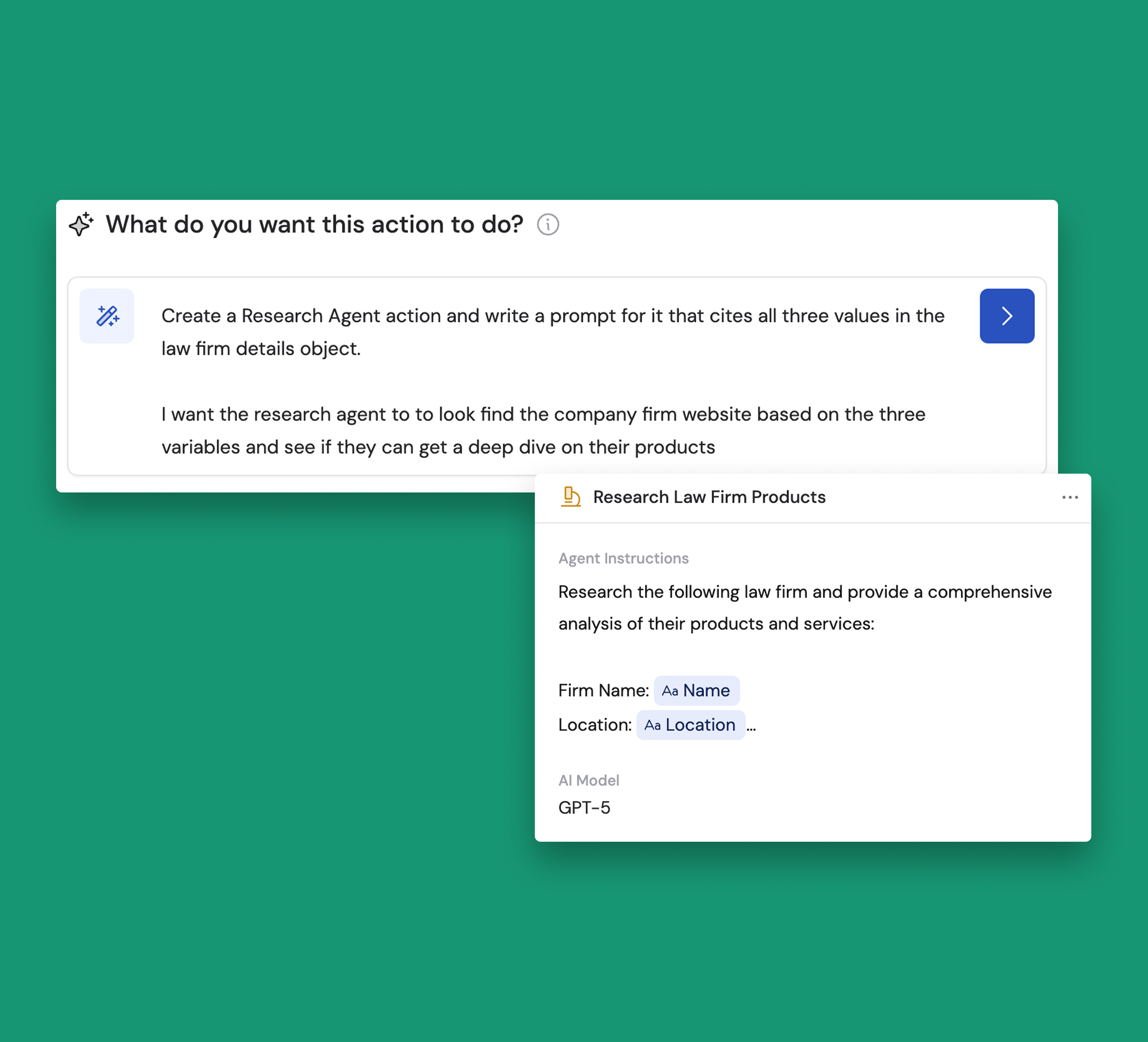
Use Copilot to create Workflow Actions & Triggers
You can now create Workflow Actions & Triggers faster by describing what you’d like to create to Copilot.
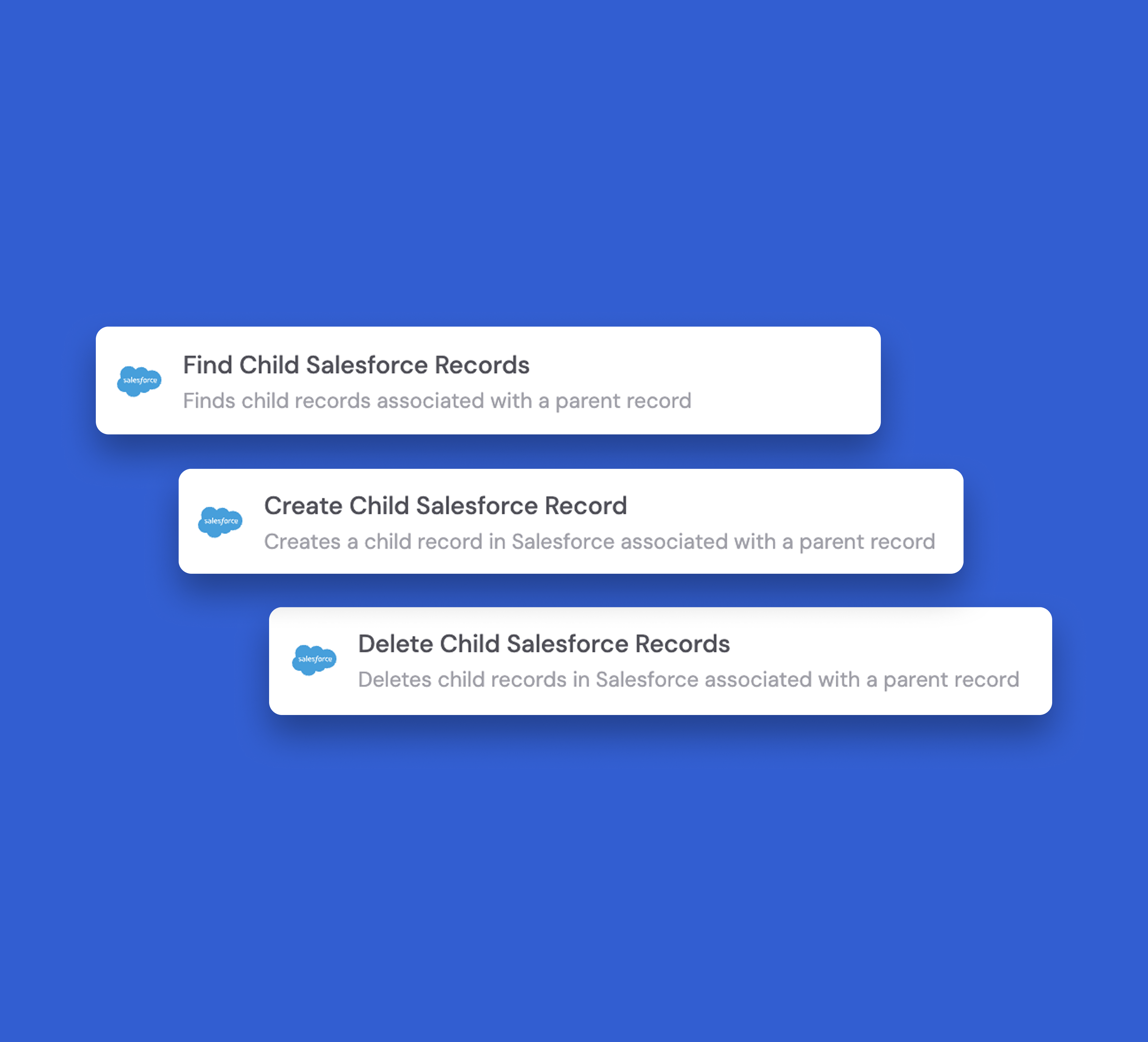
Salesforce Workflow integration now has three new actions:
Salesforce Workflow integration now has three new actions:
- Find Child Records
- Create Child Records
- Delete Child Records
These actions let you seamlessly manage more of your Salesforce data directly from Cassidy Workflow.
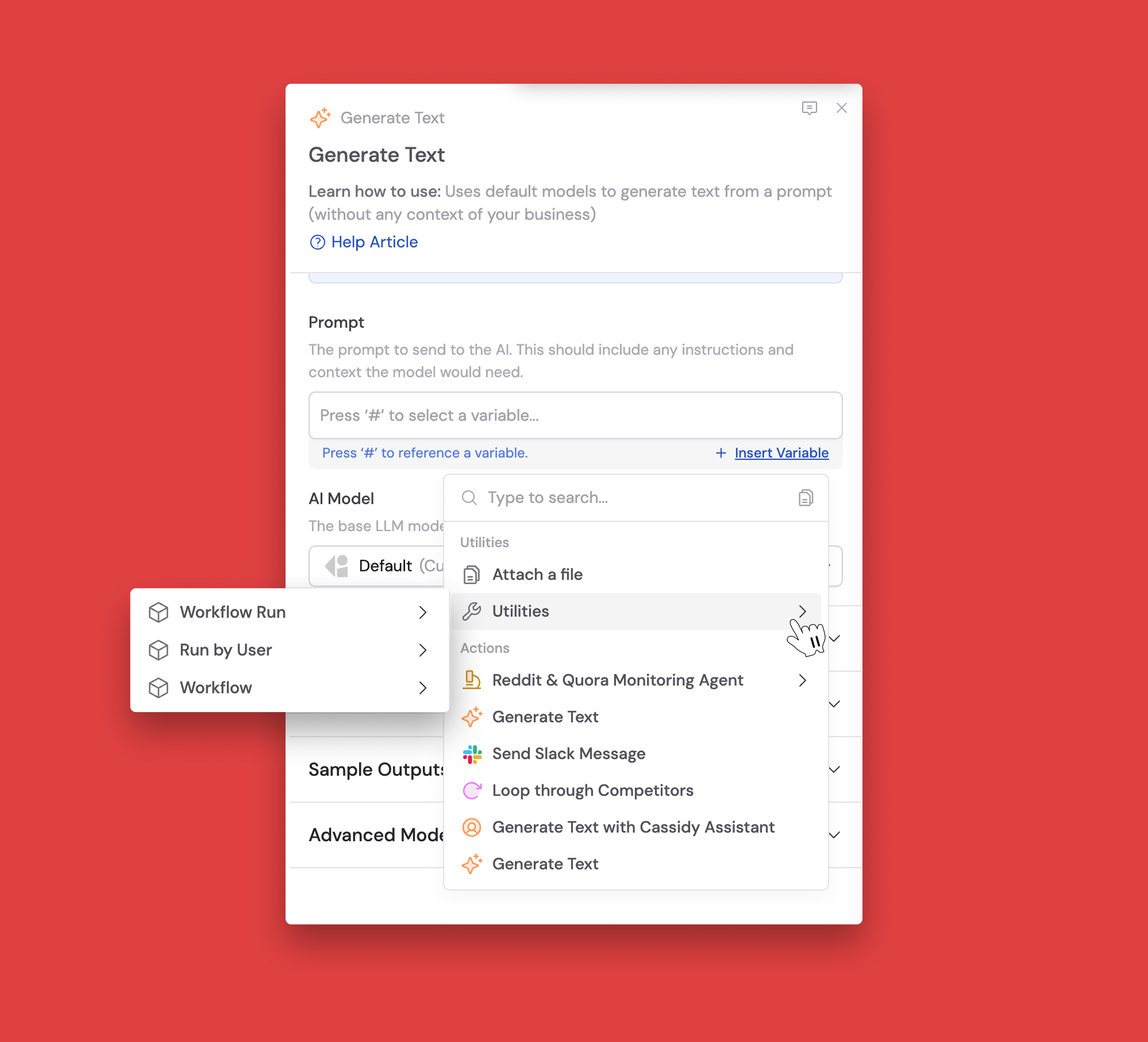
”Utilities” variable now available in Workflows
The new Utilities variable gives you access to helpful Workflow metadata right in your actions.
Reference information about the last Workflow run, users who have run the Workflow, and general Workflow details.
This makes it easy to create more intelligent automations—like personalizing messages based on who triggered the Workflow or tracking when actions were last performed ⚡.
👋 Assistant Improvements
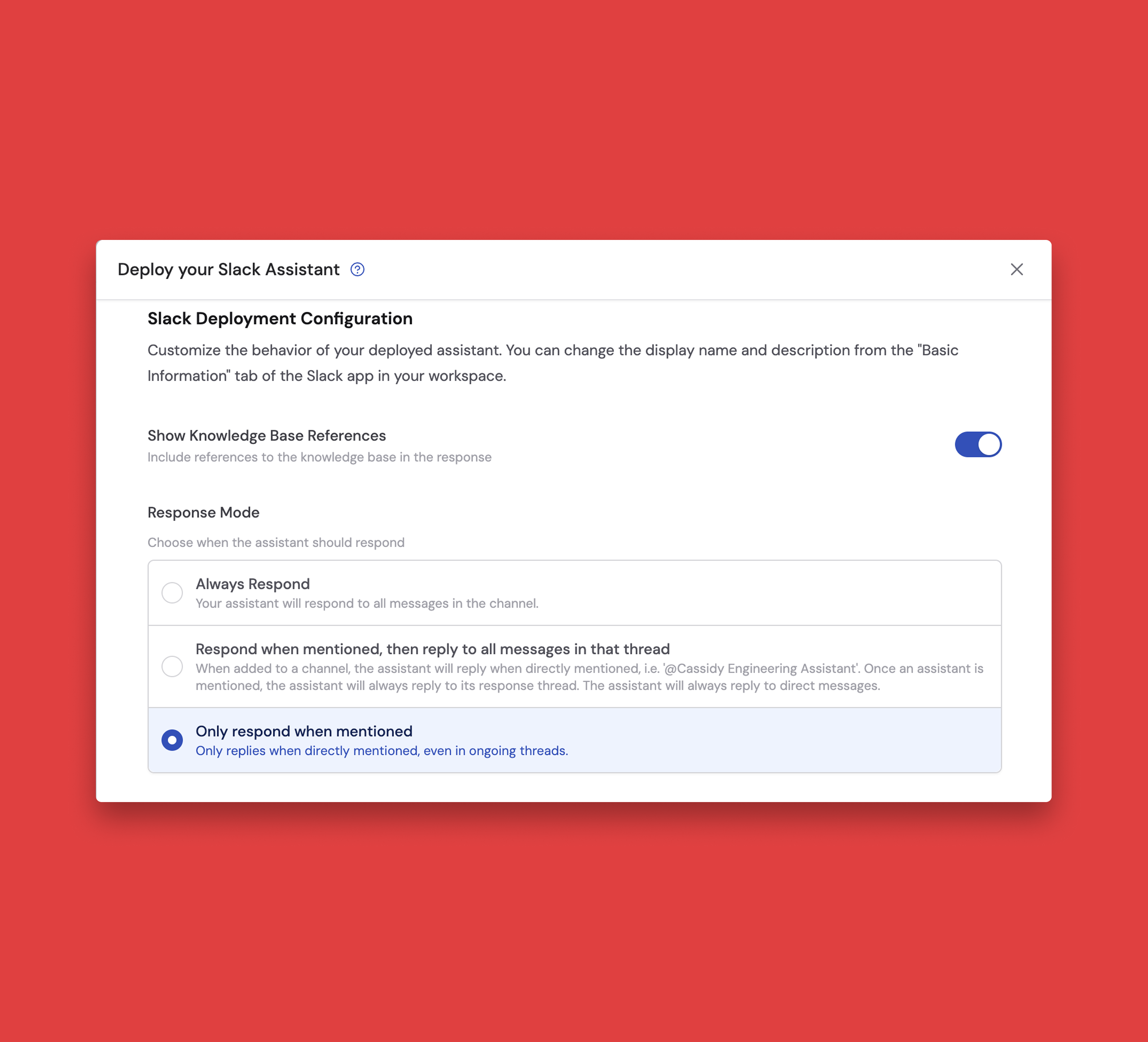
New Slack Assistant Response Mode: Only respond when mentioned
You can now configure your Cassidy Assistants to only reply in Slack threads when mentioned.
Instead of responding to every message in a thread, your Assistant will only respond when asked to!
Turn on this option in the settings of any Cassidy Assistant you have deployed to Slack.
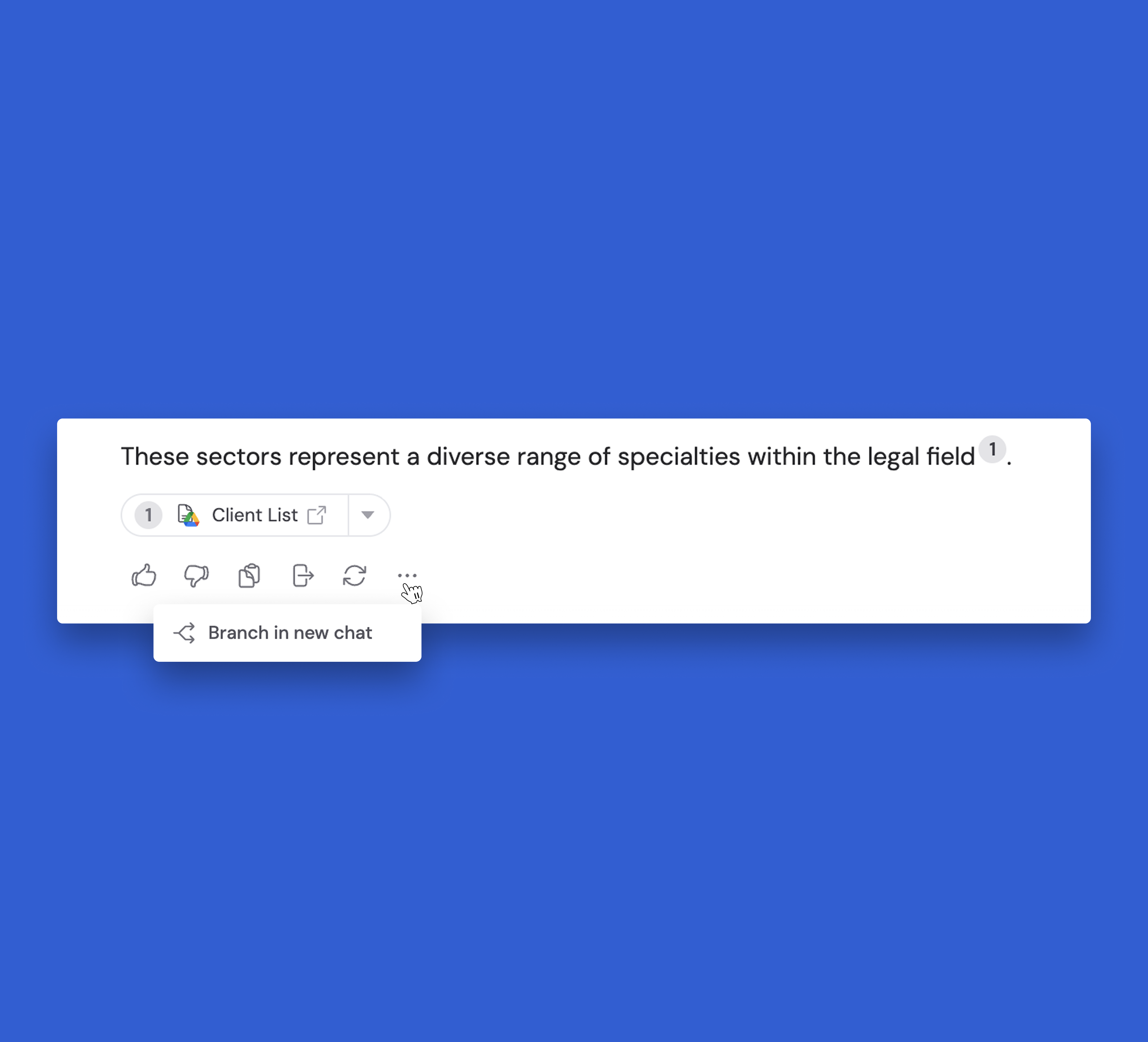
Assistants: Branch chats in a new tab
You can now explore new ideas using the previous chat memory from an Assistant.
Assistants can now pass files to and from Workflows
You can now use Assistants to pass Knowledge Base items, input files, and files generated through data analysis onto Workflows and start them directly from the chat.
A time saver to help you do your best work.
📚 Knowledge Base Improvements
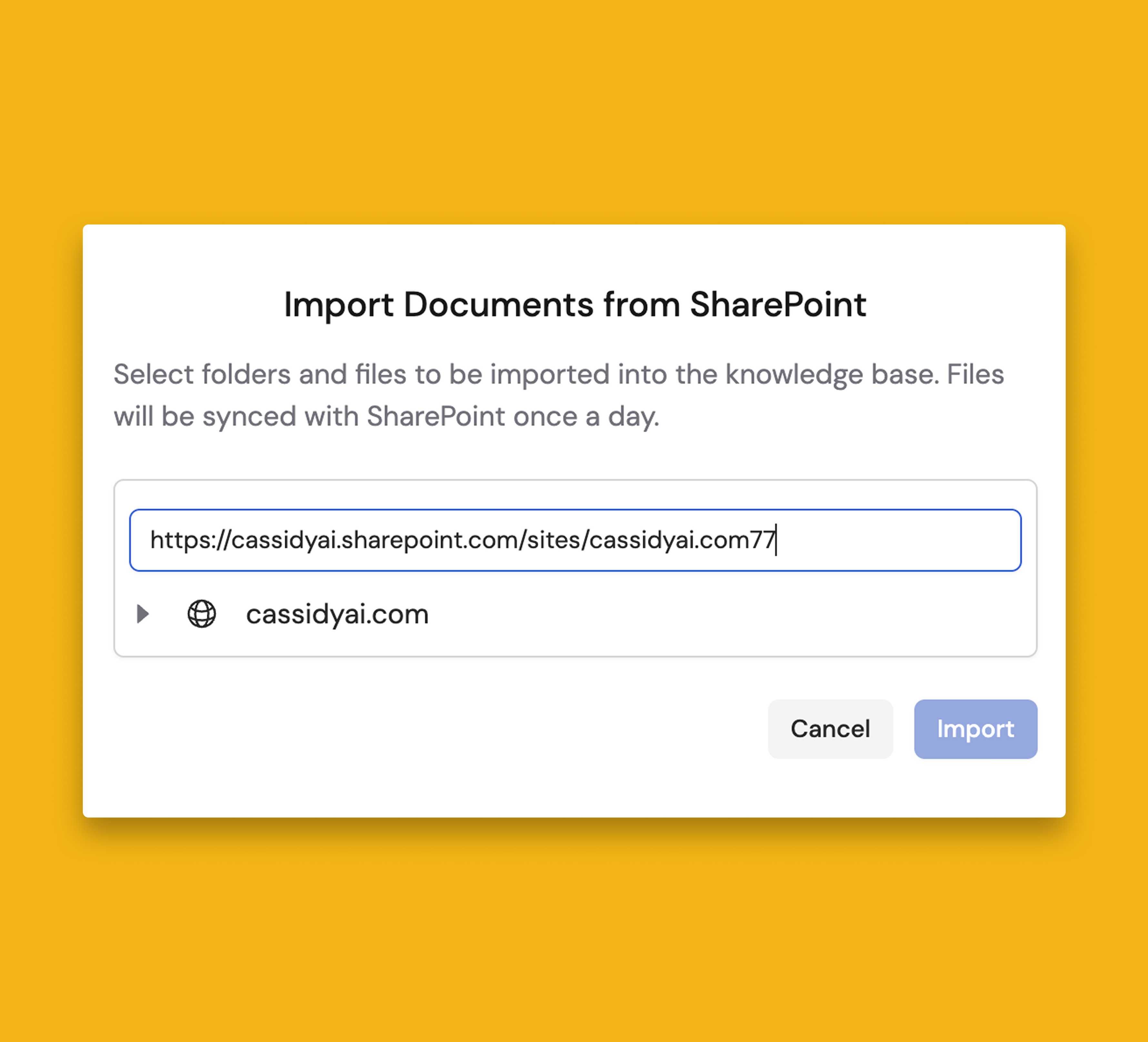
Search SharePoint folders and files by URL in your Knowledge Base
Quickly import any SharePoint folder or file into your Knowledge Base by entering its URL in the search bar.
New Models & Other Improvements
Additionally, we've added Turbopuffer as a new sub-processor to enhance our search infrastructure—vetted to meet our security and privacy standards. You can always view a full list of our sub-processors here.
We also added the following models:
- GPT 5.2
- Gemini 3.0 Flash



Build AI Agents that operate like your team
Cassidy Inc. © 2026
